OverviewHome
Reference for the dashboard Home page: the critical alert banner, the seven tiles, high-risk vulnerabilities and top risks, and what each number links to.
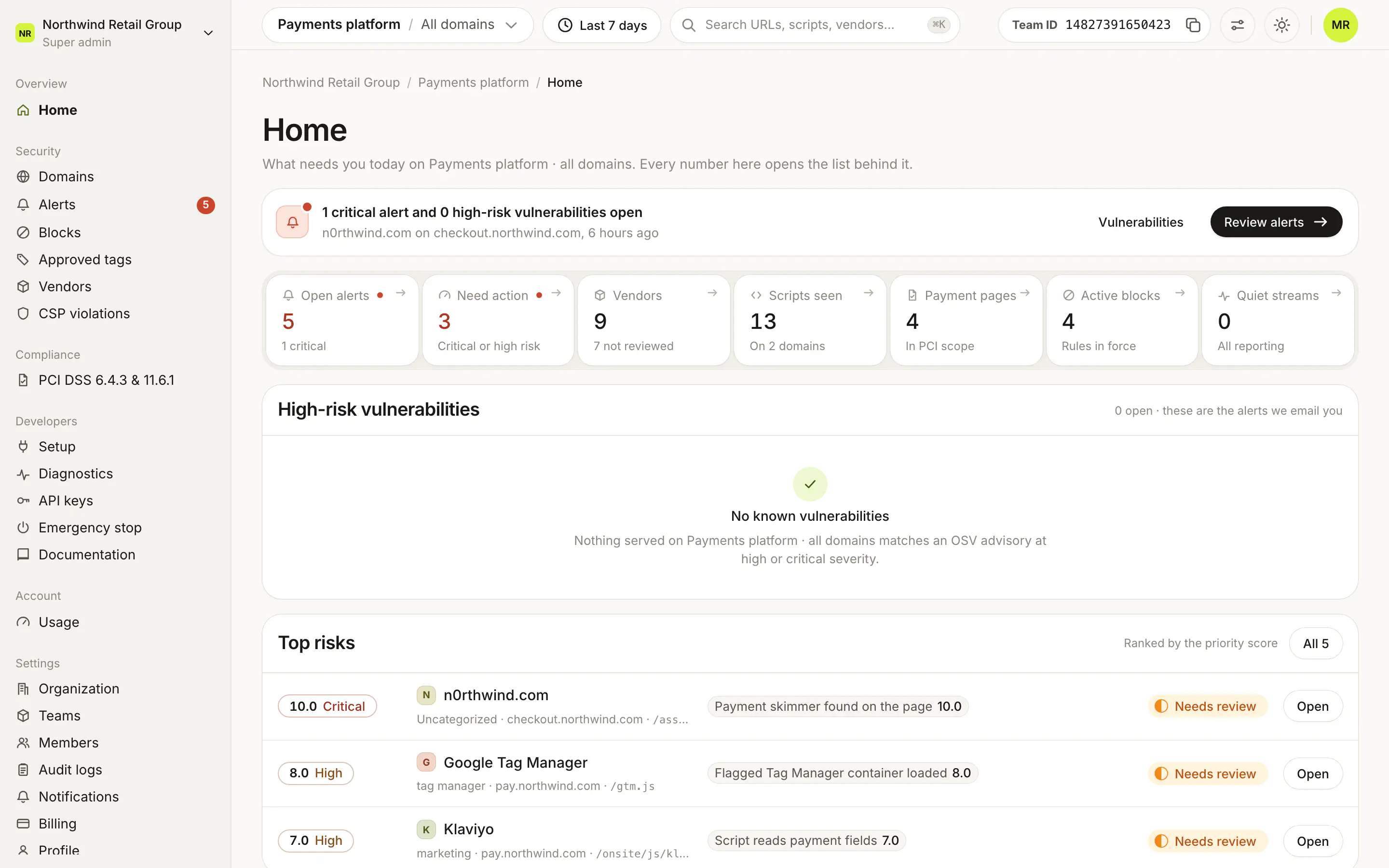
Home is the first page in the dashboard's sidebar, under Overview. It answers "what needs me today?" for the selected team: a banner for critical alerts, seven tiles that each open the list behind them, the open high-risk vulnerabilities, and the top risks ranked by score. Pick a domain in the top bar to scope every section to that domain. Everyone in the team can see Home.
What does the banner at the top say?#
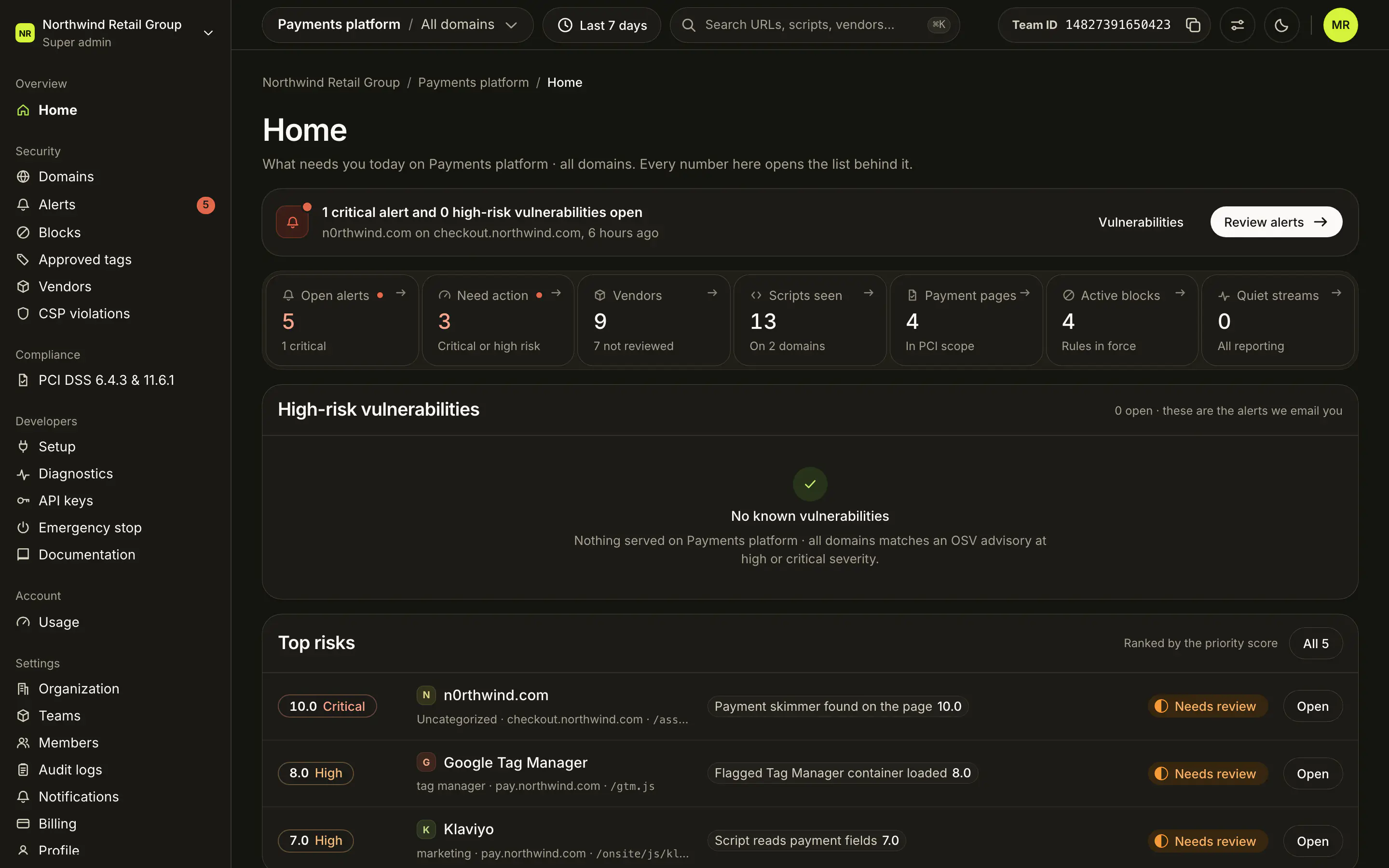
When there is at least one open critical alert or high-risk vulnerability, a banner counts them ("1 critical alert and 0 high-risk vulnerabilities open") and names up to two of the critical vendors with their domain and how long ago they fired. Vulnerabilities scrolls down to the vulnerability list, and Review alerts opens Alerts.
With nothing critical open, a note says "No critical alerts on" the team and domain scope, and how many lower-severity alerts are open.
When the team has used 80% or more of its plan's monthly page views, a usage note shows above the banner.
What does each tile show?#


Every tile is a link. A red dot next to a label means it needs attention.
| Tile | What it counts | Opens |
|---|---|---|
| Open alerts | Open alerts in the date range, minus decisions on Not now. The same number as the Alerts badge in the sidebar. The line below counts the critical ones. | Alerts |
| Need action | Alert decisions that are critical or high risk. | Alerts |
| Vendors | Vendors seen in the date range, and how many are not reviewed yet (not allowed, or with open alerts, and not blocked). Shows "100+" past 100. | Vendors |
| Scripts seen | Distinct scripts seen in the date range. A script loaded on several domains counts once. | Domains, or the domain's scripts when a domain is selected |
| Payment pages | Payment page selectors in PCI scope. | PCI DSS |
| Active blocks | Block rules in force for the team. Blocks apply to every domain in the team. | Blocks |
| Quiet streams | Domains with a monitoring stream that has gone quiet: no data for 6 or more full hours. "All reporting" when there are none. | Diagnostics |
What is in High-risk vulnerabilities?#
Open alerts for a script with a known vulnerability at high or critical severity, from an OSV advisory. A script flagged as malicious counts as critical. "These are the alerts we email you."
Each row shows:
- the severity, the package and version, and the advisory title,
- the script URL,
- the advisory ID, the page the script was loaded on, and when the alert was emailed (or "not emailed yet").
Open shows the details in a sheet, with Open alert to go to the alert and Advisory on OSV to read the advisory. OSV on the row opens the advisory directly. With nothing to show, the card says "No known vulnerabilities".
How do I read Top risks?#
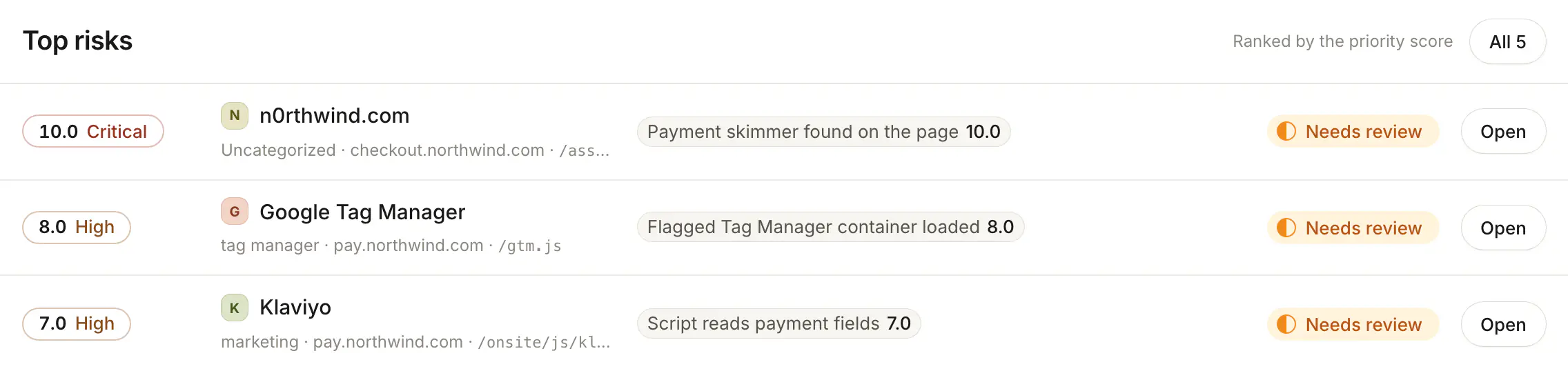
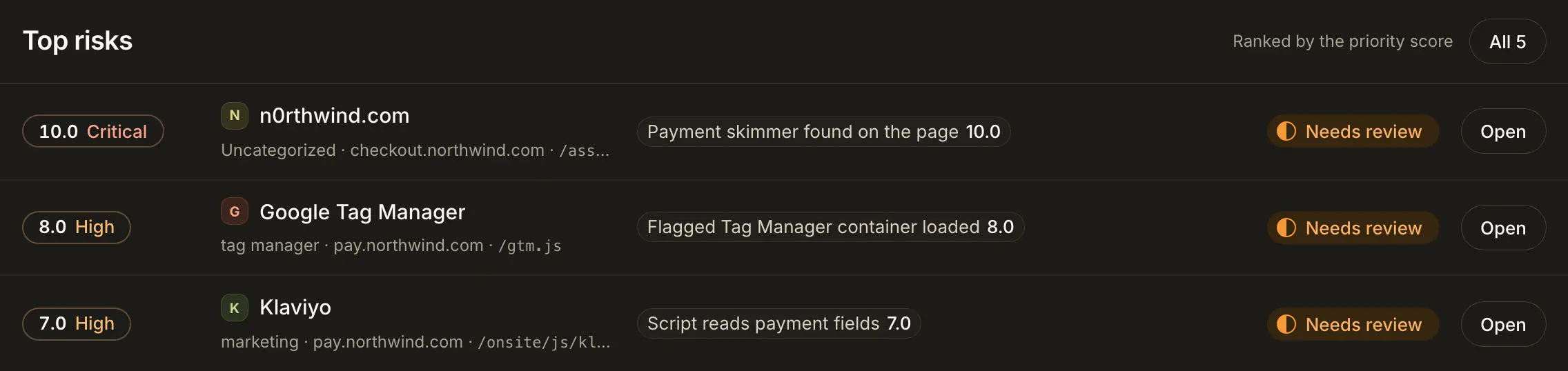
Top risks lists up to four open alert decisions, one per vendor, ranked by the priority score. Decisions that are critical or high come first. Each row shows:
- the score pill, such as "10.0 Critical" (see How do I read the risk score?),
- the vendor, its category, the domain and the script's path,
- up to two of the rules that fired, each with its rule score, and "+N" for the rest,
- a Needs review badge, since a vendor with open alerts has not been decided yet.
Open opens that decision in Alerts. All (with the count) opens the whole queue. With no open alerts, the card says "Nothing scored".
What happens on the Free plan?#
The Free plan stops at 1,000 page views a month. At the limit, Home's content is replaced by "You have reached the Free plan limit" and an Upgrade button, until the month ends or the team upgrades. Plans and prices are on the pricing page.
Frequently asked questions#
Why does a tile show "n/a"?
The number could not be read just now. The rest of Home still works, and the tile fills in on the next load.
Why don't the payment pages and active blocks change with the date range?
They are current states, not events. Payment pages, Active blocks and Quiet streams show what is true now. Every other number follows the top bar's date range.
How does Home pick the top risks?
It takes the open alert decisions that are not on Not now, ranks them by risk score, and shows up to four. Critical and high decisions come first; if there are none, it shows the highest of the rest.
Why is Home empty on the Free plan?
The Free plan stops at 1,000 page views a month. From then until the month ends, Home shows "You have reached the Free plan limit" with an Upgrade button instead of data.