SettingsProfile
Reference for Settings > Profile: your name, email, role, password, two-factor methods, active sessions, and how to delete your account.
Settings > Profile is your own account: your name, email, role, password and two-factor methods, plus the sessions signed in to your account. It is the same for every organization you belong to. Everyone can open it, and it changes only your own account.
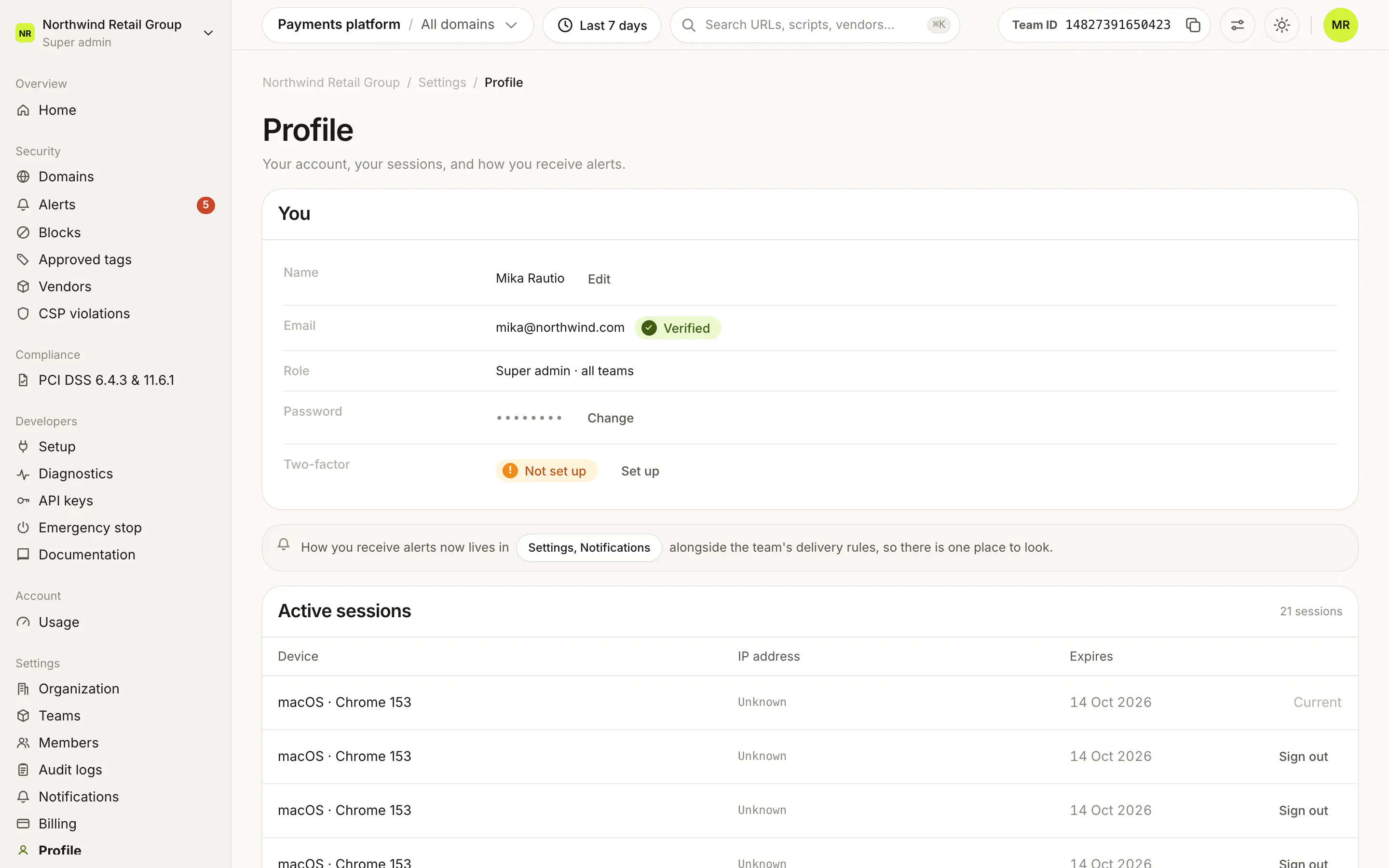
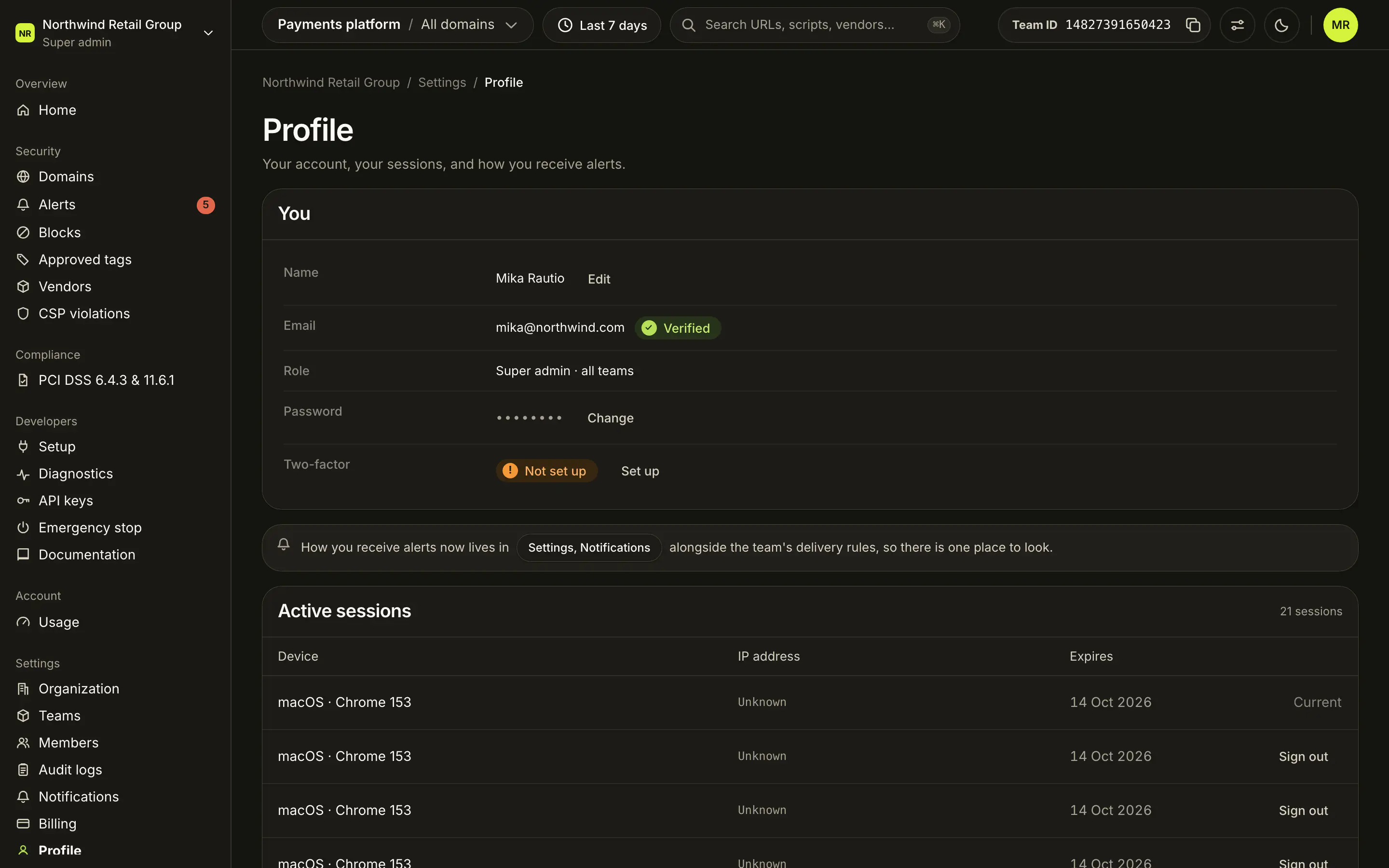
What does the You card show?#
| Row | What it shows | Action |
|---|---|---|
| Name | Your name, shown to the people in your organizations. | Edit opens the Your name sheet. |
| Your sign-in email, with Verified once confirmed. | None | |
| Role | Your role in the organization you last opened, for example "Super admin · all teams", "Admin · Billing · 2 teams" or "Viewer · 1 team". | None |
| Password | Hidden. | Change opens the Change password sheet. |
| Two-factor | Your methods, for example "Passkey + authenticator app", or Not set up. | Set up or Manage opens the two-factor card. |
The Two-factor authentication card holds your authenticator app, passkeys and backup codes. Each method is described in MFA.
Where are my notification preferences?#
Not on Profile. A note links to Settings, Notifications, where how you receive alerts sits next to the team's delivery rules. See Notifications.
What does Active sessions show?#
Every session signed in to your account, with your current one first and then the most recent:
| Column | What it shows |
|---|---|
| Device | The browser and system. Hover for the full user agent. |
| IP address | The session's IP address, or "Unknown". |
| Expires | When the session ends. |
Your current session shows "Current". Every other session has Sign out. The card shows five sessions first; Show all, Show more and Show fewer change how many.
How do I delete my account?#
Delete account at the bottom opens Delete your account. It deletes your account and every organization you created, with all of its teams and data. Type DELETE and click Delete my account. This can't be undone.
Frequently asked questions#
Where are my email notification settings?
In Settings > Notifications, next to the team's delivery rules. Profile links there.
How do I sign out a session I don't recognize?
Find it under Active sessions and click Sign out. Your current session shows "Current" and cannot be signed out from here.
What does deleting my account remove?
Your account and every organization you created, with all of its teams and data. It can't be undone.