CompliancePCI DSS 6.4.3 & 11.6.1
PCI DSS 6.4.3 & 11.6.1
Reference for Compliance > PCI DSS 6.4.3 & 11.6.1: the Vendors, Headers, Reports and Payment pages monitored tabs, their statuses and the evidence pack.
Compliance > PCI DSS 6.4.3 & 11.6.1 is your evidence for the two client-side requirements, generated from what Script Monitoring observed on your payment pages. The Vendors tab covers 6.4.3 (an inventory of payment-page scripts with a justification for each vendor), the Headers tab covers 11.6.1 (changes to the security headers on those pages), Reports packages both into a weekly evidence pack, and Payment pages monitored shows the scope. To produce the evidence step by step, follow the guide →. For what the requirements ask, see 6.4.3 and 11.6.1.
The page follows the top bar's domain and date range. A PCI view covers at most 10 days at a time.
What does the Vendors tab show? (6.4.3)#
One row per vendor seen on your payment pages: Vendor, Justification, Category, Last Seen and Status. The tab label counts the vendors that need review.
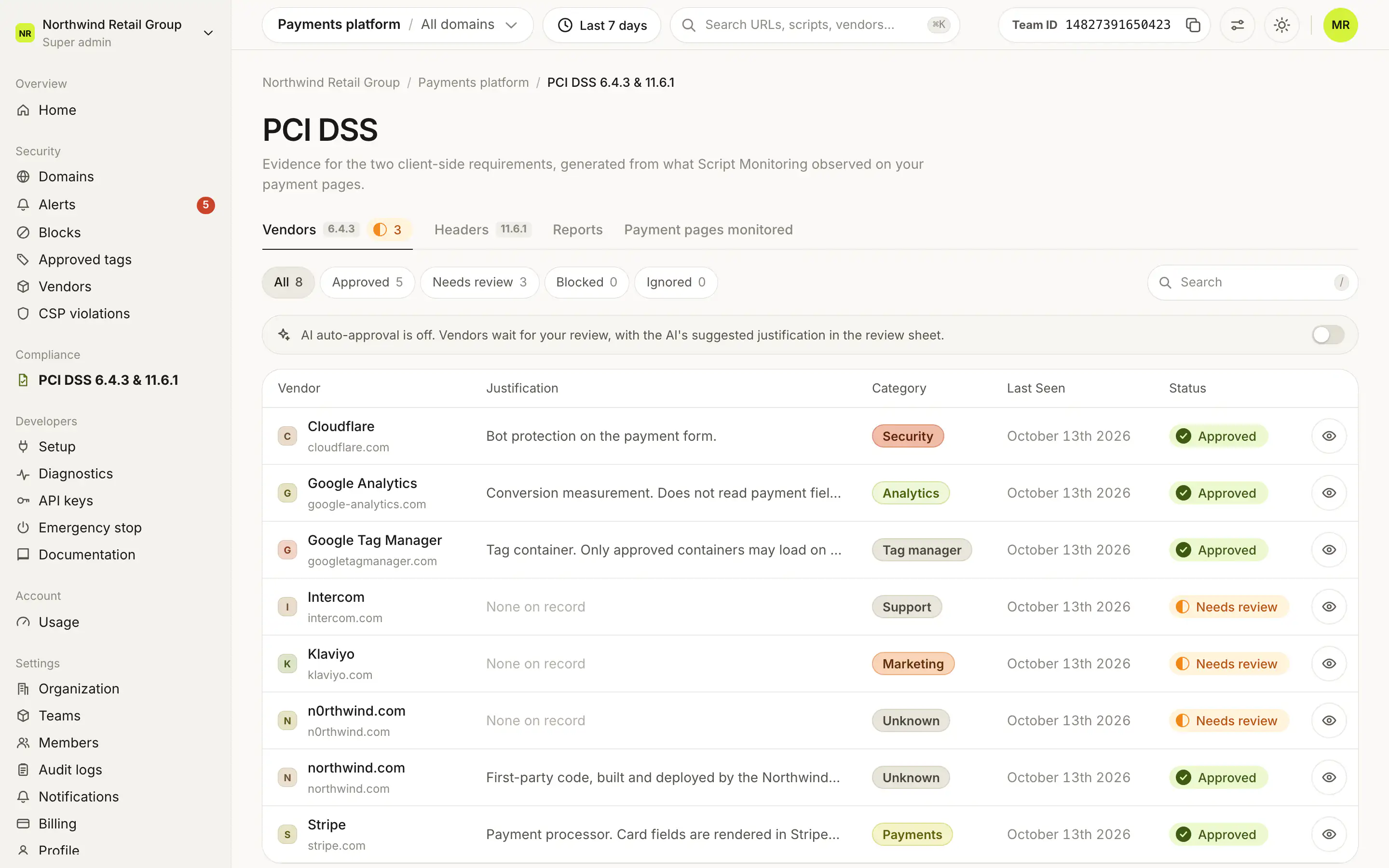
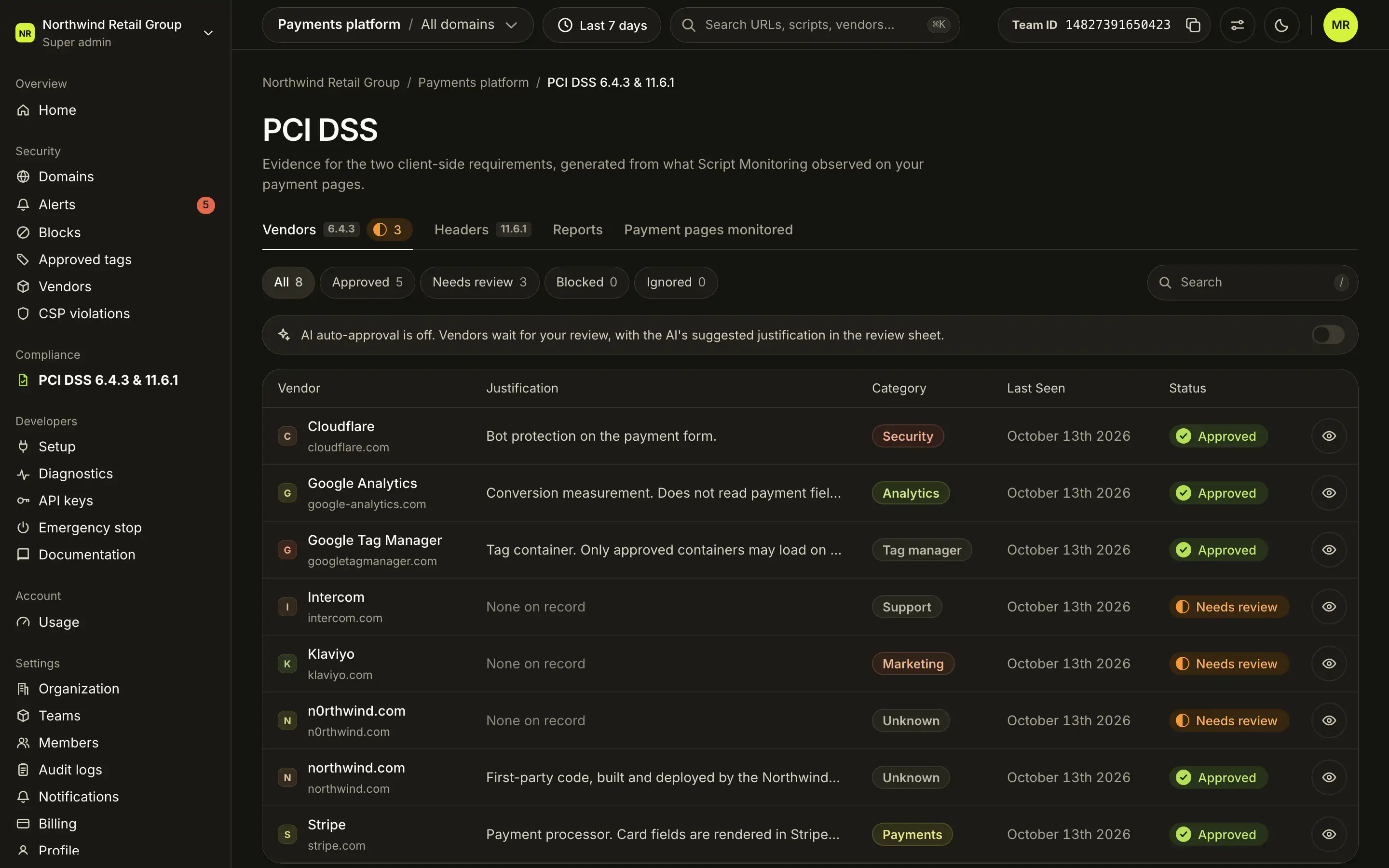
| Status | Meaning |
|---|---|
| Approved | Justified and approved. |
| Needs review | Not yet approved, blocked or ignored. |
| Blocked | Stopped from loading. |
| Ignored | Hidden from PCI review and reports, with a justification. |
- A vendor with open alerts cannot be approved until the alerts are resolved. It can still be blocked.
- A script can carry its own justification that overrides the vendor's.
- On Pro and Enterprise, AI auto-approval for PCI DSS drafts a justification for each vendor and approves the ones it can justify.
What does the Headers tab show? (11.6.1)#
The latest week inside your date range.
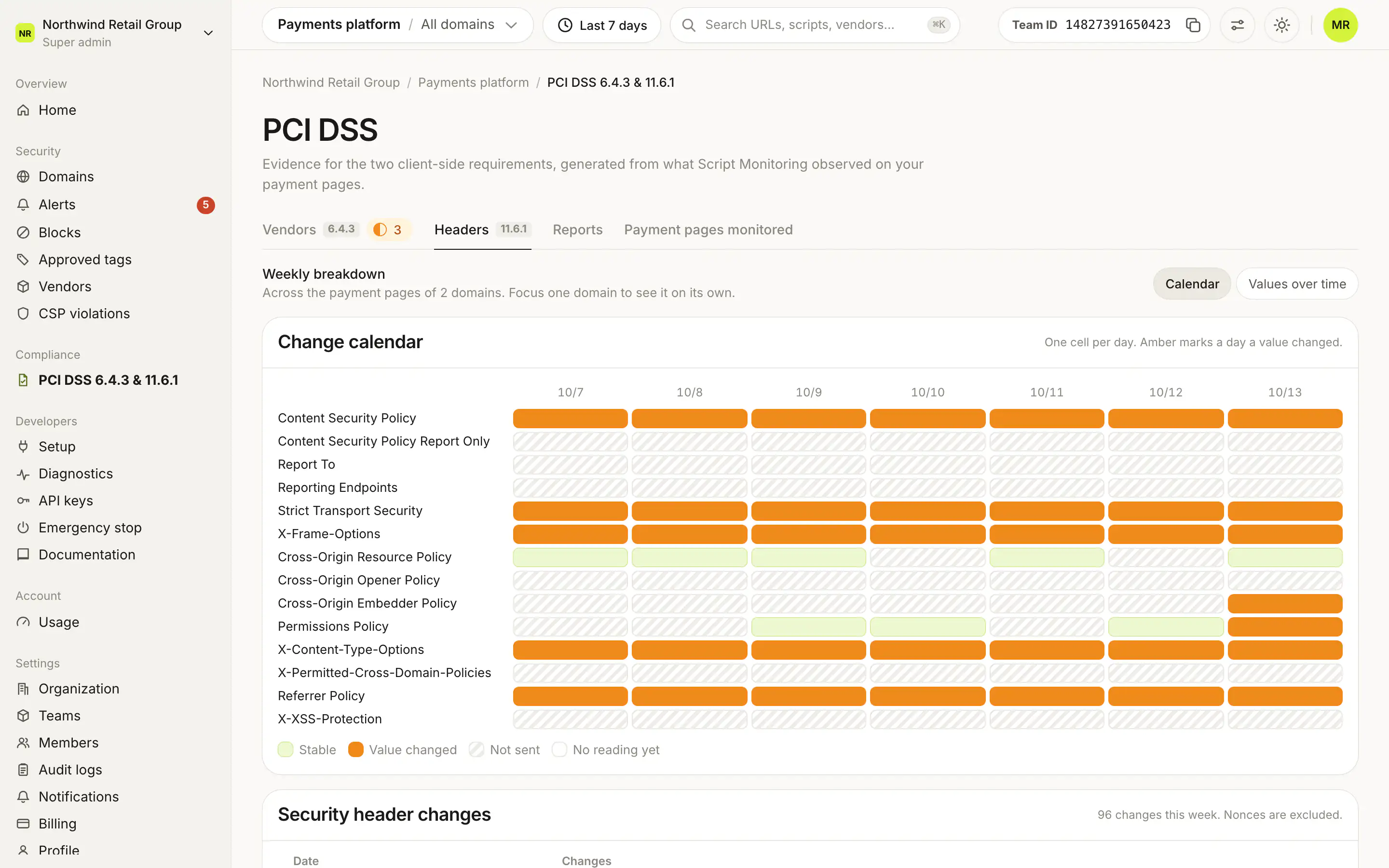
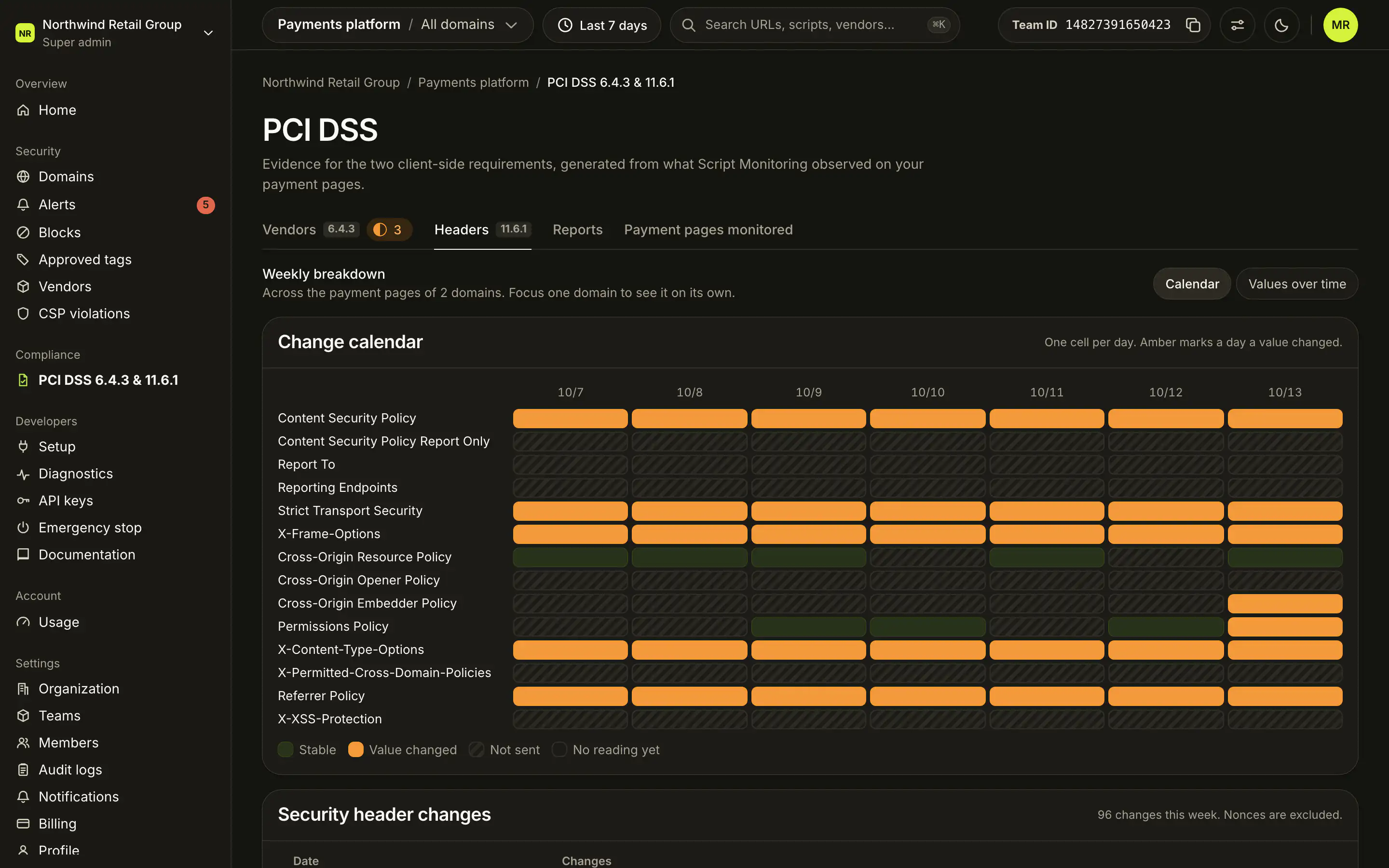
- Change calendar: one row per header, one cell per day. Cells say Value changed (amber), Stable, Not sent or No reading yet.
- Values over time: how each header's values were shared across pages.
- Security header changes: each change by date. Nonces are left out, because they change on every response.
What does the Reports tab show?#
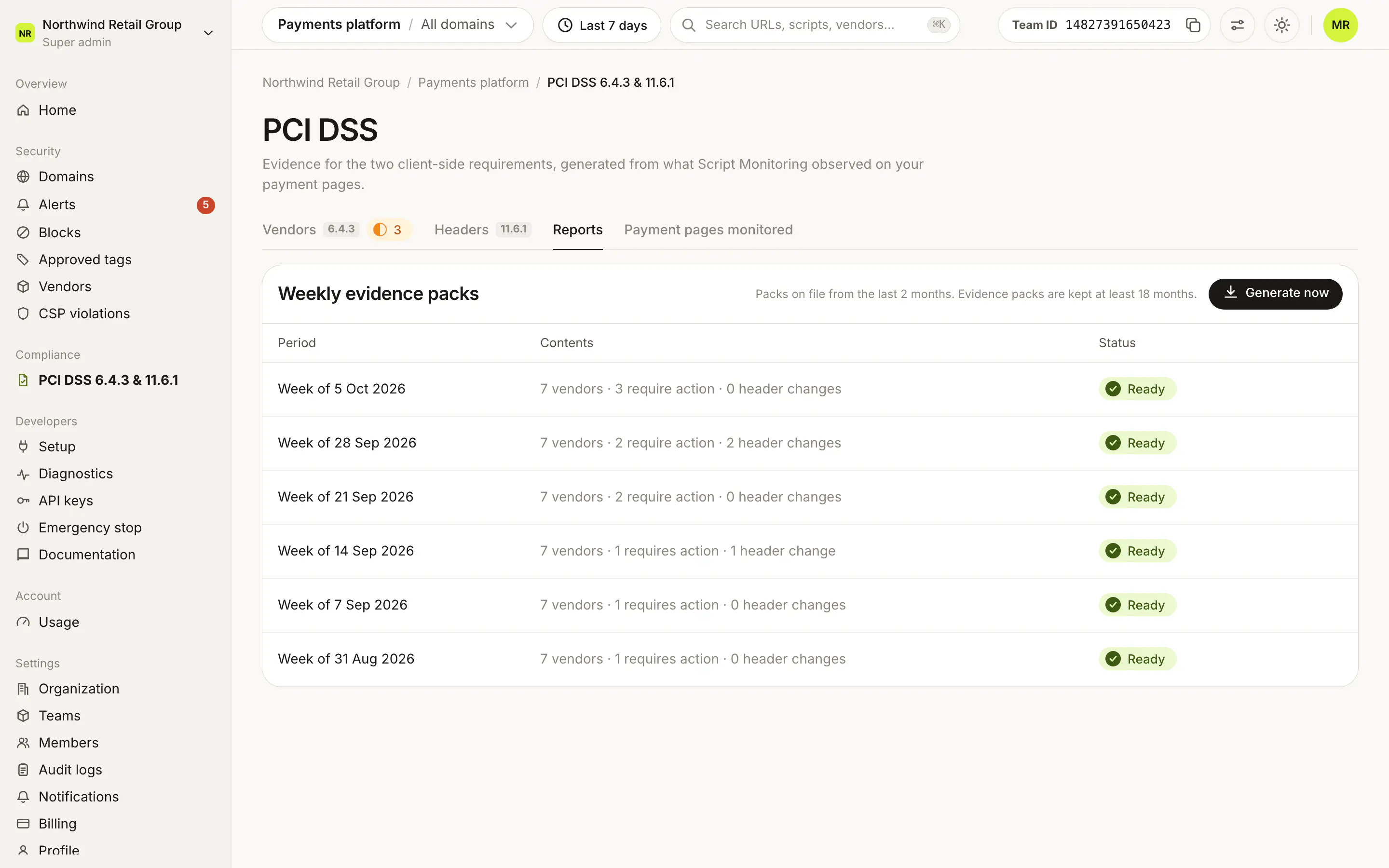
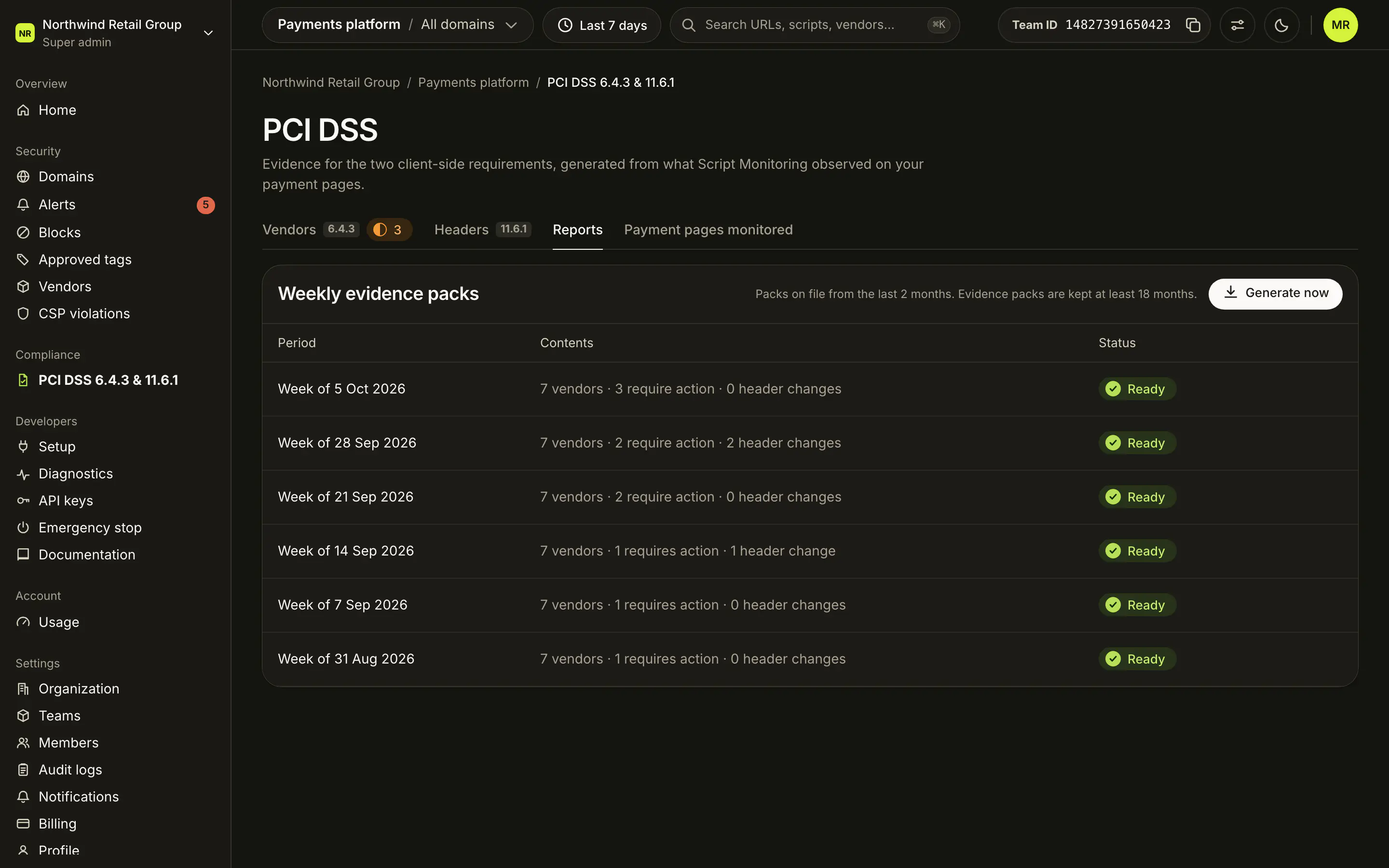
Weekly evidence packs on file, newest first: the Period, the Contents (vendors, how many need action, header changes) and the Status.
| Status | Meaning |
|---|---|
| Ready | Open it with PDF. |
| Generating | Being built, usually a few minutes. |
| Shortened | The inventory lists a limited number of scripts per vendor. |
| Failed | The report could not be built. Generate it again. |
What is in the evidence pack?#
A cover page, the week's stats, the vendor and script inventory with each justification (vendors that need action first), and the security header changes. It opens in the dashboard, where Print / Save as PDF saves a copy.
Download an example evidence pack (PDF, 12 pages) from the Northwind demo.
What does the Payment pages monitored tab show?#
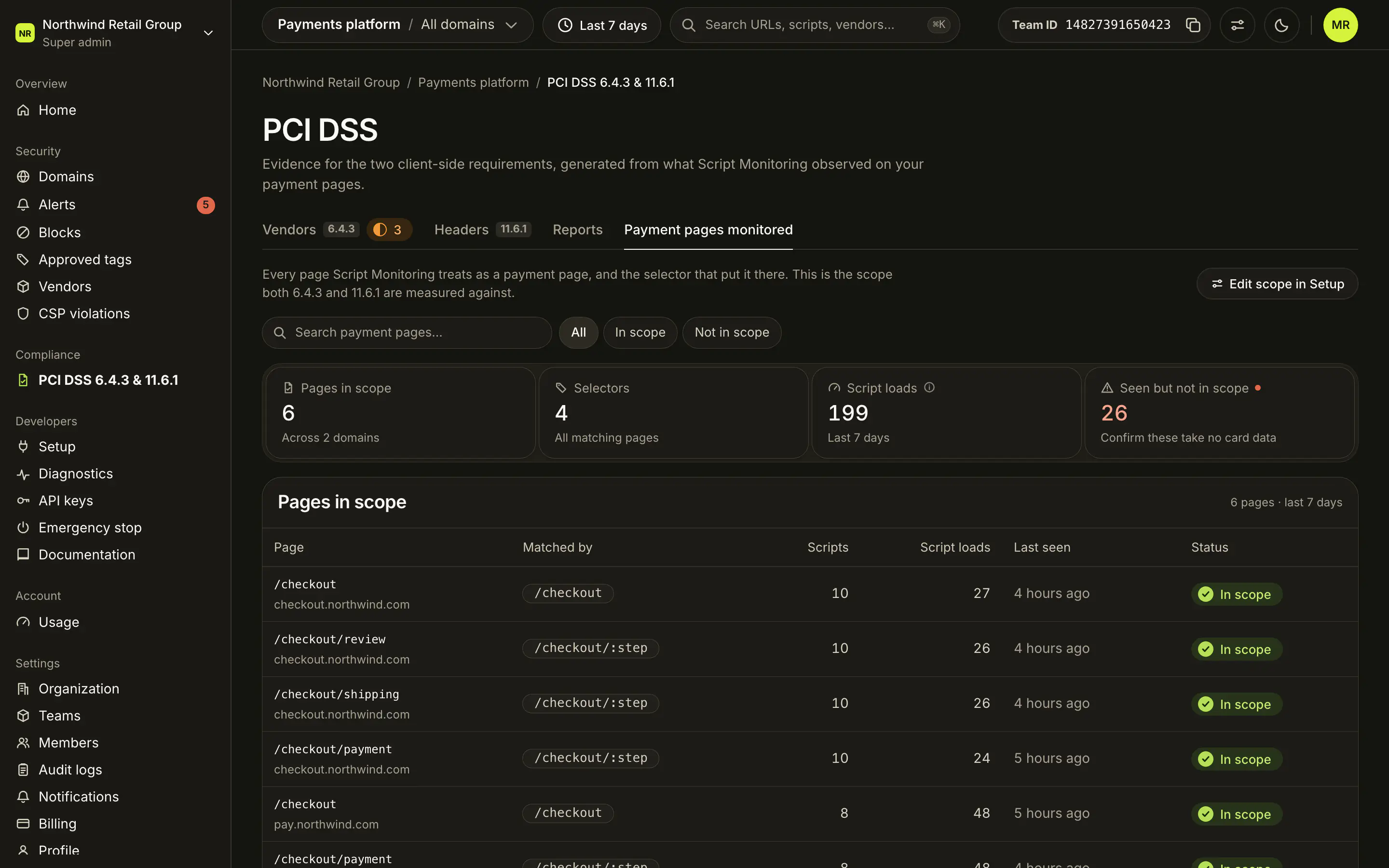
Every page Script Monitoring treats as a payment page and the selector that put it there: the scope both 6.4.3 and 11.6.1 are measured against.
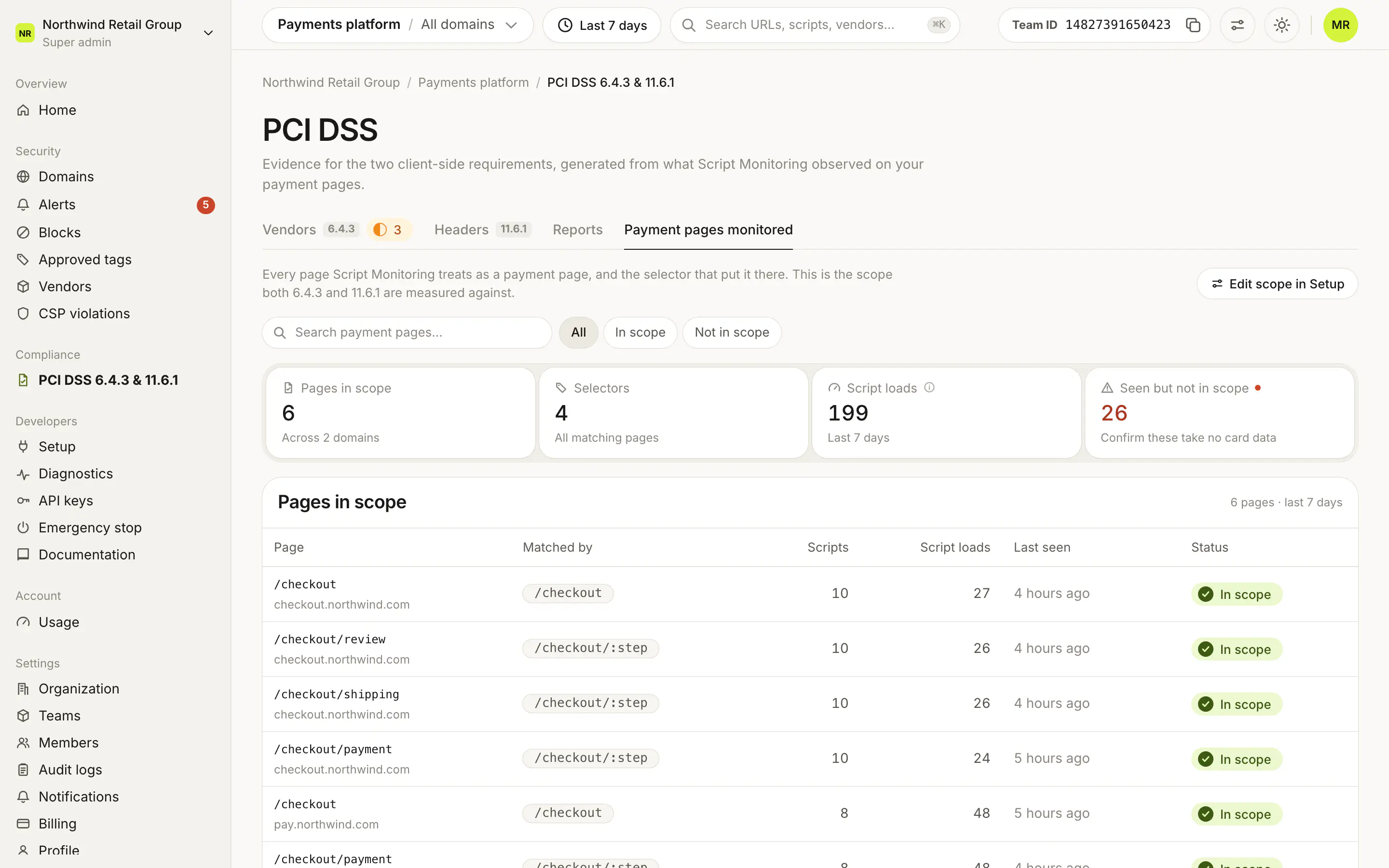
- Tiles: Pages in scope, Selectors, Script loads and Seen but not in scope.
- Pages in scope: each page, the selector that matched it, its scripts and script loads, and when it was last seen.
- Seen on a payment domain, not in scope: pages no selector matches, each with Add to scope.
- Edit scope in Setup opens Payment pages in Setup step 4.
Frequently asked questions#
Which plan includes the PCI DSS evidence?
Every plan, Free included, has the PCI DSS dashboard and the weekly evidence pack. AI auto-approval of vendors is on Pro and Enterprise.
How often is a report created?
Script Monitoring creates a weekly evidence pack every Monday at 12:00 UTC. You can also generate one at any time with Generate now. Packs are kept at least 18 months.
How do I give the report to my assessor?
The report opens in the dashboard. Use Print / Save as PDF to save a copy to send. Viewing a report needs a dashboard login and membership of the team.