SettingsMFA
Multi-factor authentication (MFA)
Reference for MFA: authenticator apps, passkeys and backup codes in Profile, and requiring MFA for the organization or single teams, with Banner or Lockout.
Multi-factor authentication adds a second step at sign-in. Each person sets up their own methods in Settings > Profile: an authenticator app, a passkey, or both, plus backup codes. Super admins can require MFA for the whole organization or for single teams in Settings > Organization, with a 14-day grace period and a Banner or Lockout mode. Both are on every plan.
Which MFA methods can I set up?#
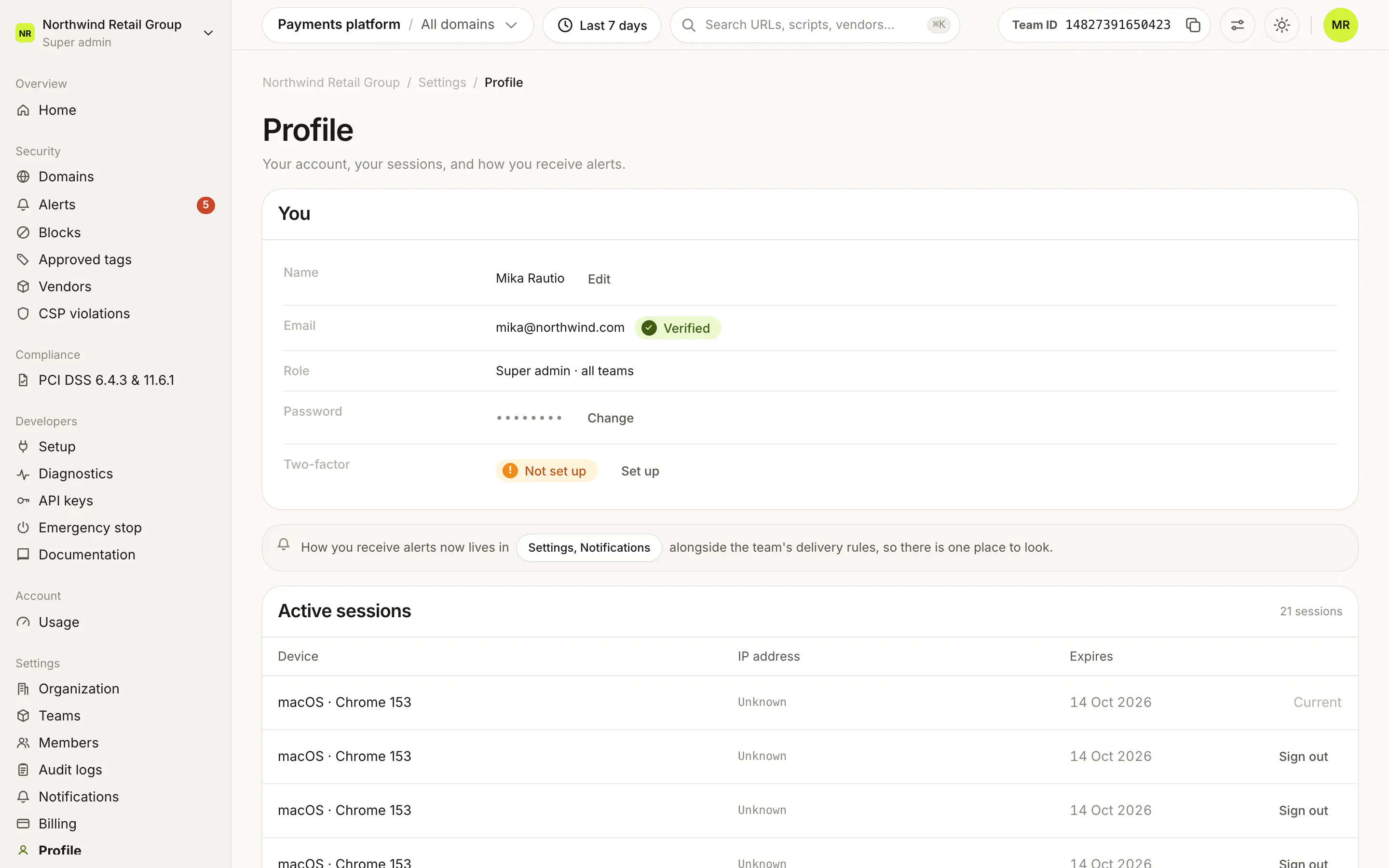
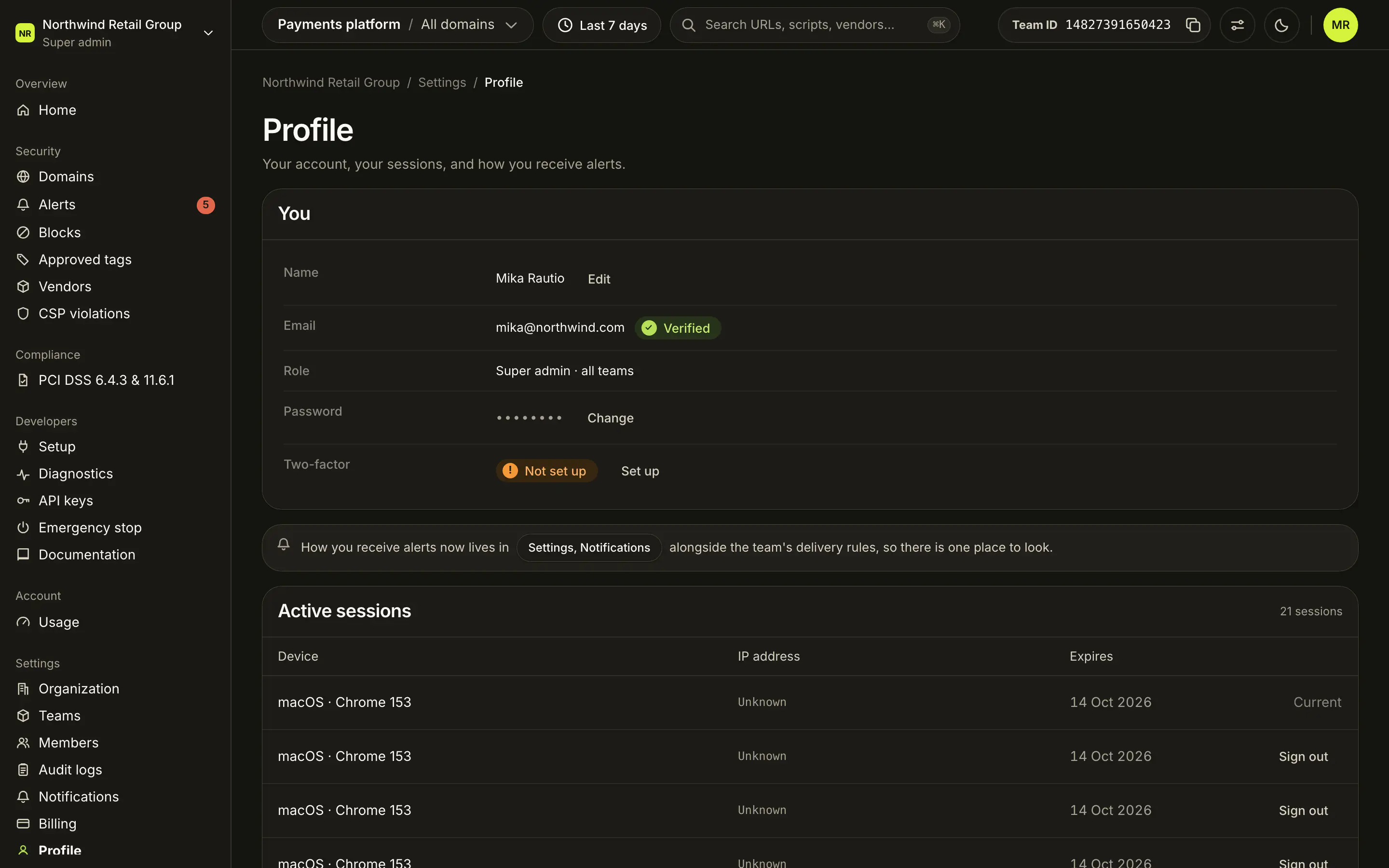
On Settings > Profile, the Two-factor row shows your methods (for example "Passkey + authenticator app") or Not set up. Set up or Manage opens the Two-factor authentication card.
| Method | What it is | Controls |
|---|---|---|
| Authenticator app | A 6-digit code from your authenticator app at each sign-in. Shows On or Off. | Set up, Turn off |
| Passkey | A passkey or security key, such as Touch ID or a YubiKey. Shows how many you have. | Set up or Add passkey. Each key has Rename and Remove, and Enroll again when it needs re-enrolling. |
| Backup codes | One-time codes for when your other methods are not at hand. Shown once you have a method. | Export Backup Codes, then Regenerate Backup Codes |
Backup codes are shown only once, with a download as a text file. Regenerating them invalidates the old ones. Adding a passkey first shows a Biometric data notice to acknowledge.
What does Require MFA do?#
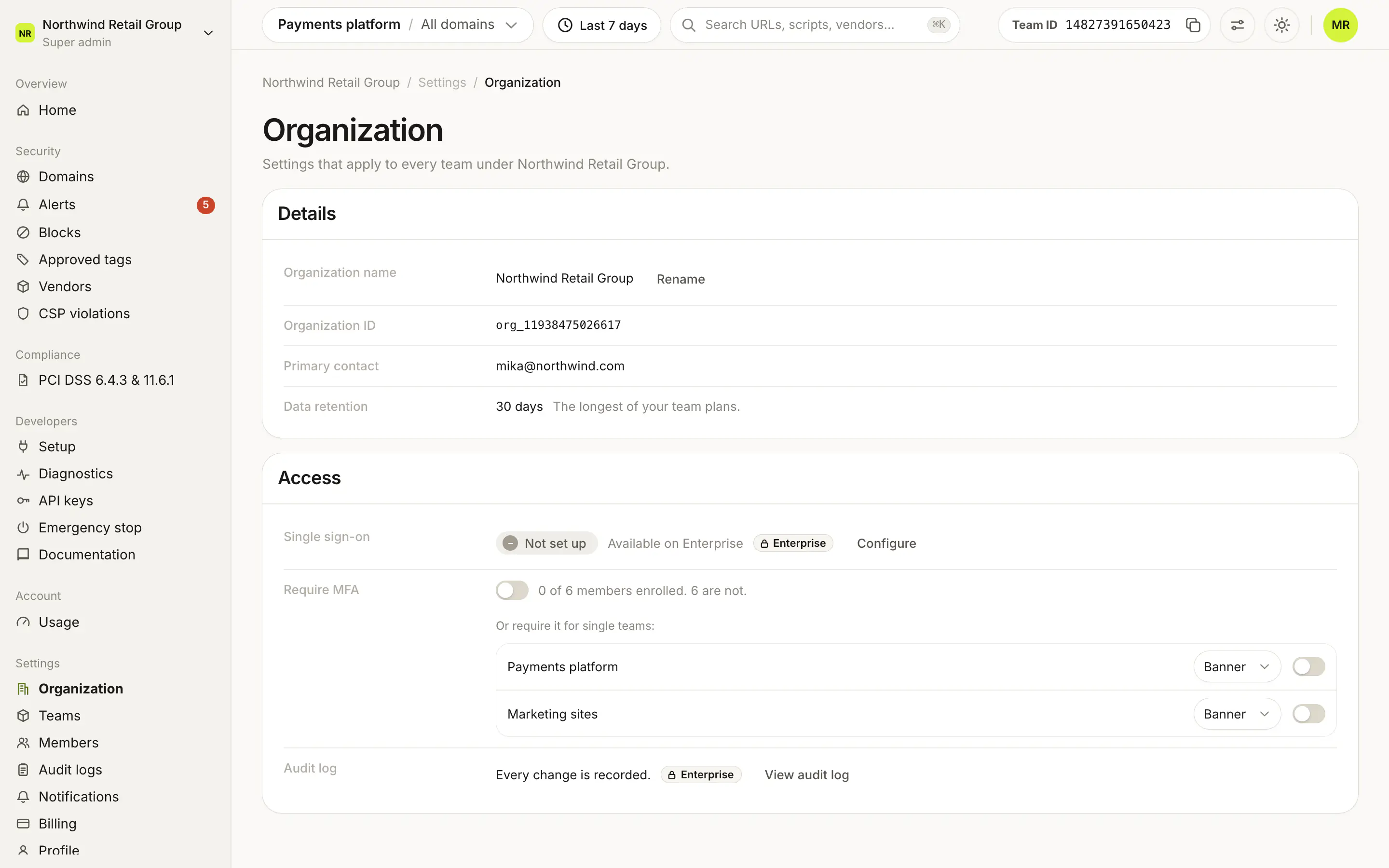
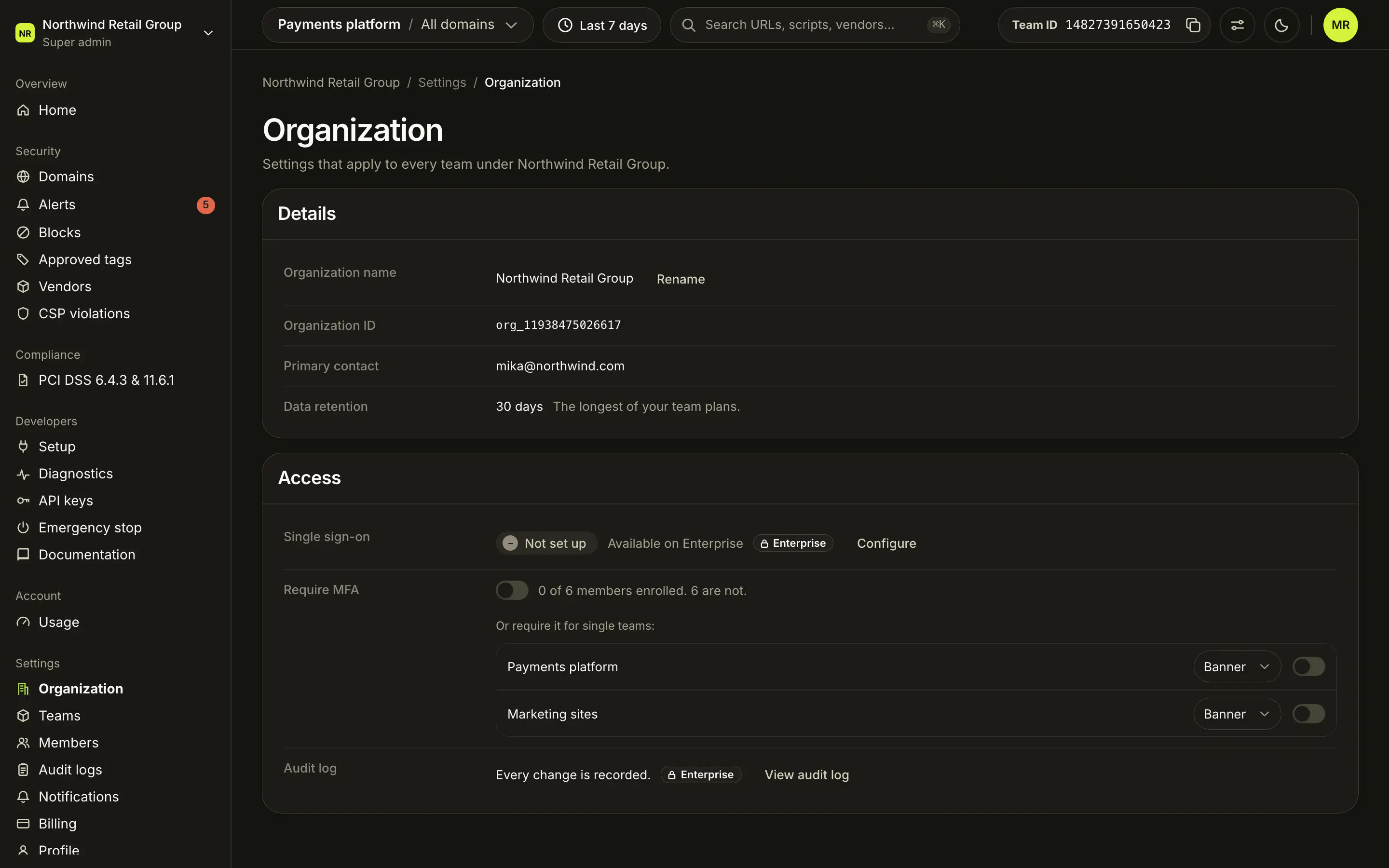
The Require MFA row in the Access card of Settings > Organization has one switch for the whole organization. Next to it: how many members are enrolled ("4 of 5 members enrolled.") and, while it runs, the days of grace left.
Turning it on opens Enable MFA Enforcement?, where you pick the Enforcement mode:
- Persistent banner: members without MFA see a banner nudging them to set it up.
- Full lockout: members without MFA are locked out of the dashboard until they enable it.
Enable starts a 14-day grace period. Turning it off asks you to confirm in Disable MFA Enforcement?.
Can I require MFA for only some teams?#
Yes. While the organization rule is off, the row reads "Or require it for single teams:" and lists every team with:
- a mode menu, Banner or Lockout, picked before you turn the rule on;
- a switch, which asks you to confirm ("Require MFA in Payments platform?").
A running rule shows its mode read-only. To change the mode, turn the rule off and on again, which restarts the grace period. When the organization rule is on, each team reads "Required by the organization".
What do members without MFA see?#
Members who already have an authenticator app or a passkey see nothing. Everyone else:
| When | What they see |
|---|---|
| During the grace period | A banner: "Your organization requires MFA for all members. You have 9 days to enable it." with Set up MFA →. |
| After it, Banner mode | The same banner, asking them to enable it as soon as possible. |
| After it, Lockout mode | A full-page Multi-factor Authentication Required screen with Set up MFA, until they set it up. |
The grace period is 14 days from when the rule was turned on or from when the person joined, whichever is later. If several rules apply to someone, the strictest wins: the earliest grace period end, and Lockout over Banner. The MFA column on Members shows who is Enrolled and who is Not enrolled.
Who can change MFA settings?#
Everyone manages their own methods on Profile. Only Super admins can require MFA for the organization or a team. For anyone else the switches are turned off with "Only Super admins can change this".
Frequently asked questions#
Which plans can require MFA?
Every plan. Requiring MFA for the organization or for single teams is not plan-gated.
How long do members have to set up MFA?
14 days, counted from when the rule was turned on or from when they joined, whichever is later.
What is the difference between Banner and Lockout?
Both show a banner during the grace period. After it, Banner keeps the banner, and Lockout blocks the dashboard until the member sets up MFA.
How do I change a team's enforcement mode?
Turn the team's rule off, pick the new mode, and turn it on again. That restarts the 14-day grace period.