DevelopersAPI keys
Reference for Developers > API keys: sm_org_ and sm_team_ key formats, the scopes each key can carry, creating and revoking keys, and who manages them.
Developers > API keys holds the server-side keys for the REST API. There are two kinds: organization keys (sm_org_…), which act on any team in the organization, and team keys (sm_team_…), which act on one team. Each key carries only the scopes you give it, and its secret is shown once, when you create it. API keys are on every plan. Super admins manage organization keys, and Admins manage their own team's keys.
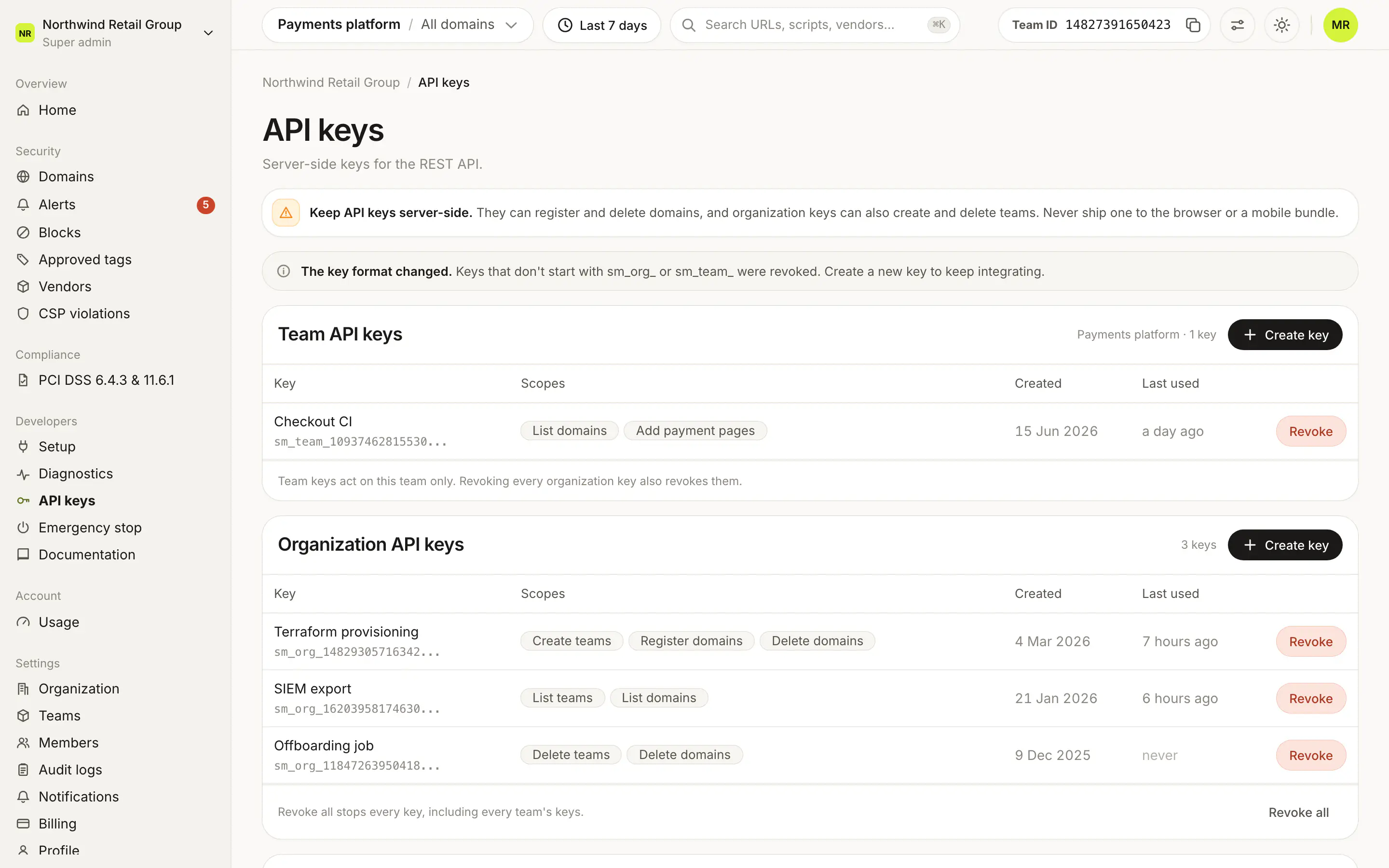
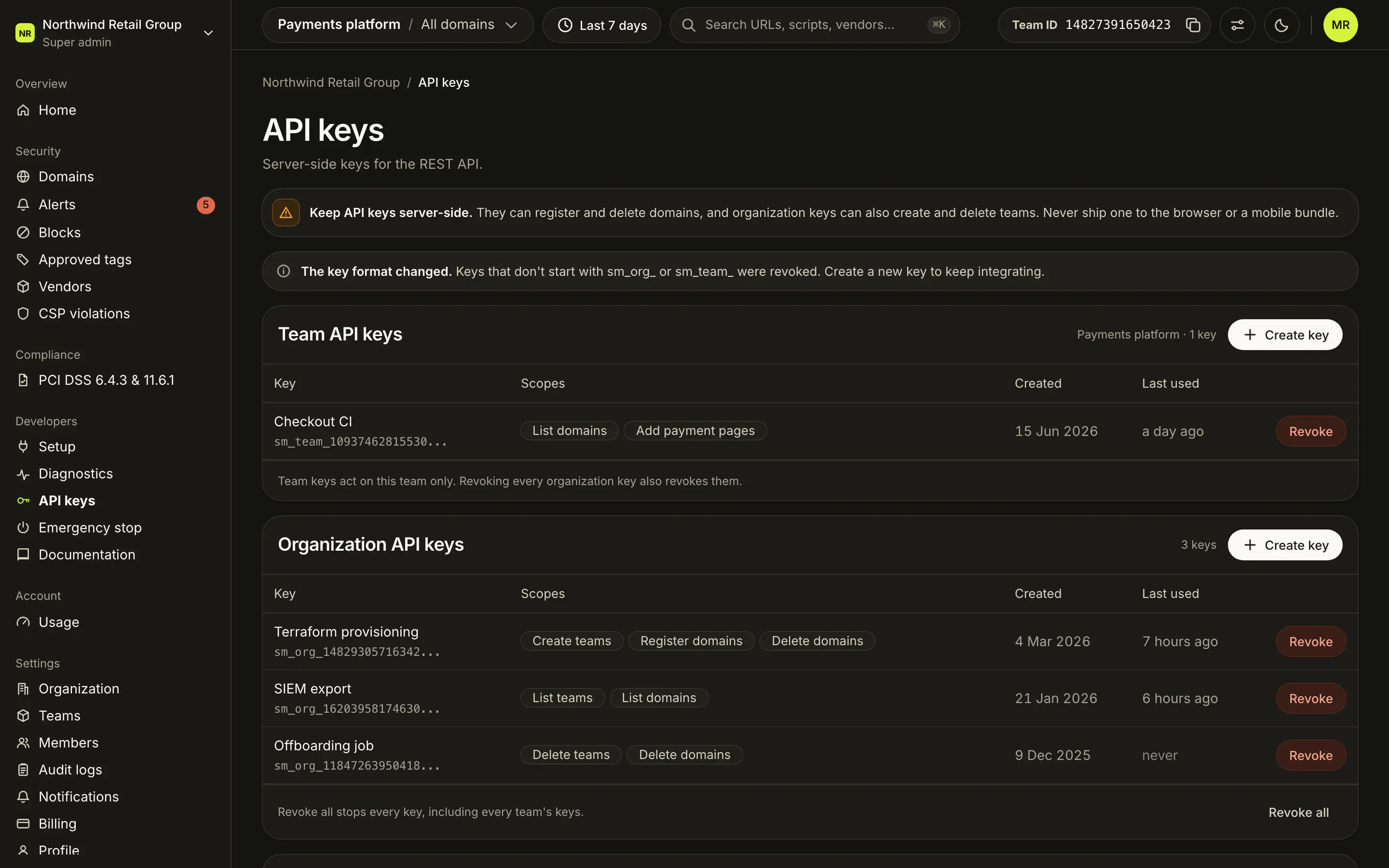
They can register and delete domains, and organization keys can also create and delete teams. Never ship one to the browser or a mobile bundle.
What does a key look like?#
Every key is its type prefix, a 14-digit key ID, an underscore, then the secret:
-
Organization key:
sm_org_14829305716342_… -
Team key:
sm_team_10937462815530_… -
Tell them apart by the prefix:
sm_org_is an organization key,sm_team_a team key. The prefix must match the key's type: a key sent with the other prefix is refused. -
The key ID is 14 digits and always starts with 1. It is random, so it says nothing about how many keys exist. It is not secret: the dashboard shows it.
-
The secret is everything after the key ID and its underscore. It is shown once, when you create the key, and Script Monitoring does not store it.
-
In the dashboard each key shows as its prefix and key ID followed by
..., for examplesm_org_14829305716342.... Match that against the start of the key in your secrets manager to find which key an integration uses.
Keys created before this format were revoked when it changed. The page shows a short note about this. If an integration started getting 401 unauthorized, create a new key and deploy it.
Who can see and manage keys?#
| Role | Sees |
|---|---|
| Super admin | Team API keys for the team picked in the top bar, and Organization API keys. |
| Admin | Team API keys for their own team. |
| Viewer | No API keys link in the sidebar. Opening the page shows a note to ask a Super admin or Admin for a key. |
Creating and revoking keys may ask you to confirm your password, or a code sent by email, first.
What does each key card show?#
Team API keys shows the team's name and its number of keys. Organization API keys shows the organization's number of keys. Each row is one key:
| Column | What it shows |
|---|---|
| Key | The name, and the key's prefix and key ID, such as sm_team_10937462815530.... |
| Scopes | What the key may do, or "None". |
| Created | The date the key was created. |
| Last used | How long ago the key was last used, or "never". Updated at most once a minute. |
Revoke on a row stops that key immediately. Any integration still using it fails until you create and deploy a new one.
Which scopes can a key carry?#
The Available scopes card lists them:
| Scope | What it allows | Key type |
|---|---|---|
| Create teams | Create teams in this organization via POST /v1/teams. Pro and Enterprise. | Organization |
| Delete teams | Permanently delete teams and all their domains. | Organization |
| Register domains | Register managed domains via POST /v1/domains. | Team and organization |
| Delete domains | Remove registered domains via DELETE /v1/domains. | Team and organization |
| Add payment pages | Add payment-page selectors via POST /v1/payment-pages. | Team and organization |
| List teams | Read-only listing via GET /v1/teams. | Organization |
| List domains | Read-only listing via GET /v1/domains. | Team and organization |
What is in the Create key sheet?#
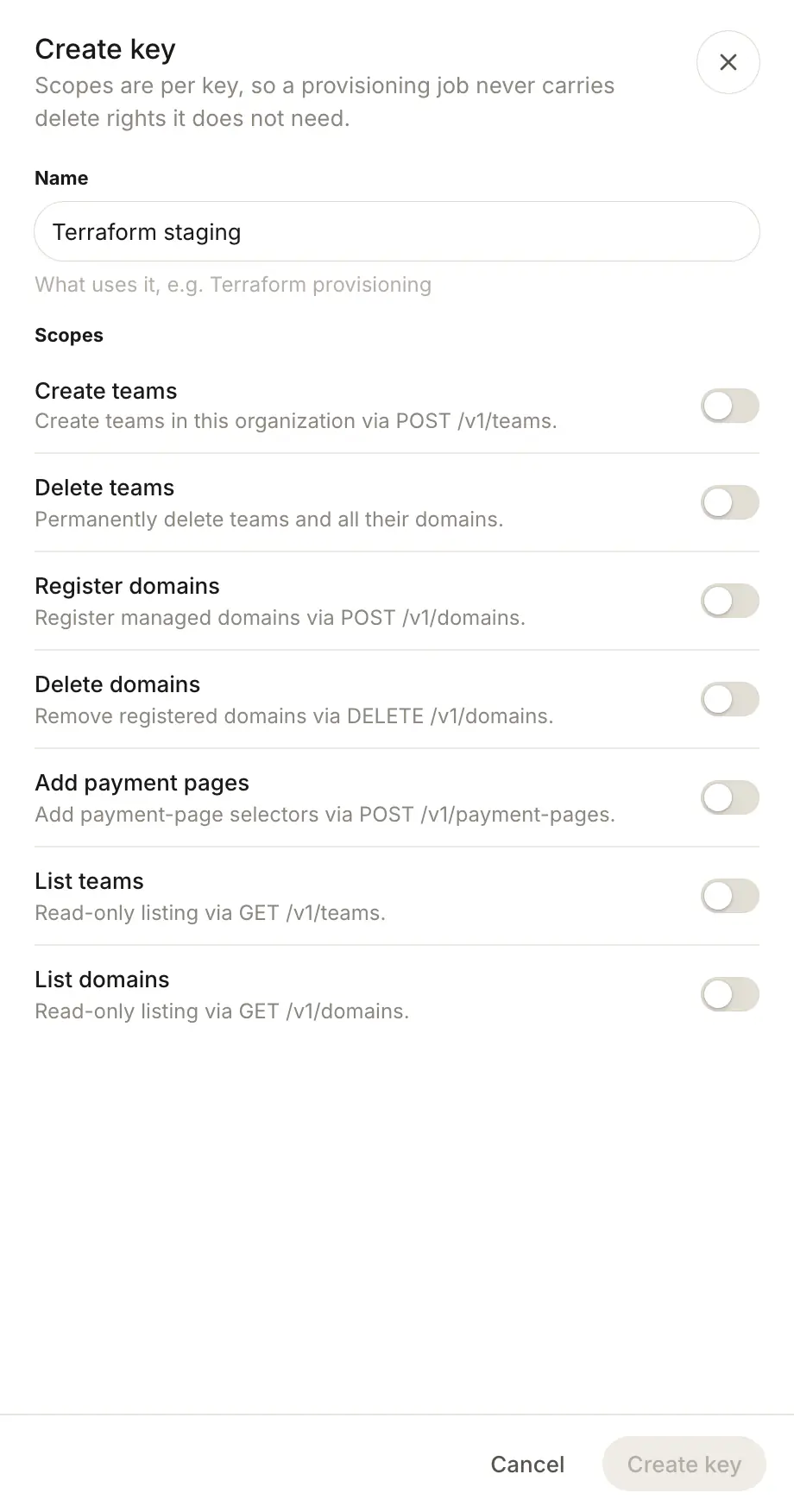
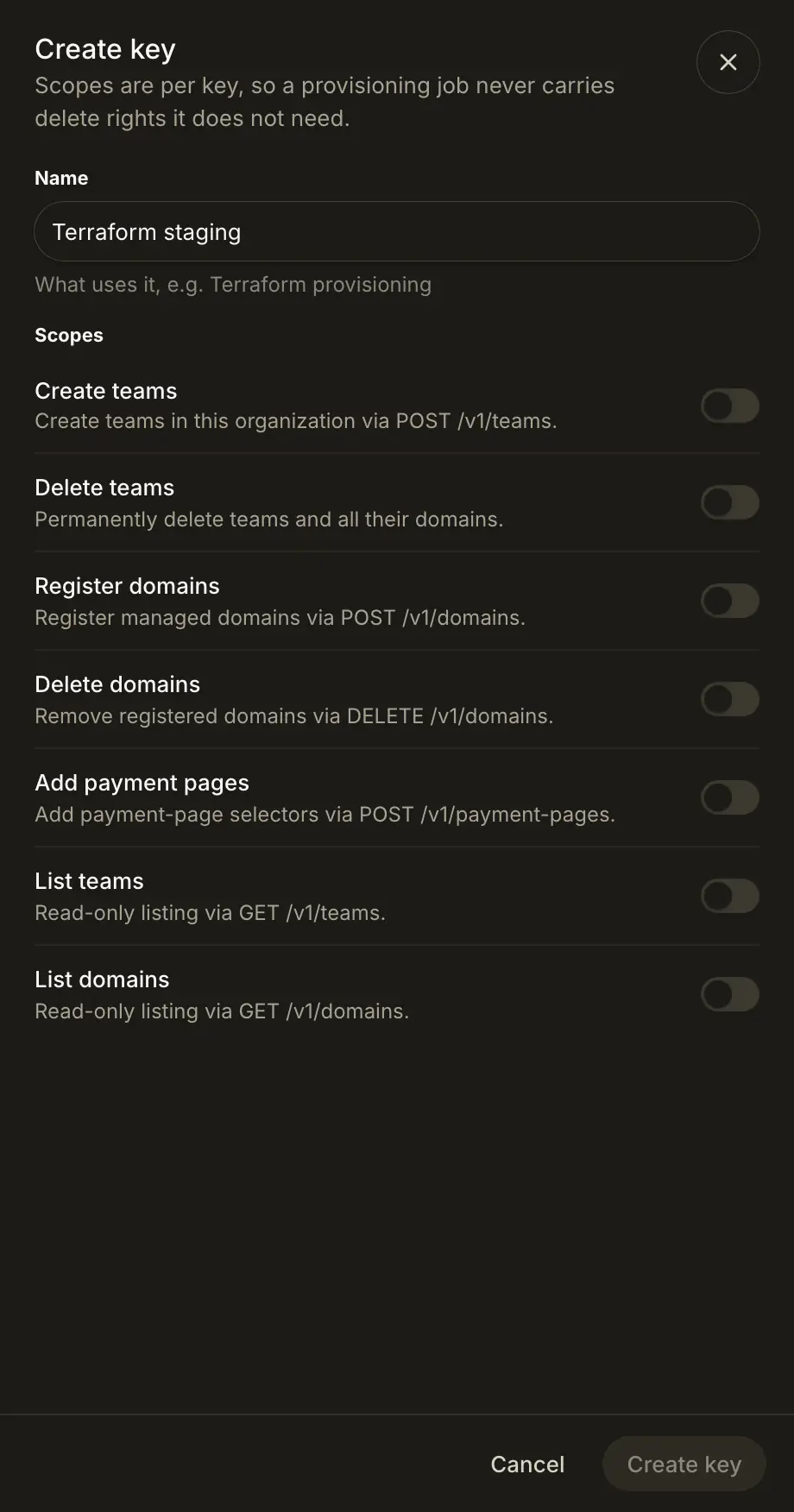
Create key on a card opens the sheet:
- Name: what uses the key, for example "Terraform provisioning".
- Scopes: a switch for each scope the key type allows. Pick at least one.
Create key creates it and opens Key created with the full key, for example sm_org_14829305716342_…. "This is the only time you will see it": Copy or Download it, then click Done. The secret is never shown again. Use the key only from your backend, as the Bearer token for the REST API:
curl https://data.scriptmonitoring.com/v1/domains/ \
  -H "Authorization: Bearer sm_org_14829305716342_…"
What does Revoke all do?#
Revoke all, at the bottom of Organization API keys, stops every key for the organization at once, including every team's keys. Your integrations fail until you create and deploy a new key. Only Super admins see it.
Frequently asked questions#
What is the difference between a team key and an organization key?
A team key acts on one team only: its domains and payment pages. An organization key can act on any team in the organization, and can also create, list and delete teams. Super admins manage organization keys; Admins manage their own team's keys.
I lost my key. Can I see it again?
No. The full key, with its secret, is shown once, when you create it. The list only shows its prefix and key ID. Revoke the lost key and create a new one.
My old key stopped working. Why?
The key format changed, and every key that doesn't start with sm_org_ or sm_team_ was revoked at the change, with no grace period. That includes keys with any other prefix and keys with no prefix at all. They now get 401 unauthorized. Create a new key under Developers > API keys and deploy it in place of the old one.
Do keys expire?
No. A key works until you revoke it, or until a Super admin uses Revoke all.
Why is "Create teams" locked?
Creating teams with the API is included in Pro and Enterprise. The scope shows a Pro and Enterprise lock when no team in the organization has a plan that includes it.