SecurityAlerts
Reference for Security > Alerts: how decisions are grouped, the 1 to 10 risk score and its bands, what Allow, Block and Not now do, and who can act.
Security > Alerts is the queue of open alerts in the top bar's date range, grouped into one decision per vendor and ranked by a risk score from 1 to 10. Each decision has three actions: Allow approves the vendor and resolves its alerts, Block stops the flagged scripts on every domain in your team, and Not now hides the decision for 7 days. To work through the queue step by step, follow the guide →.
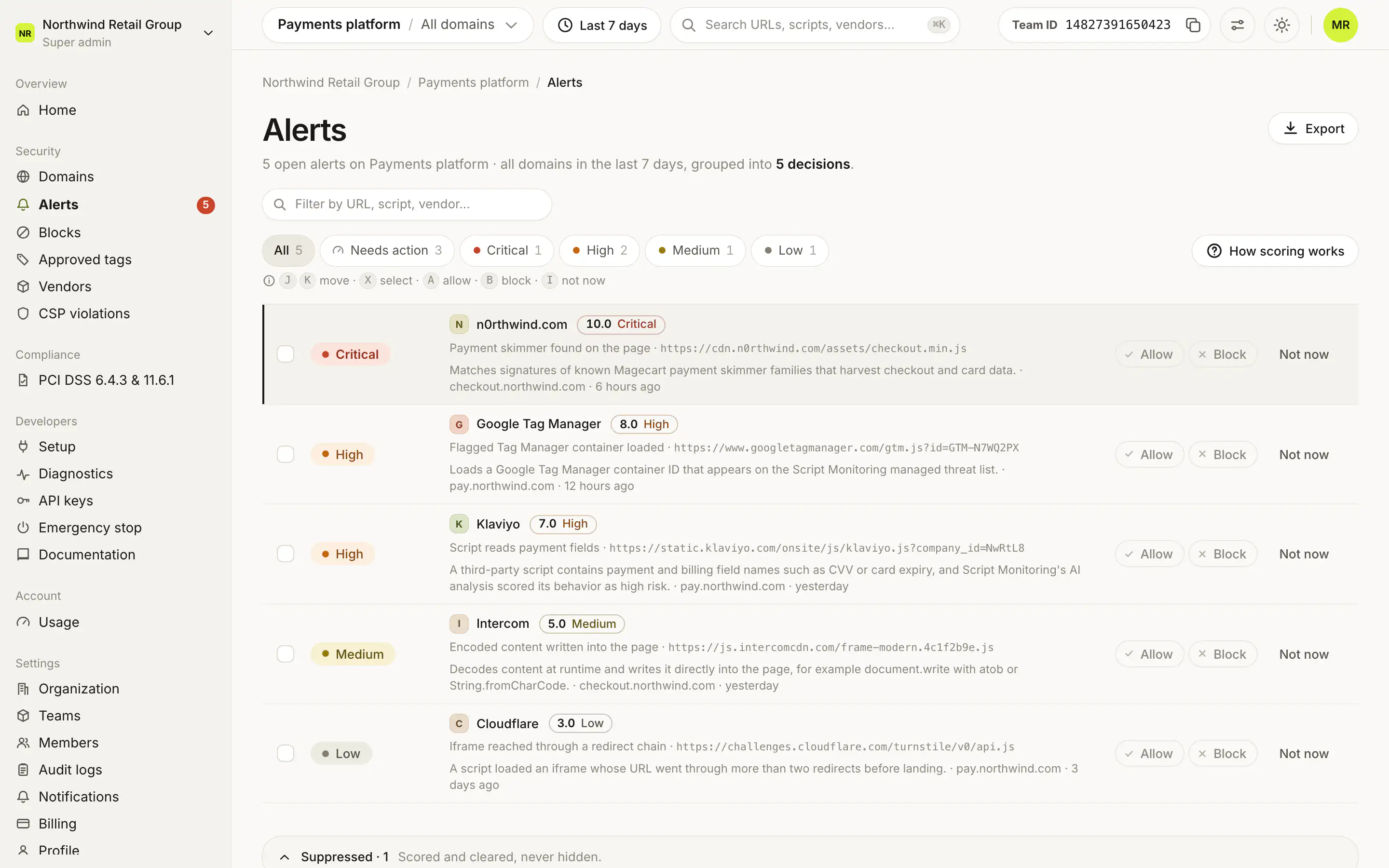
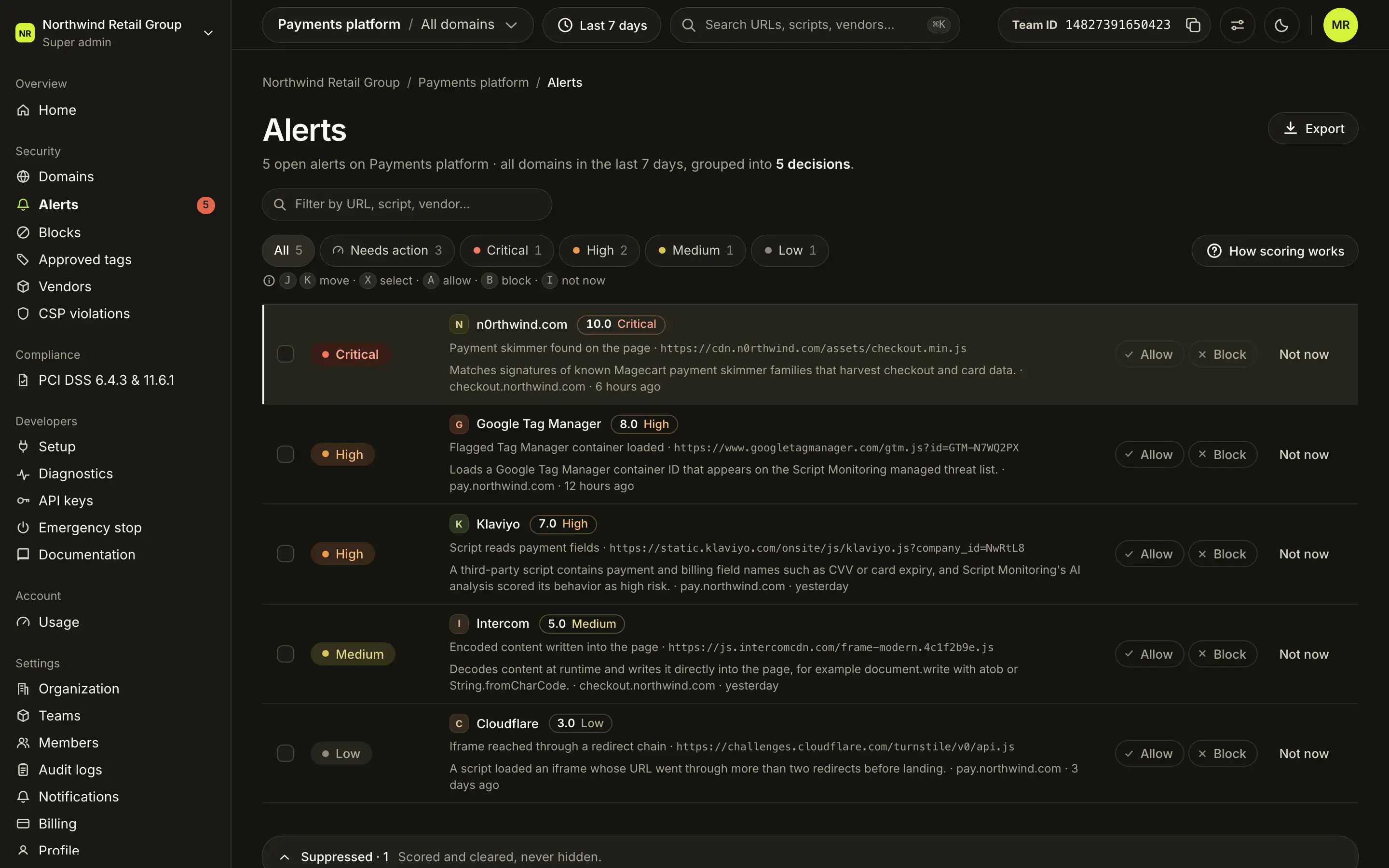
What does a row show?#
One row is one decision: the vendor (or the script host when it is not a known vendor), its severity, its score pill, and what happened. A decision with one alert shows the plain-language phrase and the script URL; with several it shows how many and on which hosts. Opening a row shows every open alert for the vendor: what happened, the script URL, why the rule fired, the rule name and score, the domain and when.
The filter chips are All, Needs action (critical and high decisions), Critical, High, Medium and Low. Export downloads the current queue as a CSV.
How do I read the risk score?#
Each row has a score pill, such as "9.9 Critical". Every detection rule carries a fixed risk score from 1 to 10, set in the rule catalog and the same for every customer. An alert scores the highest of its rules that are still open, and a decision shows the highest score among its vendor's open alerts. Click a pill (Why this score) to see the rules behind it.
| Band | Score | Respond |
|---|---|---|
| Critical | 9.0 to 10 | Same business day |
| High | 7.0 to 8.9 | Within 24 hours |
| Medium | 4.0 to 6.9 | Within 7 days |
| Low | Under 4.0 | No action needed |
A known vulnerability that carries its own advisory severity keeps that severity on its alert.
What does each action do?#
Allow#
Allow approves the vendor for the whole decision, not only the alerts the current filter shows:
- it resolves every open alert in the decision,
- it records an explicit allow for each behavior the vendor was seen using,
- and if the vendor was blocked, it lifts that block.
If a filter hides some of the vendor's alerts, a sheet asks you to confirm first. The toast has Undo: undoing makes the vendor need review again, and the resolved alerts stay resolved.
Block#
Block opens a sheet that lists the flagged scripts and the domains they load on. Block now stops those scripts on every domain in the team within 60 seconds and resolves the alerts. The vendor's other scripts keep loading. Blocked scripts are listed under Blocks, which also compares blocking here with blocking a whole vendor.
Not now#
Not now snoozes the decision for 7 days. It moves to Suppressed at the bottom of the page ("Scored and cleared, never hidden") and returns when the 7 days are up, or earlier if a new alert fires for that vendor. Bring back returns it to the queue immediately.
What do the alert descriptions mean?#
Each alert starts with a plain-language phrase for the rule that fired. Some common ones:
| Phrase | What the rule saw |
|---|---|
| Checkout fields read by a script from a new domain | A script on a newly seen domain hooks into payment fields. |
| Payment skimmer found on the page | Known card-skimming code. |
| Script captures keystrokes or form fields | Keylogger-like behavior. |
| Matched Script Monitoring Threat Intelligence | The script is on the Script Monitoring Threat Intelligence list. |
| Page connected to a flagged destination | The page sent data to a destination on the threat list. |
| Flagged Tag Manager container loaded | A tag manager container on the threat list was loaded. |
| Script served from an IP address | The script URL uses a bare IP address instead of a domain. |
| Vulnerable library version loaded | A library version with a known vulnerability. |
Who can act on alerts?#
Super admins and Admins can allow, block and snooze. Viewers see the queue with a note that only Super admins and Admins can allow and block. Export downloads the current queue as a CSV for anyone.
Frequently asked questions#
Why are my alerts grouped?
A decision is one per vendor. All open alerts for scripts from the same vendor are grouped into one row, so one Allow or Block covers them. Scripts from a host that is not a known vendor are grouped by host.
Where does the score come from?
Every detection rule has a fixed risk score from 1 to 10, the same for every customer. An alert scores the highest of its open rules, and a decision shows its highest alert score.
What happens to a decision I put on Not now?
It moves to Suppressed for 7 days and comes back after that, or earlier if a new alert fires for that vendor.