SettingsAppearance
Reference for Settings > Appearance: the Light, Dark and System themes and the Comfortable and Compact row densities, saved for this browser only.
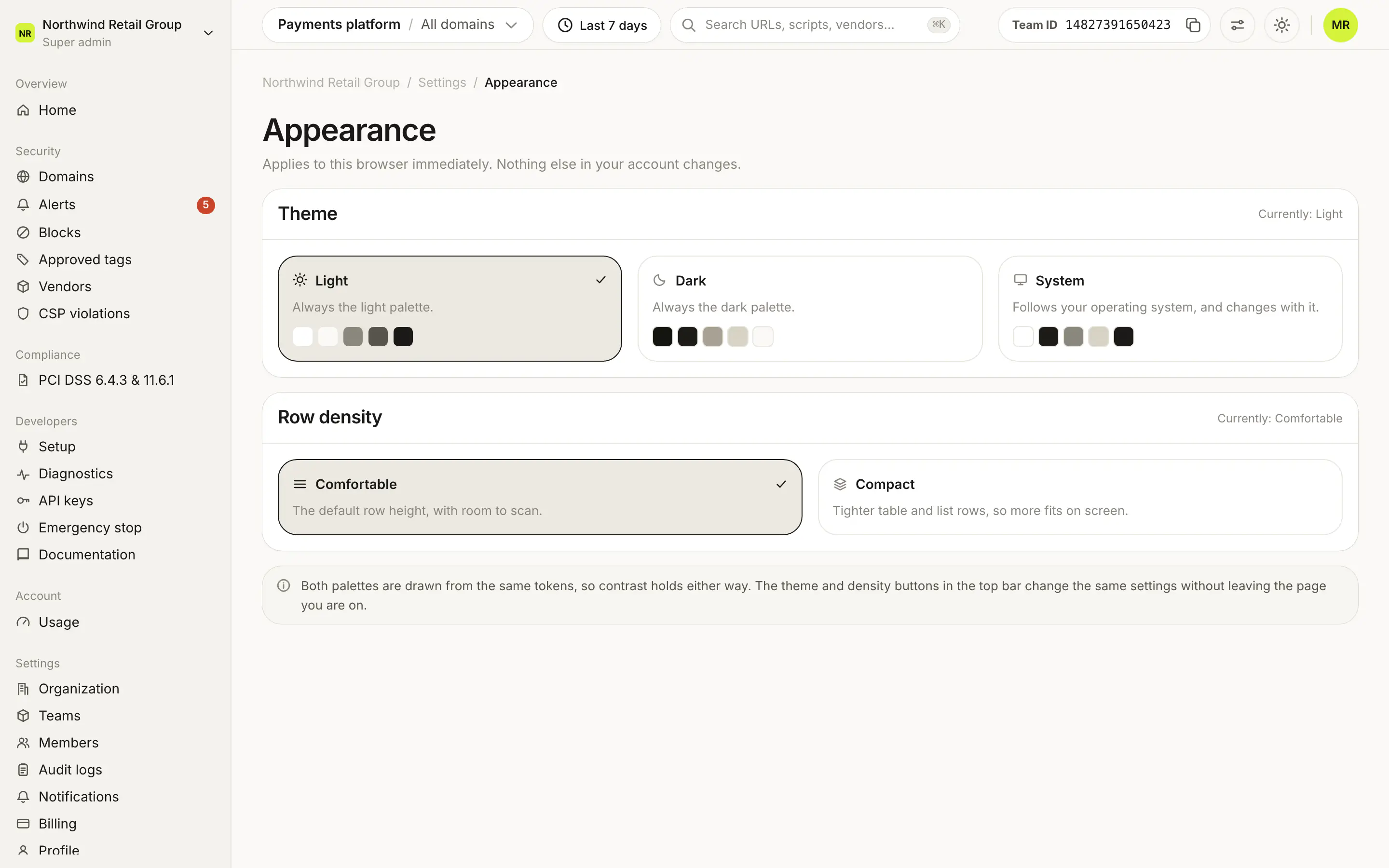
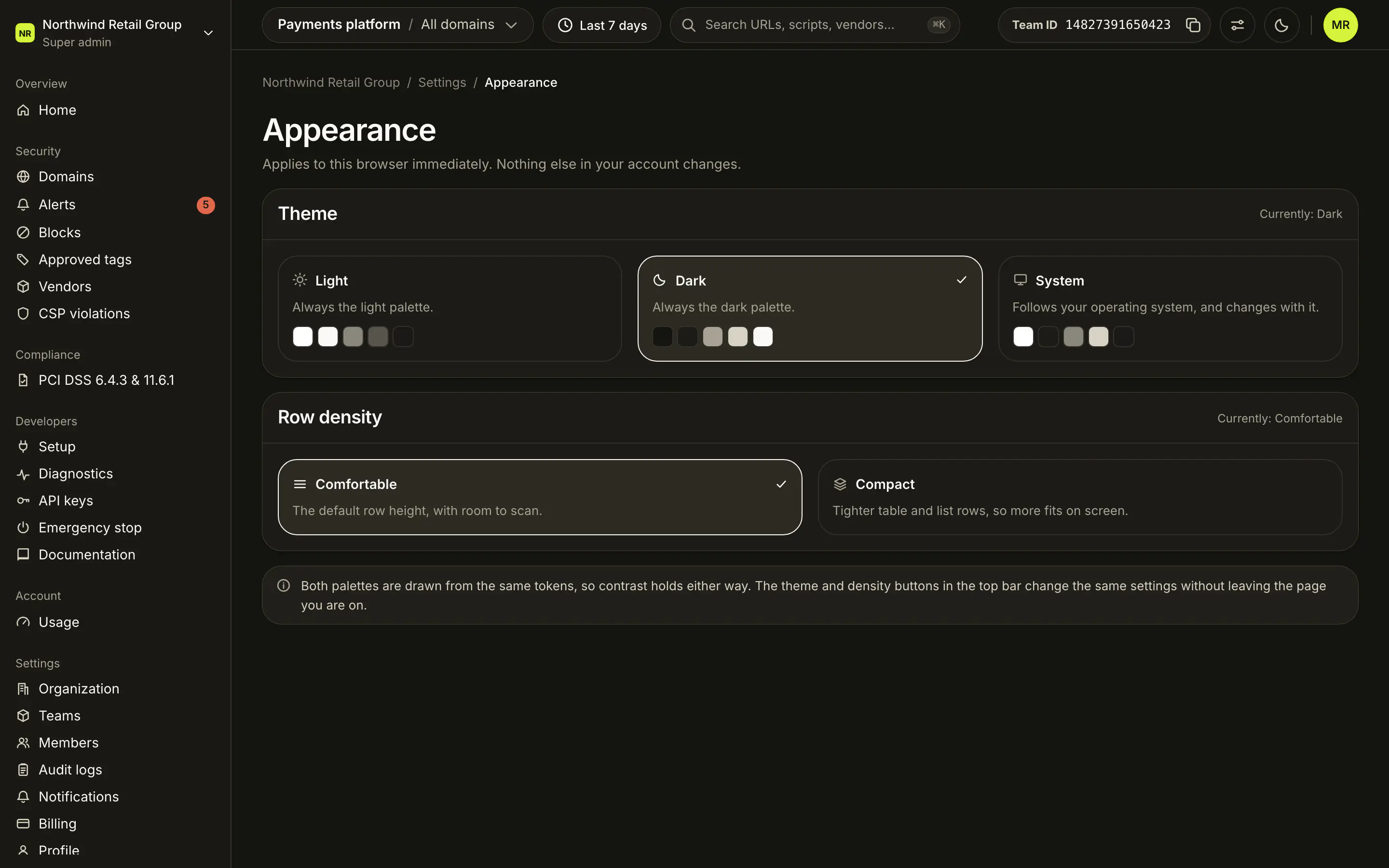
Settings > Appearance sets how the dashboard looks in this browser: the theme (Light, Dark or System) and the row density (Comfortable or Compact). Changes apply immediately. They are saved in the browser, not on your account, so nothing else in your account changes and other people are not affected. Everyone can use it.
Which themes can I pick?#
The Theme card shows the current choice ("Currently: Light") and three options, each with color swatches:
| Theme | What it does |
|---|---|
| Light | Always the light palette. This is the default. |
| Dark | Always the dark palette. |
| System | Follows your operating system, and changes with it. |
What does row density change?#
The Row density card has two options:
| Density | What it does |
|---|---|
| Comfortable | The default row height, with room to scan. |
| Compact | Tighter table and list rows, so more fits on screen. |
Is there a quicker way to switch?#
Yes. The theme and density buttons in the top bar change the same settings without leaving the page you are on.
Frequently asked questions#
Why is my theme different on another computer?
Appearance is saved in each browser, not on your account. Pick it once in every browser you use.
Does my choice change the dashboard for my team?
No. It applies only to you, in this browser. Nothing else in your account changes.
What does System do?
It follows your operating system's light or dark setting, and switches when your system does.