Get valueYour first week
Your first week
A day-by-day plan after install: set payment pages and CSP, clear the alert queue, decide on every vendor, then turn on notifications and invite your team.
Your first week takes a freshly installed team to a calm dashboard: every alert decided, every vendor allowed or blocked, and the right people notified. Each day is one short session that points to the guide for it. Start once the tag is installed and reporting: if it is not yet, do the Quickstart first.
Day 1: payment pages and CSP#
If you need PCI DSS evidence, name your payment pages in Setup step 4: Payment pages. For Content Security Policy reports, add the headers from the CSP setup sheet: CSP reporting.
Day 2: clear the alert queue#
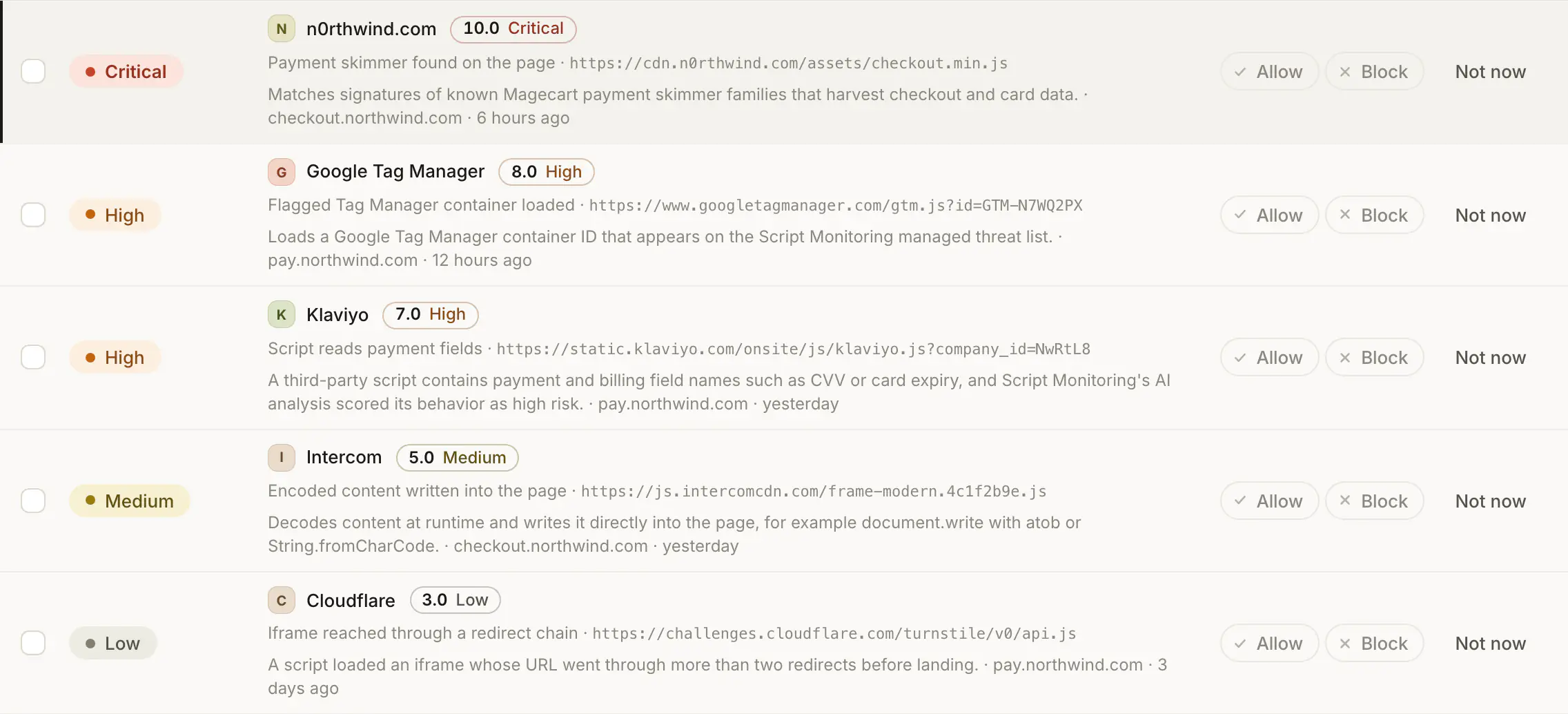
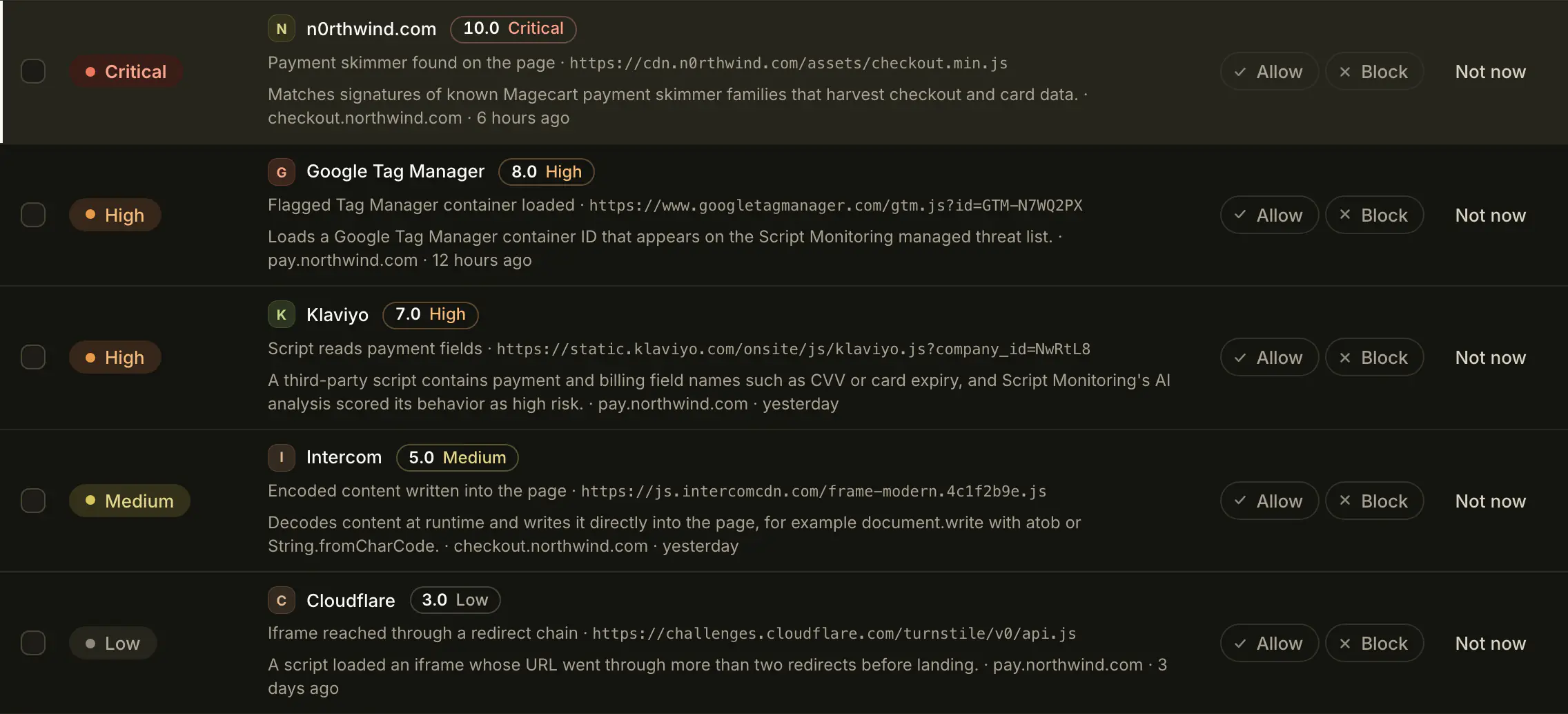
Start with Needs action in Security > Alerts and decide each vendor: Triage alerts. If a script should not be there at all, follow Respond to a malicious script.
Day 3: decide on your vendors#
Home's Vendors tile counts the vendors nobody has decided on yet. Allow or block each one: Approve or block a vendor. For PCI DSS, also justify each payment-page vendor: Prepare PCI DSS evidence.
Day 4: notifications and your team#
Check which rules your use case turned on and add destinations: Set up notifications. Invite the people who act on alerts under Settings > Members.
What does a good end of week look like?#
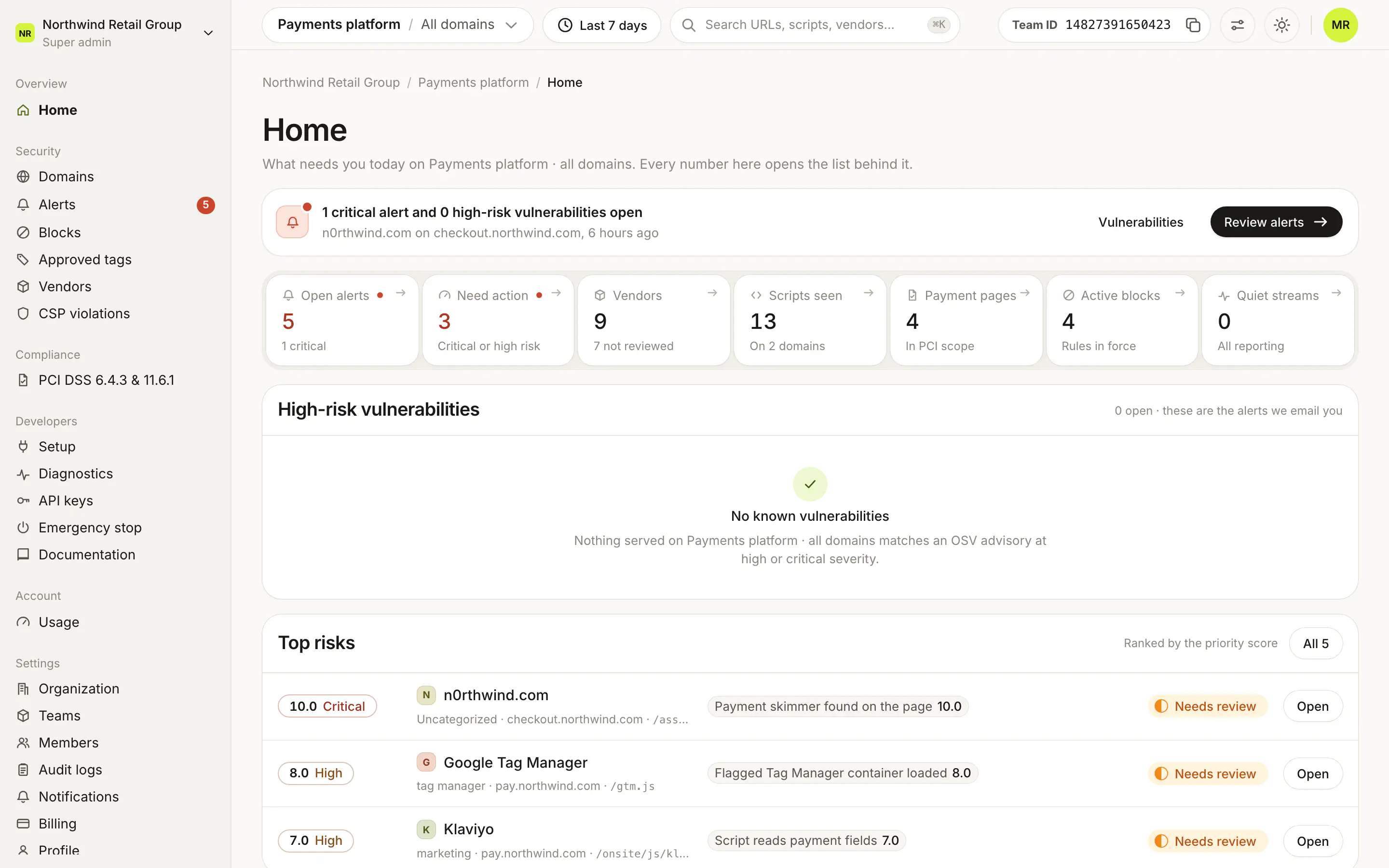
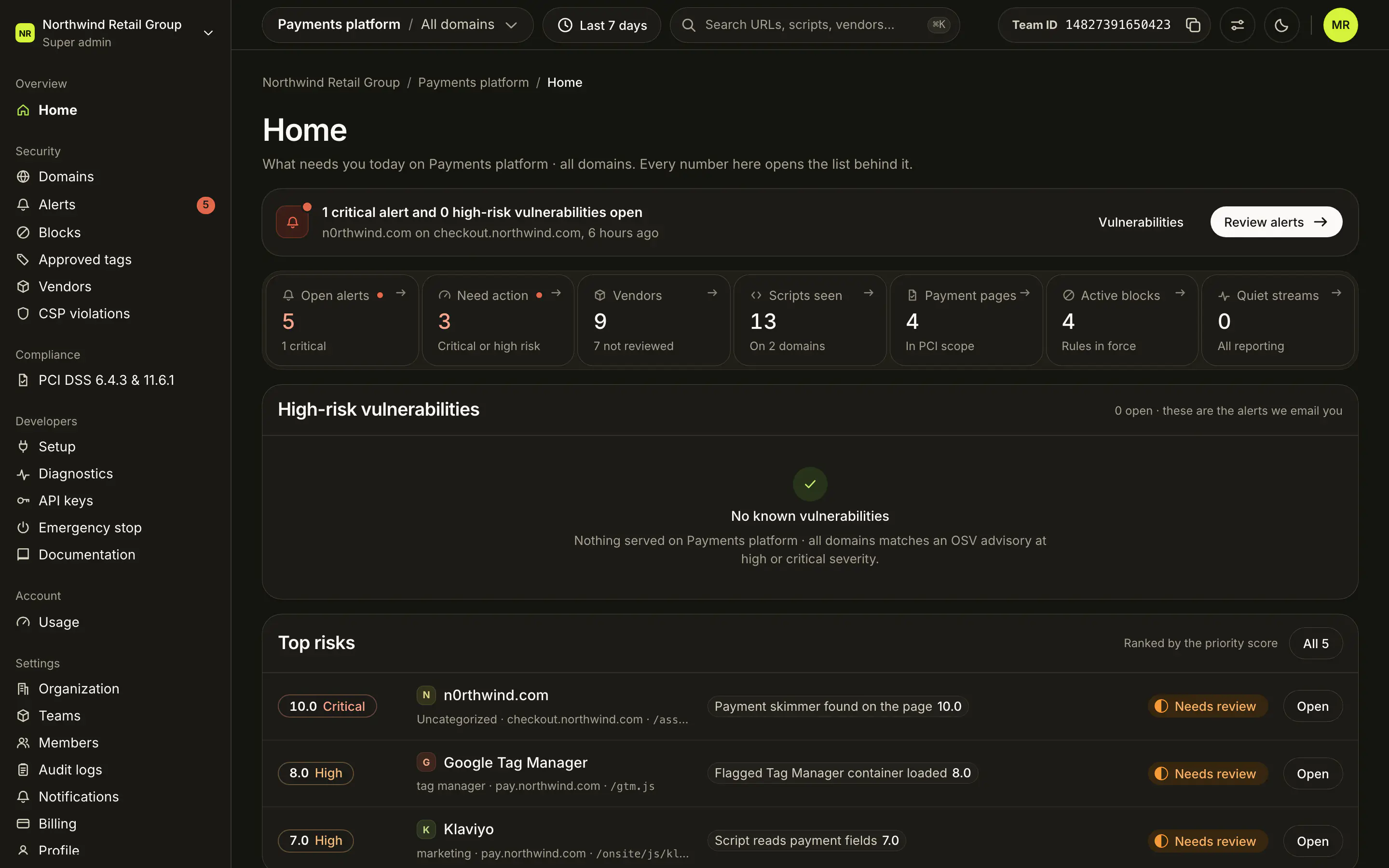
On Home:
- Open alerts and Need action are at or near zero, and there is no critical banner.
- Vendors shows "0 not reviewed".
- Quiet streams says "All reporting".
- Active blocks counts the block rules you chose to keep.
Frequently asked questions#
Why is the alert queue long on the first day?
Everything on your pages is new to Script Monitoring at first. Decisions are one per vendor, so a long list of alerts usually comes down to a handful of decisions.
Do I have to follow the days in order?
No. Each day is one short session. Home shows where you are, and every number on it opens the list behind it.