Get startedQuickstart
The shortest path to a working install: answer Setup steps 1 and 2, add the tag from step 3, load a page and confirm it reports in step 5.
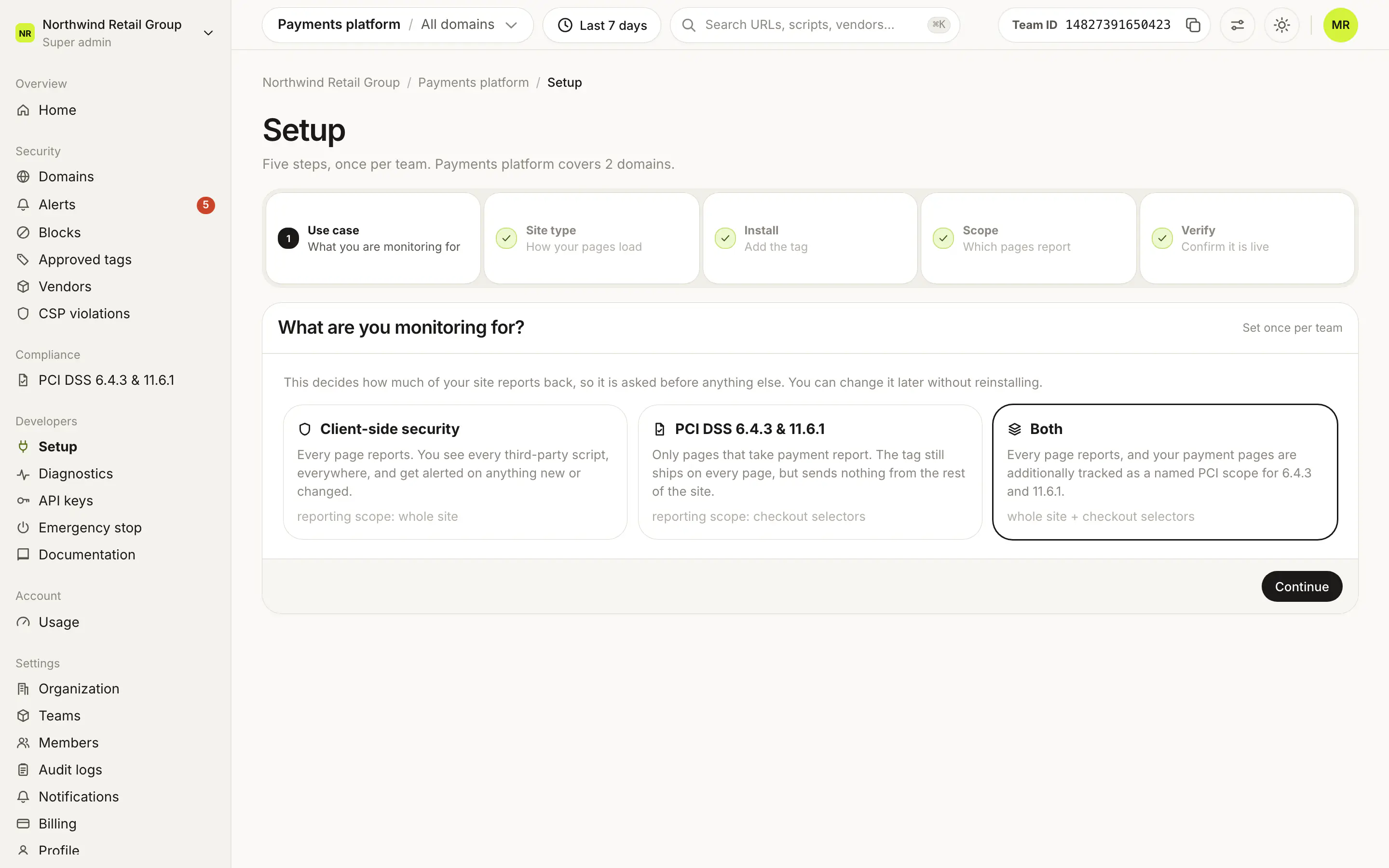
The quickest way to start is four steps in Developers > Setup: pick your use case, pick your site type, add the tag, and verify. Once step 5 says the tag is live, Script Monitoring is watching every third-party script on your pages.
Step 1: open Setup#
Sign up or log in. New accounts land on Developers > Setup.
Step 2: answer the use case and site type#
Pick Client-side security, PCI DSS 6.4.3 & 11.6.1 or Both in step 1, and whether your site is a single-page app in step 2. They change what the install step recommends, and you can change them later. What each use case reports: Payment pages.
Step 3: add the tag#
Copy the snippet for your method from step 3 and put it first in the <head> of every page: Install the script tag.
Step 4: verify#
Load a page on your site and open step 5. It says Live once reports arrive: Verify it's working.
What's next?#
Frequently asked questions#
How long does this take?
As long as it takes to deploy one line to your site. The first report arrives within a minute of a page being visited.
Which install method should I pick?
The one that matches who owns your HTML: see Install the script tag.