Get startedHTML
Install with an HTML script tag
Paste the Script Monitoring script tag at the top of your site's head. Copy the snippet from Setup step 3, keep it synchronous, and add it to every page.
The HTML method is one line: paste the Script Monitoring tag at the top of the <head> of every page, before any other script. It works on any site where you control the HTML, including single-page apps whose index.html you edit yourself.
How do I add the tag?#
-
In the dashboard, open Developers > Setup and go to step 3, Install.
-
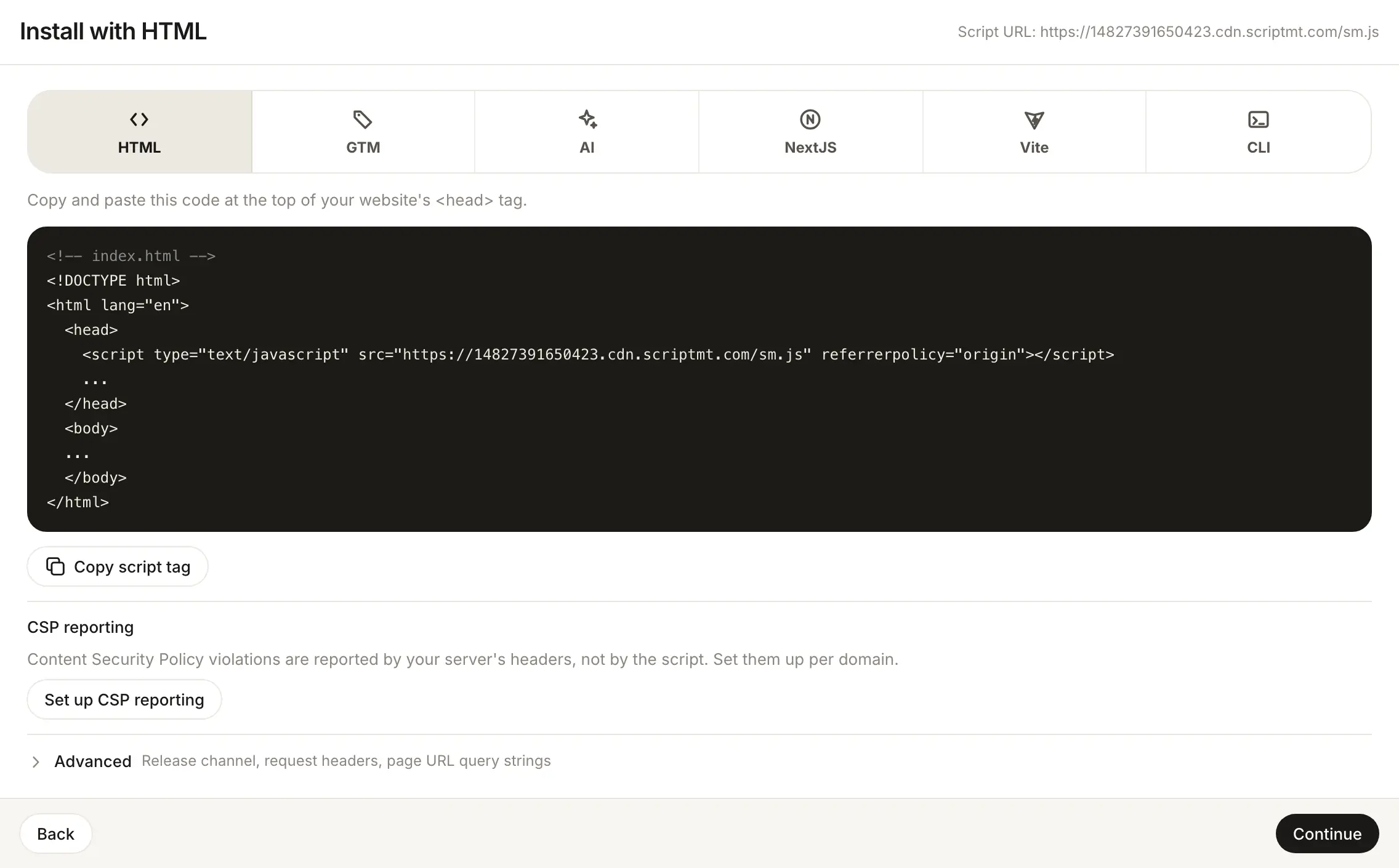
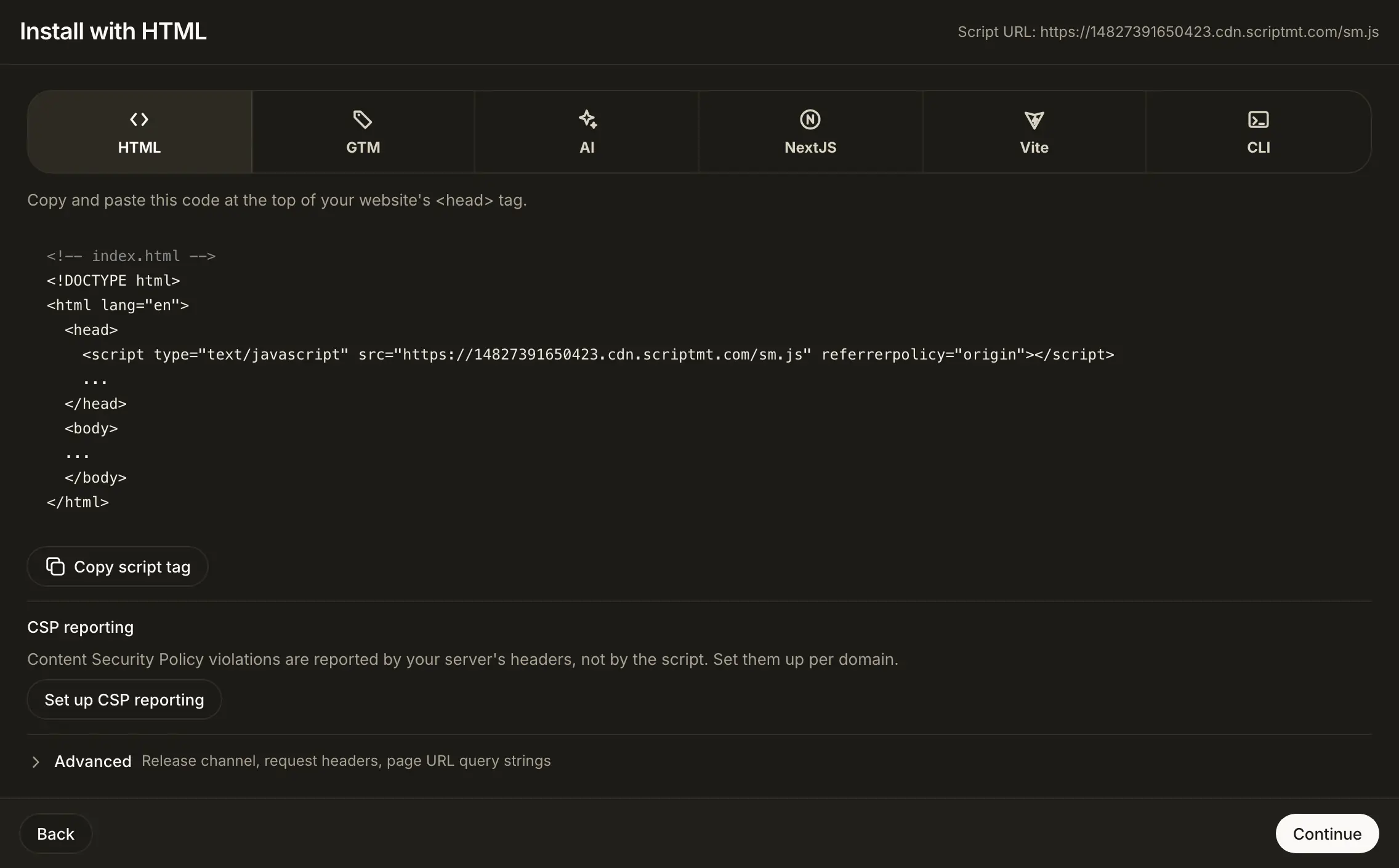
Pick HTML. The panel says: "Copy and paste this code at the top of your website's
<head>tag." -
Click Copy script tag. It copies just the tag:
<script type="text/javascript" src="https://<teamID>.cdn.scriptmt.com/sm.js" referrerpolicy="origin"></script> -
Paste it as the first element inside
<head>on every page:<!-- index.html --> <!DOCTYPE html> <html lang="en"> <head> <script type="text/javascript" src="https://<teamID>.cdn.scriptmt.com/sm.js" referrerpolicy="origin"></script> ... </head> <body> ... </body> </html> -
Deploy, load a page on your site, and open step 5, Verify. See Verify it's working.
<teamID> is filled in for you when you copy from the dashboard.
Before you deploy, check the tag against the placement rules: first in the <head>, no async or defer, referrerpolicy kept. Tag managers, consent tools and analytics go below it.
Having trouble seeing reports?
Check the tag against the placement rules, make sure the domain is listed under Security > Domains, then follow Verify it's working.
What if my team uses an immutable script?#
Some teams have an immutable script, turned on by Script Monitoring staff. For those teams the HTML method shows the Immutable script panel instead of the snippet above: a script URL that never changes, with a Subresource Integrity value.
<script src="https://.../<sha256>.js" integrity="sha384-..." crossorigin="anonymous" referrerpolicy="origin"></script>
Copy the exact tag from the panel (Copy script tag, Copy URL, Copy integrity) and place it at the top of the <head>, synchronous, like the standard tag. Your site keeps the installed version until you replace the tag: configuration changes and script updates are adopted by installing a newly published URL and integrity value. Refresh only checks whether a newer version was published. It does not change your site.
Frequently asked questions#
Do I need to change the tag when Script Monitoring ships a new script version?
No. The tag's URL serves the current release of your team's release channel (Latest or Stable, under Install > Advanced). Only an immutable script keeps the version you installed.
Can I add it to a shared template instead of every page?
Yes. Put it in the layout or template that renders the <head> for every page, as the first script. On a single-page app that is the HTML shell, usually index.html.