Get startedVerify it's working
Verify it's working
Check that the Script Monitoring tag is delivered and reporting: read Setup step 5, Verify, its tiles, per-domain list and status notes.
To confirm Script Monitoring is working, open Developers > Setup and go to step 5, Verify: it shows how often the tag was delivered this month and which domains sent script reports in the last 24 hours. Once the install is running, Diagnostics watches every data stream and flags any that go quiet.
How do I check the install in Setup?#
-
Load a page on your site that has the tag.
-
In the dashboard, open Developers > Setup and go to step 5, Verify.
-
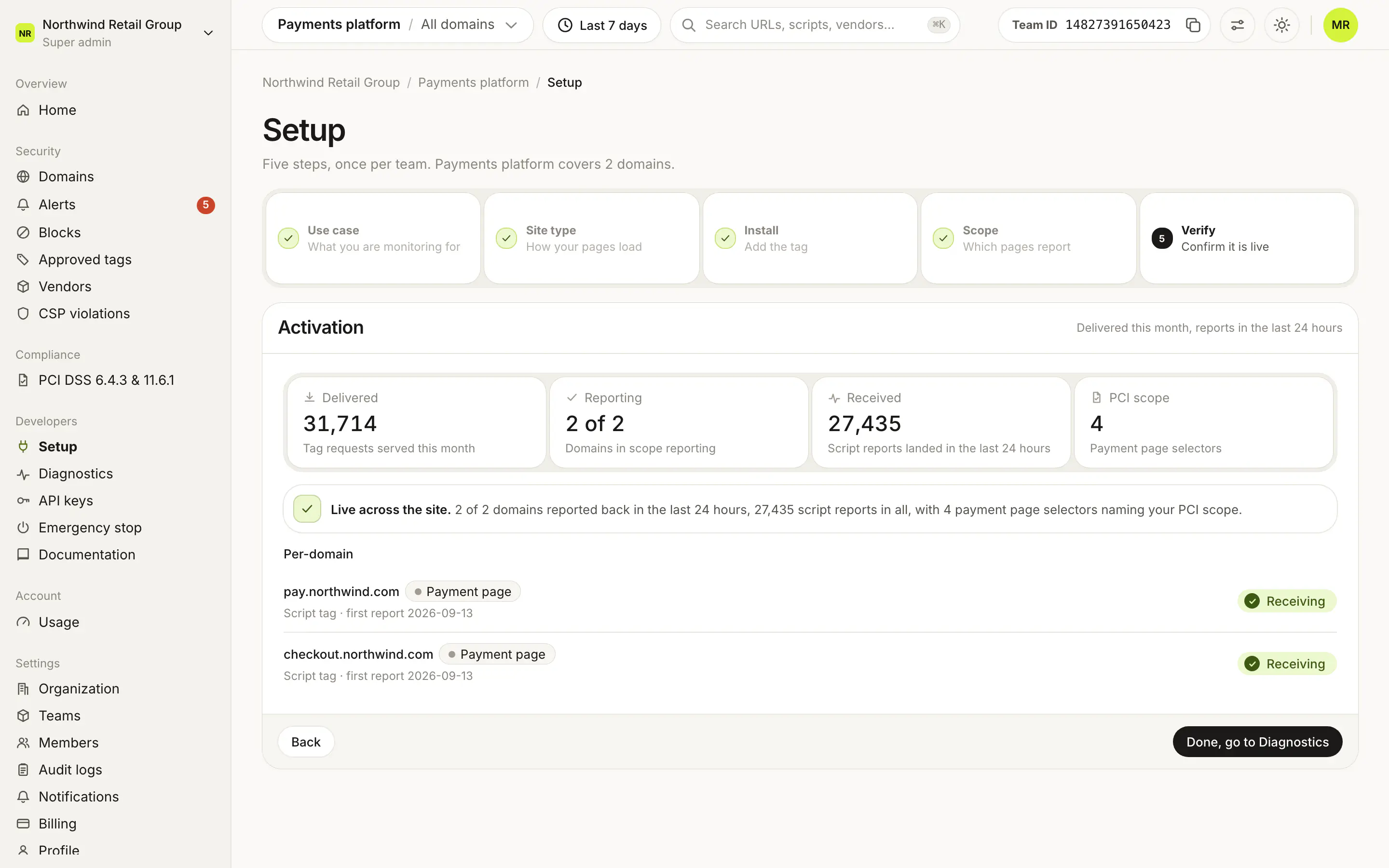
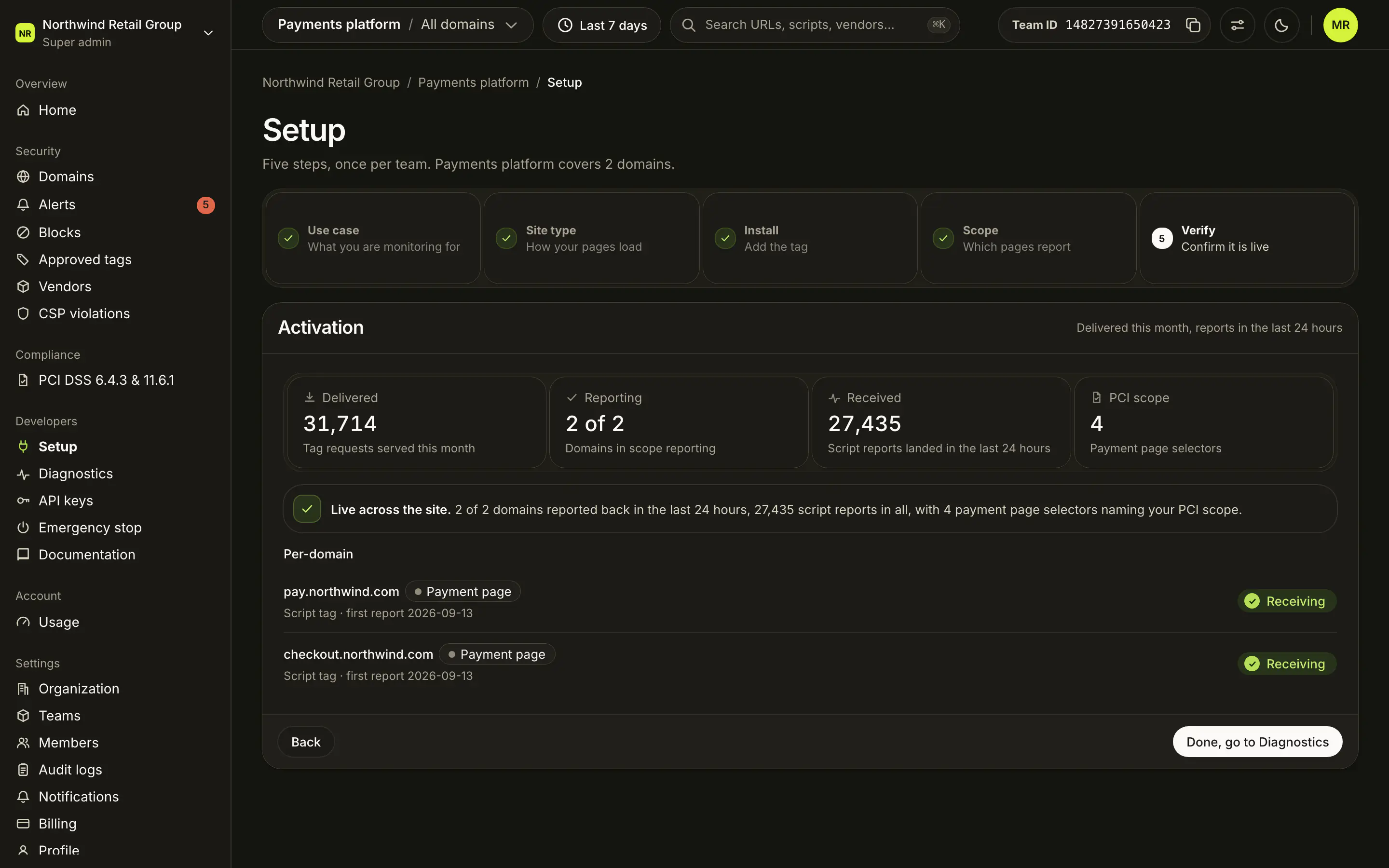
Read the Activation card. Its tiles:
Tile What it counts Delivered Tag requests served this month. Reporting How many of your team's domains sent script reports in the last 24 hours, for example "2 of 3". Received Script reports that landed in the last 24 hours. PCI scope Your payment page selectors. Shown when the use case is Both. -
Check each row in the Per-domain list. A domain that reports says Receiving, with "first report" and a date. Agentic crawler domains say Crawled.
What does each status note mean?#
Step 5 shows one note, the first that applies:
| Note | Meaning |
|---|---|
| Setup is not complete. | Your use case needs payment pages, but step 4 has none. Nothing is in PCI scope until you add one. |
| Delivered, but never activated. | The tag was served this month and no script report landed in 24 hours. Check that the tag is in the served HTML. On a single-page app, test a real URL in step 4. |
| Live, narrowly. | Reports are arriving, and only payment pages report. A low count is expected: the tag ships everywhere and reports only from checkout. |
| Live across the site. | Reports are arriving from your domains. |
| Nothing has arrived yet. | No report yet. Once a page with the tag is visited, the first report lands within a minute. |
What comes next?#
Click Done, go to Diagnostics to watch the install over time: see Diagnostics.
Frequently asked questions#
How long until the first report shows up?
Within a minute of a page with the tag being visited. Step 5 says "Nothing has arrived yet" until then.
Step 5 says "Delivered, but never activated". What does that mean?
The tag was served this month but no script report landed in the last 24 hours. Check that the tag is in the HTML your server actually sends, as the first script in the <head>. On a single-page app this usually means a payment page selector does not describe the route your router produces: test a real URL in step 4.
Does Verify keep checking after setup?
Step 5 always shows the last 24 hours, so you can come back to it. For ongoing monitoring of every stream, use Diagnostics.