DevelopersDiagnostics
Use Diagnostics to see whether each domain's Scripts, CSP Violations and Security Headers streams are receiving data, and stop false alarms on quiet sites.
Developers > Diagnostics answers "is the monitoring itself working?" It lists every domain in the team (or the domain picked in the top bar) with one status per data stream, flags streams that have gone quiet for longer than your failure window, and lets you mute streams that are quiet on purpose. Every team member can see it.
How do I read Diagnostics?#
Open Developers > Diagnostics, or click Done, go to Diagnostics at the end of Setup.
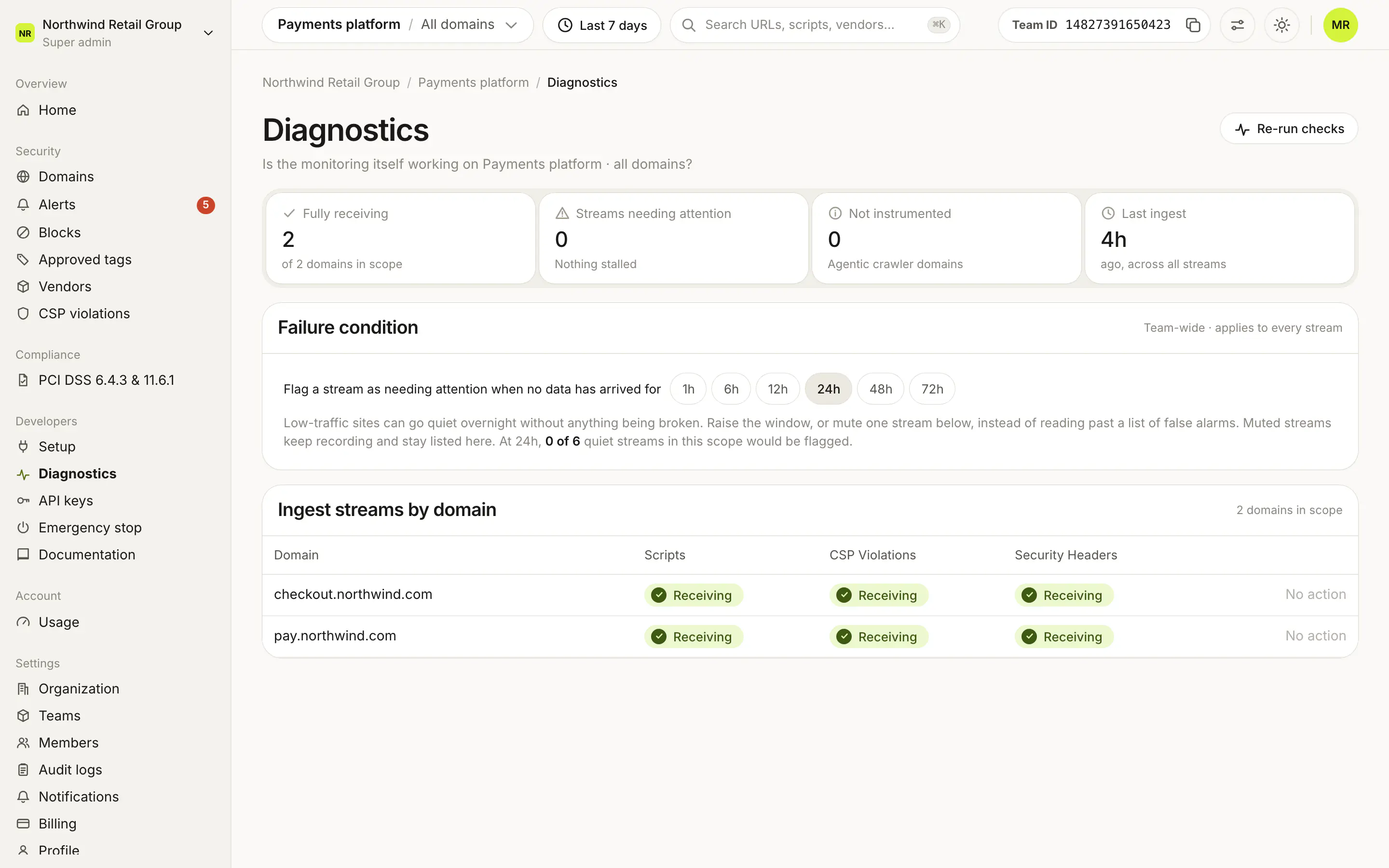
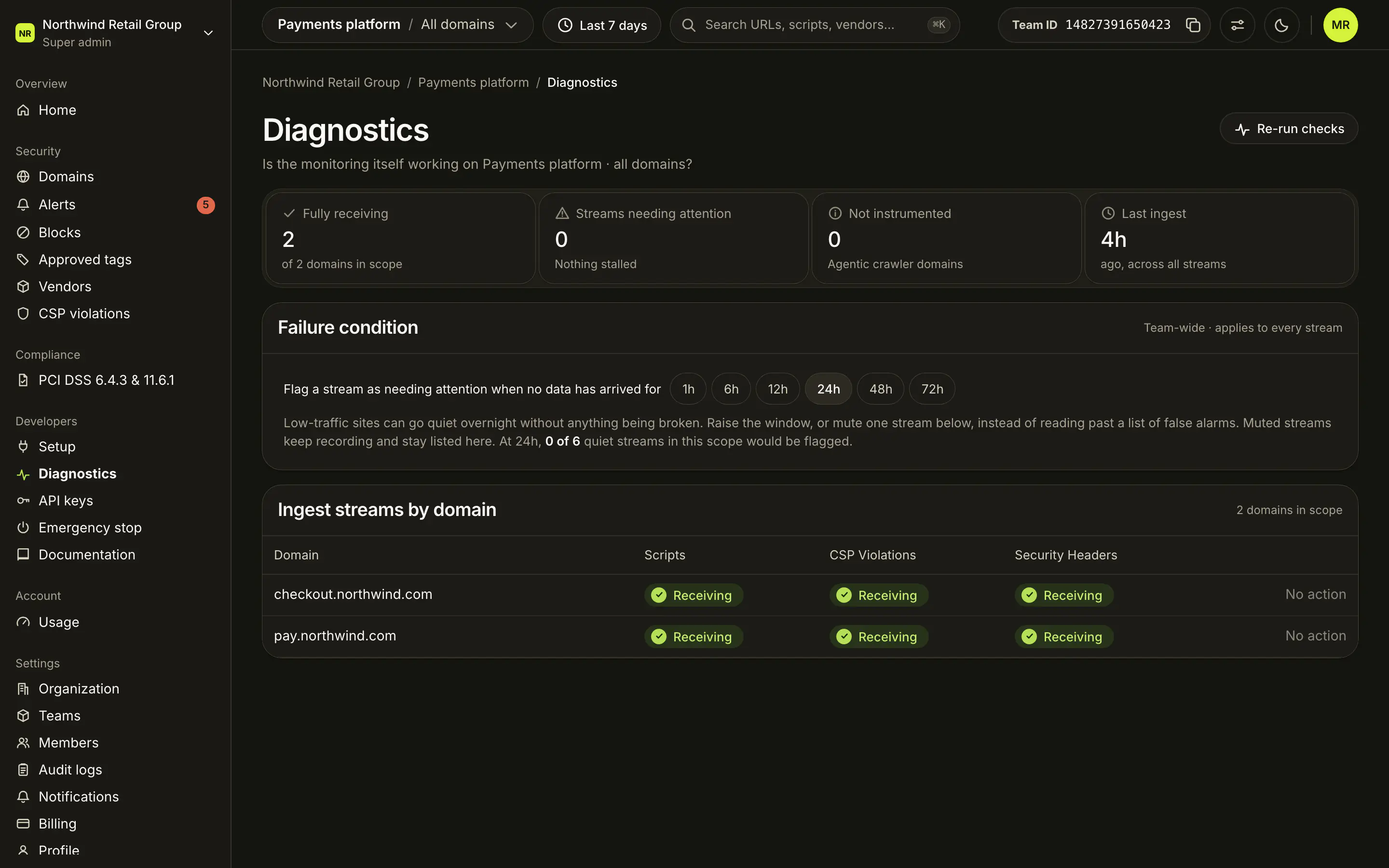
The four tiles:
- Fully receiving: domains whose expected streams all have data.
- Streams needing attention: streams past the failure window. Click it to jump to the table.
- Not instrumented: Agentic crawler domains, which send no live streams.
- Last ingest: how long ago the newest data arrived, across all streams.
The Ingest streams by domain table has one row per domain and one column per stream your team produces.
What does each stream mean?#
| Stream | Where it comes from |
|---|---|
| Scripts | Script loads observed by the edge, from pages that carry the tag. A stable site keeps this stream busy even when no new script appears. |
| CSP Violations | Content Security Policy reports sent by browsers, once your server sends the CSP reporting headers. |
| Security Headers | Security header reports from monitored pages. The PCI DSS 11.6.1 header evidence is built from these. |


Each cell has one status:
- Receiving: data arrived within the failure window.
- Not receiving: no data for longer than the window. Hover to see for how long. Counted as needing attention unless the stream is muted.
- Not set up: no data in the last 30 days. Never counted.
How do I stop false alarms on quiet sites?#
The Failure condition card sets when a stream counts as needing attention: after 1h, 6h, 12h, 24h (the default), 48h or 72h without data. It applies to every stream in the team. Super admins and Admins of the team can change it.
For a single stream that is quiet on purpose, click Mute on its row: it keeps recording, stays listed as Not receiving, and is no longer flagged. Unmute reverses it. Use Re-run checks at the top to refresh every result now, and Diagnose on a row to open that domain's own Diagnostics, with hourly charts for the last 24 hours.
Frequently asked questions#
Why does Diagnostics show a domain with no status?
Suspended domains and Agentic crawler domains send no live streams, so they are listed without status and left out of every count.
Why does the CSP Violations stream say "Not set up"?
CSP reports come from your server's response headers, not from the script tag. Set them up with CSP reporting.
My site is quiet at night and streams get flagged. What should I change?
Raise the Failure condition window (up to 72 hours), or mute the quiet stream on that domain. A muted stream keeps recording but is not flagged.
Does muting a stream lose data?
No. A muted stream keeps recording. It stays listed as Not receiving when it is quiet, but it is no longer counted as needing attention.