AccountPlans and upgrades
Plans and upgrades
What Free, Pro and Enterprise include, how page views are metered, the 14-day Pro trial, the plan sheet, and how to request an Enterprise proof of concept.
Script Monitoring has three plans: Free, Pro and Enterprise. Every plan is metered on page views, and domains, scripts and vendors are unlimited on all of them. Free covers 1,000 page views a month. Pro adds volume from 100,000 to 1,000,000 page views a month, plus AI, the vendor load chain, webhooks, S3 and multiple teams. Enterprise adds custom limits, 90 days of history, SSO, audit logs and multiple organizations. Each team has its own plan. Prices are on the pricing page.
What does each plan include?#
| Feature | Free | Pro | Enterprise |
|---|---|---|---|
| Page views a month | 1,000 (hard stop) | 100,000 to 1,000,000 | Custom |
| Domains, scripts and vendors | Unlimited | Unlimited | Unlimited |
| Script blocking and monitor-only mode | Yes | Yes | Yes |
| CSP reporting | Yes | Yes | Yes |
| PCI DSS 6.4.3 and 11.6.1 dashboard | Yes | Yes | Yes |
| PDF evidence packs, retained 18 months | Yes | Yes | Yes |
| Email alerts | Yes | Yes | Yes |
| API keys | Yes | Yes | Yes |
| MFA enforcement | Yes | Yes | Yes |
| Script history | 30 days | 30 days | 90 days |
| AI script analysis and PCI auto-approval | No | Yes | Yes |
| Vendor load chain | No | Yes | Yes |
| Per-vendor permissions | No | Yes | Yes |
| Webhook alerts and S3 log push | No | Yes | Yes |
| Multiple teams | No | Yes | Yes |
| SSO | No | No | Yes |
| Audit logs | No | No | Yes |
| Multiple organizations | No | No | Yes |
| 99.9% uptime SLA | No | No | Yes |
| Priority support under 4 business hours | No | No | Yes |
Each docs page shows the lowest plan that includes what it describes. In the dashboard, a feature your plan doesn't include shows a lock with the plan it needs (Pro or Enterprise). Clicking it opens the plan sheet with the reason.
How are page views metered?#
Page views are counted per team, per calendar month, and reset on the 1st. They are the only thing metered. Usage shows this month's count, the projection and the split by domain.
- Free is a hard stop at 1,000 page views. At the limit, Home, Alerts, Vendors, the script pages and PCI DSS show You have reached the Free plan limit in place of data, with an Upgrade button.
- Pro includes the page views of its volume. Past that, overage applies.
- Enterprise has custom limits.
Warnings appear at 80% of the allowance, as described on Usage.
What does the plan sheet show?#
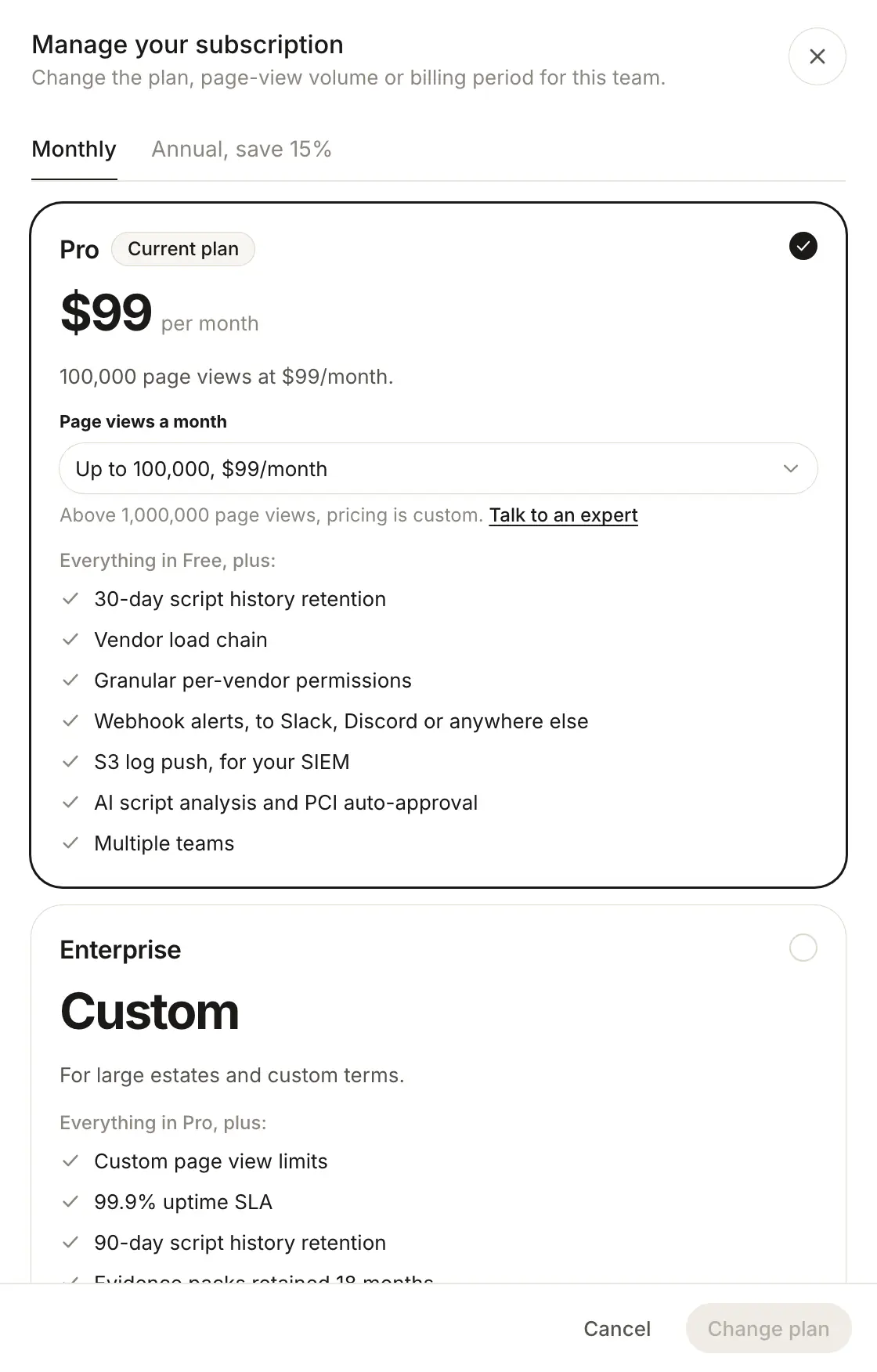
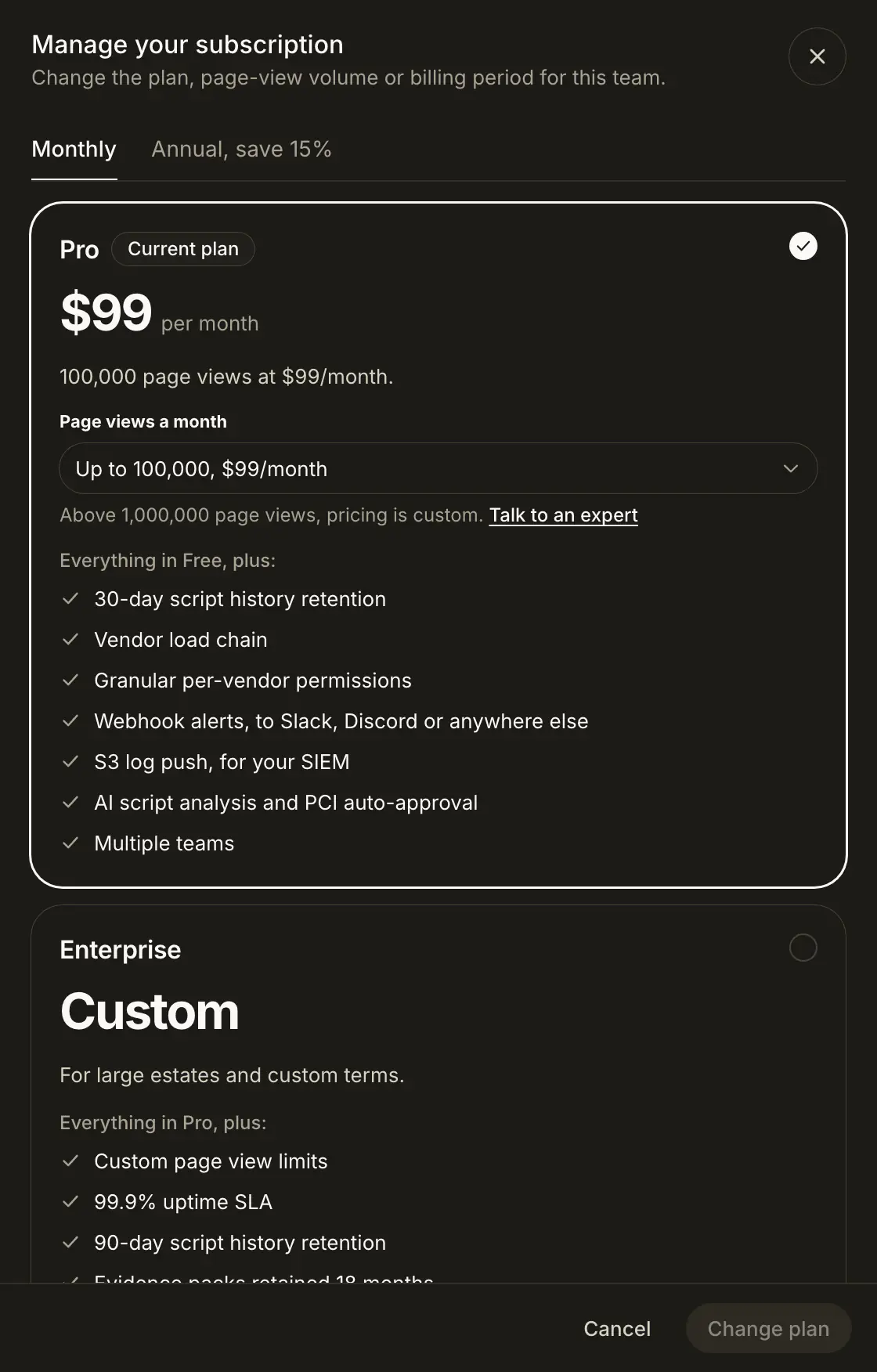
The plan sheet opens from Upgrade or Change plan on Billing, from a usage warning, from a plan lock, or from Upgrade to Pro in the command palette. On Free it is titled Upgrade your team. On a paid plan it is Manage your subscription, and the team's plan carries a Current plan badge.
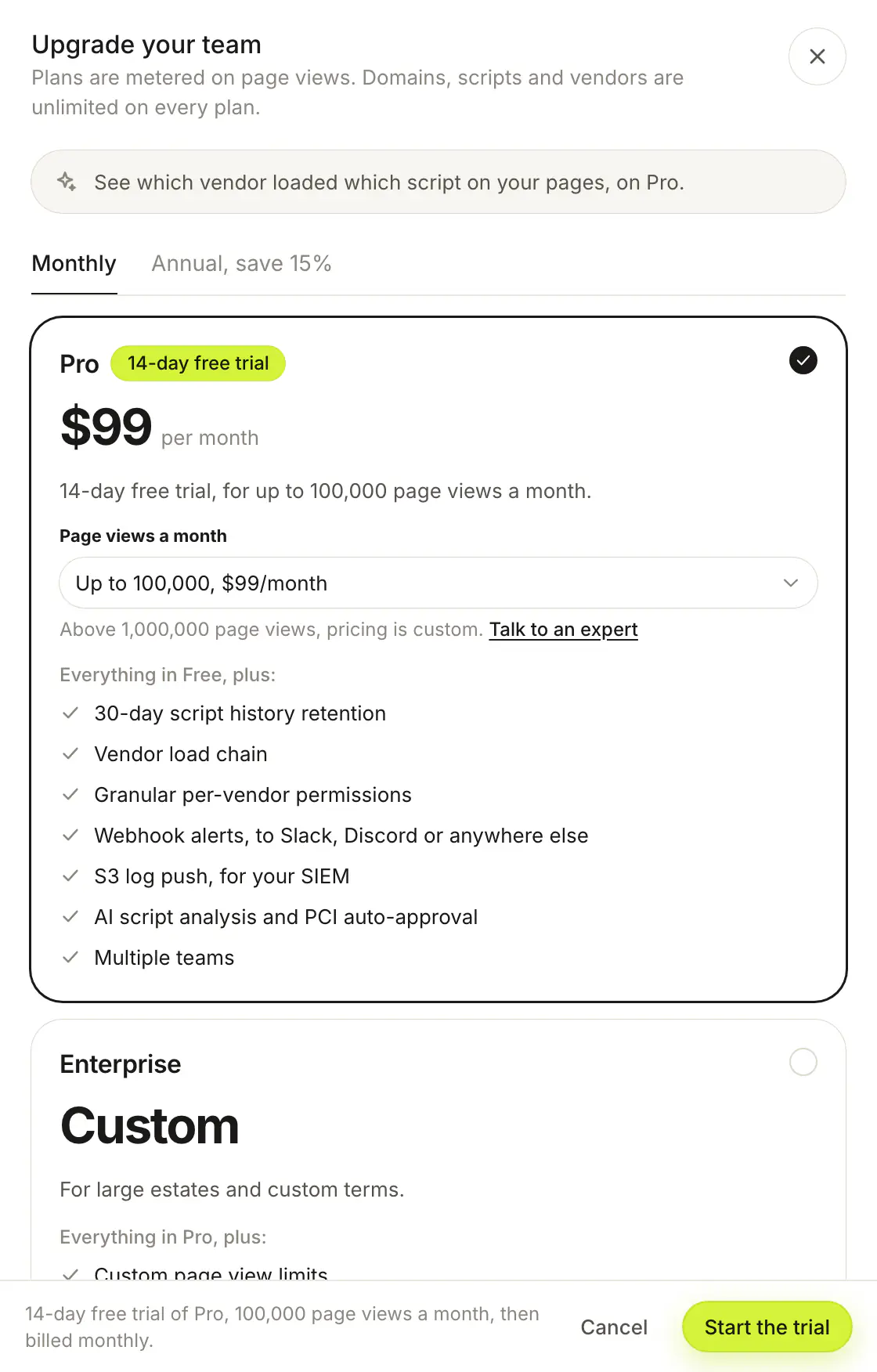
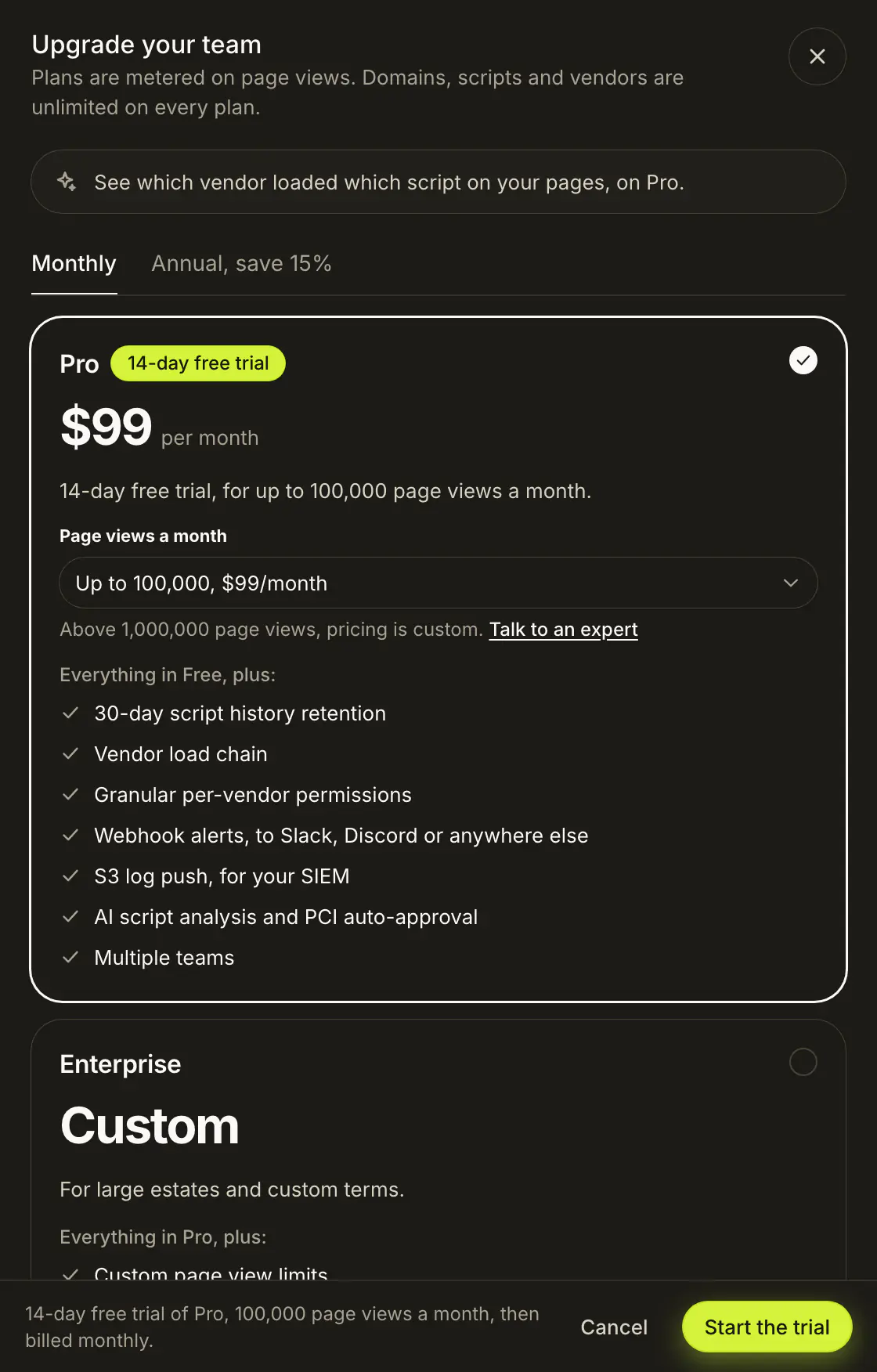
- Monthly and Annual tabs set the billing period. The Annual tab shows the saving.
- The Pro card has a Page views a month picker with ten volumes, from up to 100,000 to up to 1,000,000, each with its price. Volumes above 500,000 are set up by our team, so picking one turns the button into Talk to an expert. Above 1,000,000 page views, pricing is custom.
- The Enterprise card shows Custom pricing.
- The Free card appears only when you manage a paid plan, so you can downgrade.
The footer sums up the change, such as "Changing to Pro, 200,000 page views a month, billed monthly." The button reads Upgrade, Start the trial, Change plan, Downgrade or Talk to an expert, depending on what you picked. When upgrading, the sheet only offers plans above the current one.
How does the Pro trial work?#
A Free team that has never had a trial gets a 14-day free trial of Pro. The Pro card shows 14-day free trial, and the button reads Start the trial. During the trial, Billing shows the Trial status and the date it ends. Add a card before then to keep the plan. Moving to Free during a trial ends the trial at once.
How do I request Enterprise?#
Pick Enterprise and click Talk to an expert. The sheet moves to Request Enterprise access, a request for a 14-day proof of concept:
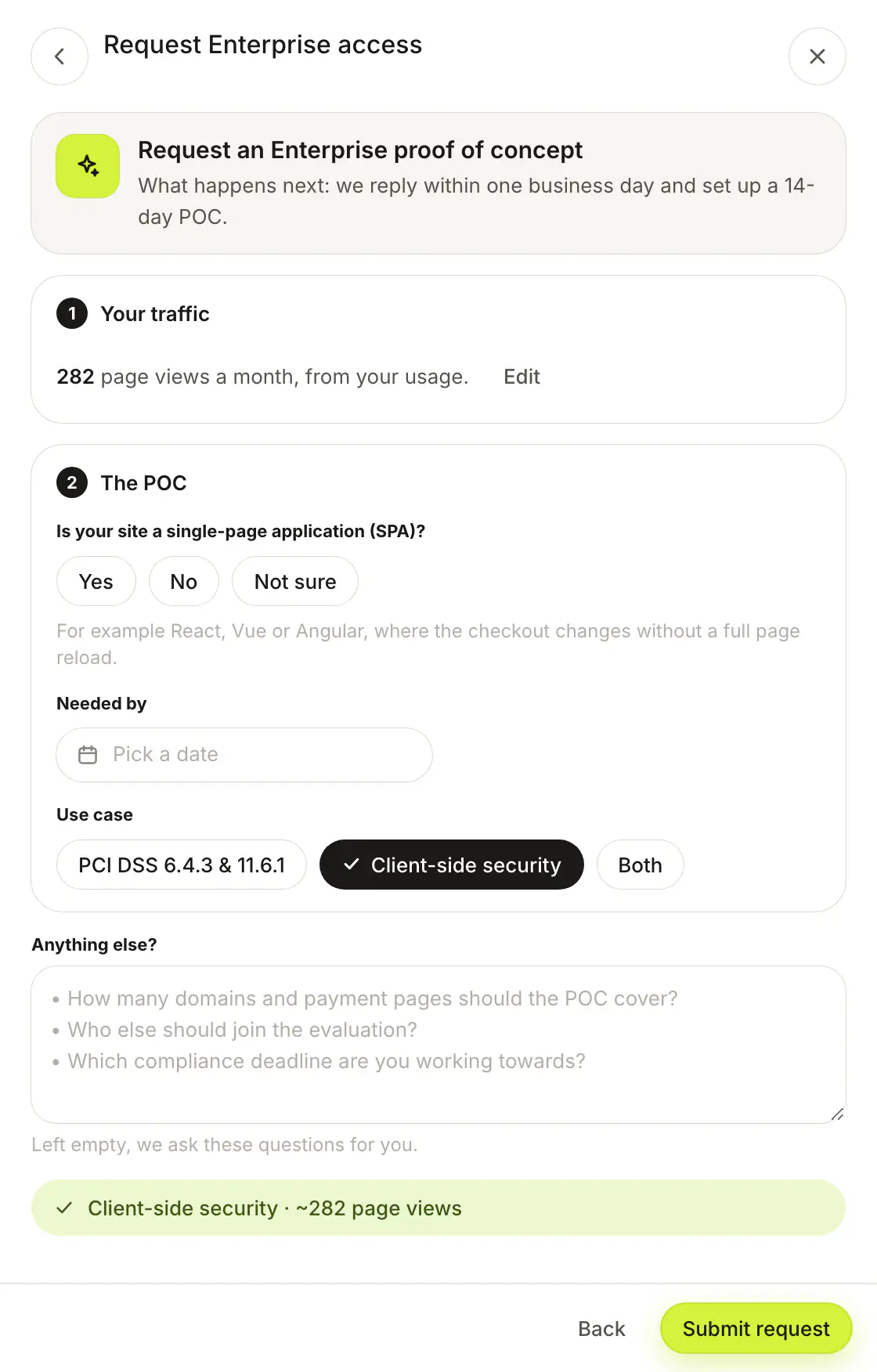
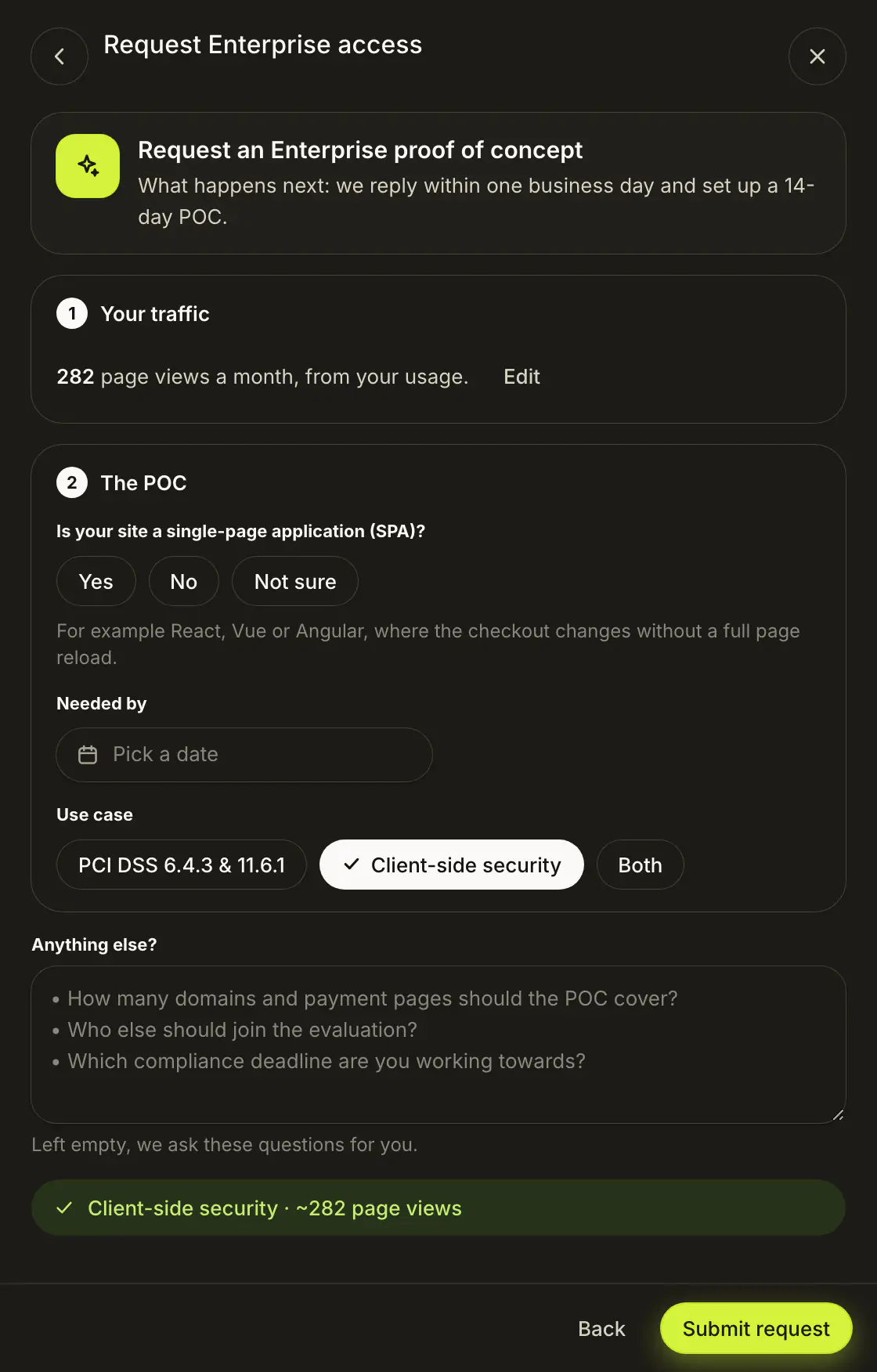
- Your traffic: Page views a month or Transactions a month. An estimate is fine. When the team's usage or the picked volume is known, it is filled in, with an Edit button.
- The POC: Is your site a single-page application (SPA)? (Yes, No or Not sure), Needed by, and Use case (PCI DSS 6.4.3 & 11.6.1, Client-side security or Both).
- Anything else?: optional notes. Left empty, we ask about the domains and payment pages to cover, who else joins the evaluation, and your compliance deadline.
Submit request sends it. The confirmation says we will contact you by email within one business day to set up the proof of concept. You can also talk to an expert on our website.
Who can change a plan?#
Super admins, Admins with Can manage billing, and Admins of the team can change that team's plan.
Frequently asked questions#
What happens when Free reaches 1,000 page views?
Free is a hard stop at 1,000 page views a month. Home, Alerts, Vendors, the script pages and PCI DSS show You have reached the Free plan limit in place of data until you upgrade or the month resets on the 1st.
Is there a free trial of Pro?
Yes. A Free team that has never had a trial gets 14 days of Pro. The plan sheet shows 14-day free trial and the button reads Start the trial.
Are blocking, CSP and evidence packs paid features?
No. Script blocking, CSP reporting, the PCI DSS dashboard and PDF evidence packs are on every plan, including Free.
How long is an Enterprise proof of concept?
14 days. Request one from the plan sheet with Talk to an expert, or contact us.
Where are the prices?
On the pricing page. The plan sheet shows the price for the volume and billing period you pick.