SettingsAudit logs
Reference for Settings > Audit logs: the columns, the scope, kind of change and person filters, which changes are recorded, and who sees which entries.
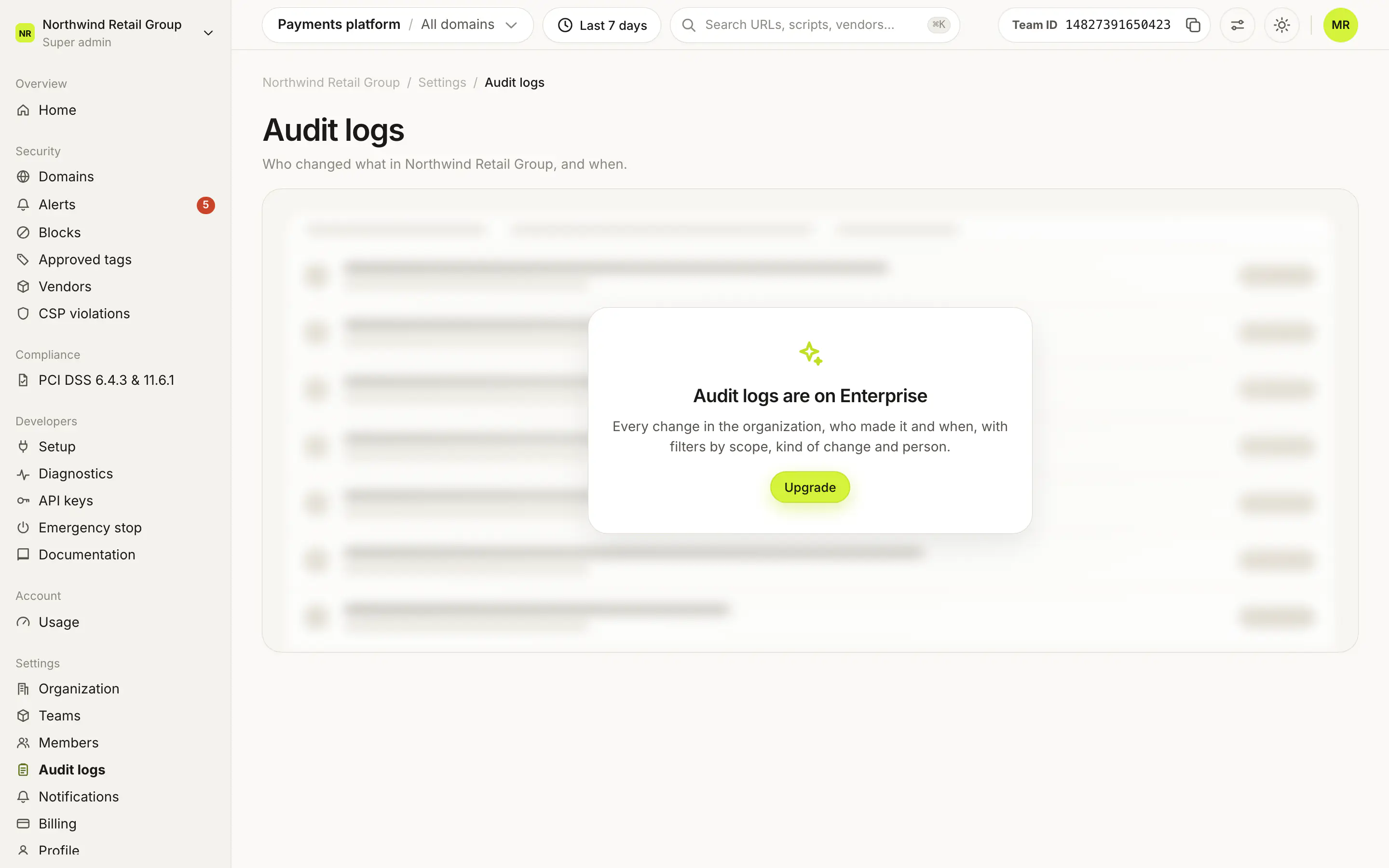
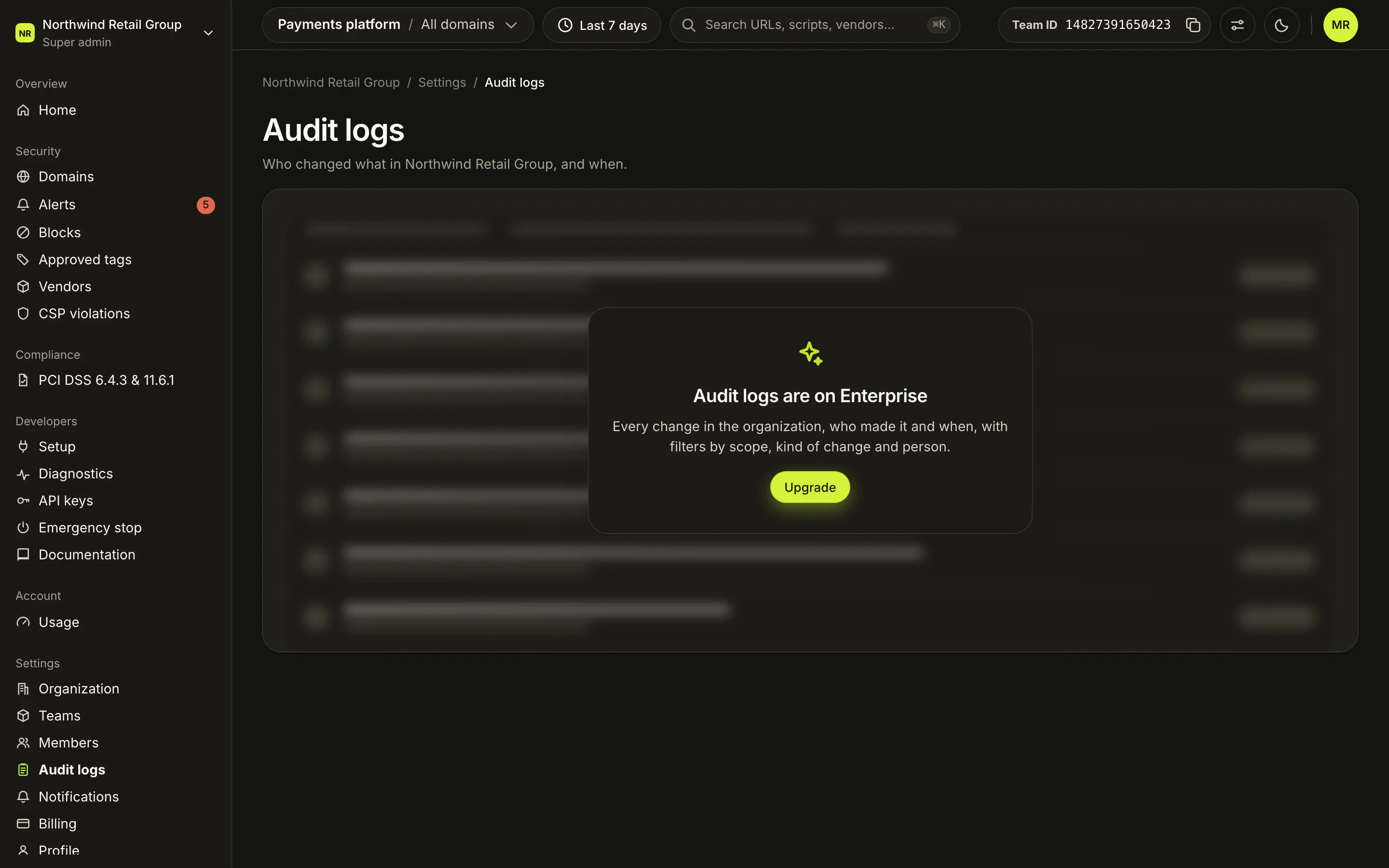
Settings > Audit logs lists who changed what in your organization, and when, for the top bar's date range, newest first. You can search it, filter by scope, kind of change and person, and click any row to see the details that were recorded. Audit logs are on Enterprise. Every member of the organization can open the page, and each person sees the entries for the parts of the organization they can access.
What does each column show?#
The Activity card has one row per change:
| Column | What it shows |
|---|---|
| When | The date and the local time. Hover for other time zones. |
| Who | The person's name and email. "Script Monitoring" when Script Monitoring made the change, "Deleted user" when the account no longer exists. |
| Action | What was done, and the operation under it. |
| Resource | The thing that changed (a domain, a block, a team, a person) and its kind. |
| Scope | Organization, Team or Domain: where the change applies. |
Click a row to expand its Details: the recorded data as JSON, with a copy button. A row with nothing more says "No further details were recorded for this change." Previous and Next page through long results.
How do I filter the log?#
The filter bar has:
- Search: matches actions, people and resources.
- Scope: All scopes, Organization, Team or Domain.
- Kind of change: All changes or one kind (see below).
- Person: Everyone or one member.
- Clear filters, once any filter is set.
The date range comes from the top bar. If nothing matches, the page says "No activity in this period".
Which changes are recorded?#
The Kind of change filter lists every kind the log records: Domains, Blocks, Block overrides, Alert reviews, Scripts, Browser extensions, Teams, People, Invitations, Payment methods and Organization. Each row's Resource column names its kind.
Who can see audit logs?#
Every member of the organization can open Audit logs, but not every entry:
- Super admins and Admins with billing see the organization and every team and domain.
- Admins and Viewers see organization entries plus the teams they belong to and the domains they can access.
If no team in the organization is on Enterprise, the page shows "Audit logs are on Enterprise" instead of the log.
Frequently asked questions#
Which plan includes audit logs?
Enterprise. The organization gets audit logs when at least one of its teams is on Enterprise. On other plans the page shows "Audit logs are on Enterprise".
Why does an entry say "Script Monitoring" instead of a person?
Script Monitoring made that change itself. An entry by a person whose account was deleted says "Deleted user".
Why can't I see changes in some teams?
You see organization entries plus the teams and domains you belong to. Super admins and Admins with billing see every team.