SecurityBlocks
Stop a script at the Script Monitoring edge on every domain in your team, check the rule is enforced, and respond to a malicious script step by step.
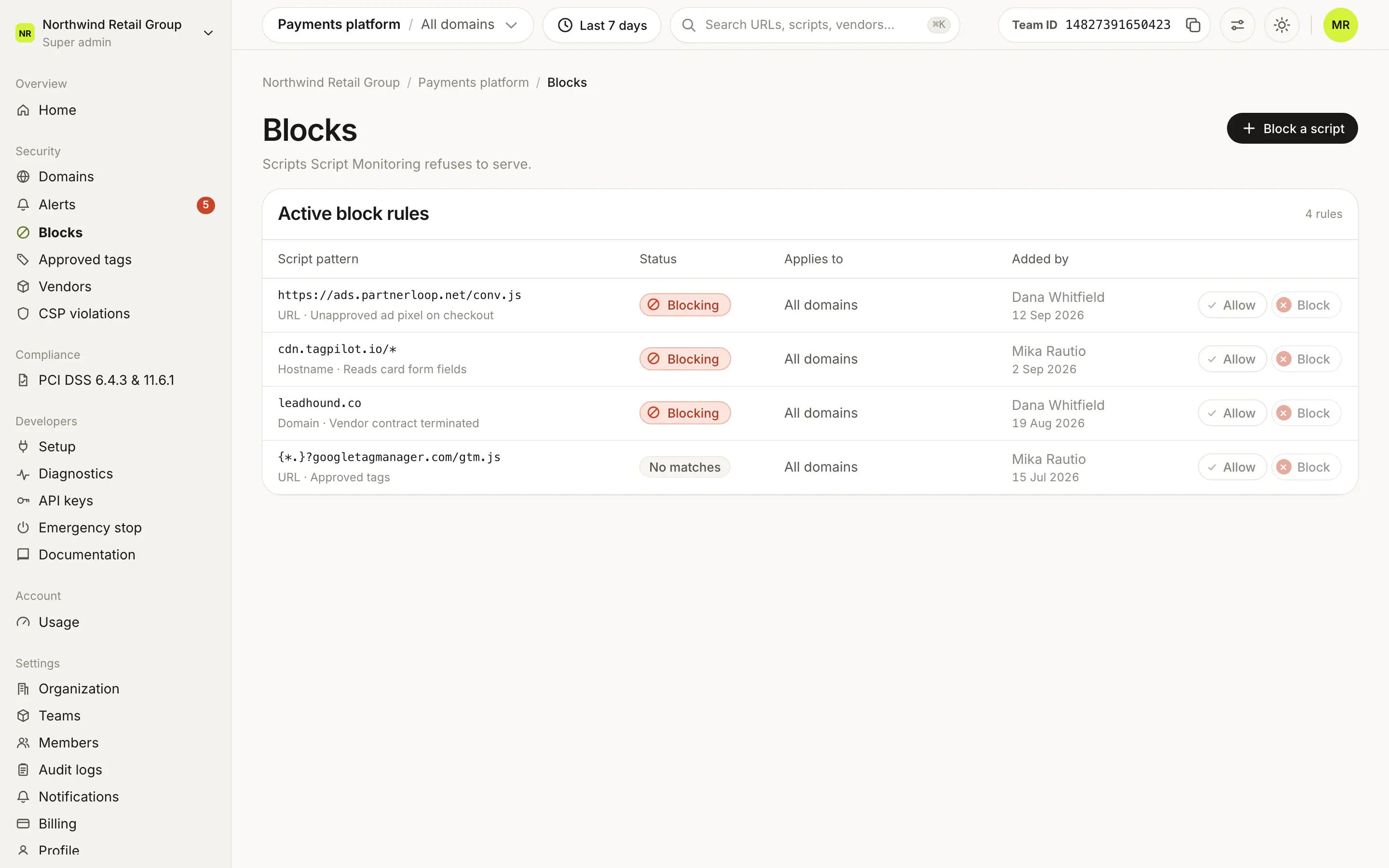
Security > Blocks holds the rules that stop scripts from loading. A rule matches a script URL, a host or a domain, applies to every domain in your team, and reaches the Script Monitoring edge in under 60 seconds, so no deploy is needed on your side. Most blocks start from an alert; this page covers the rules themselves and blocking a script that has no alert.
How do I block a script?#
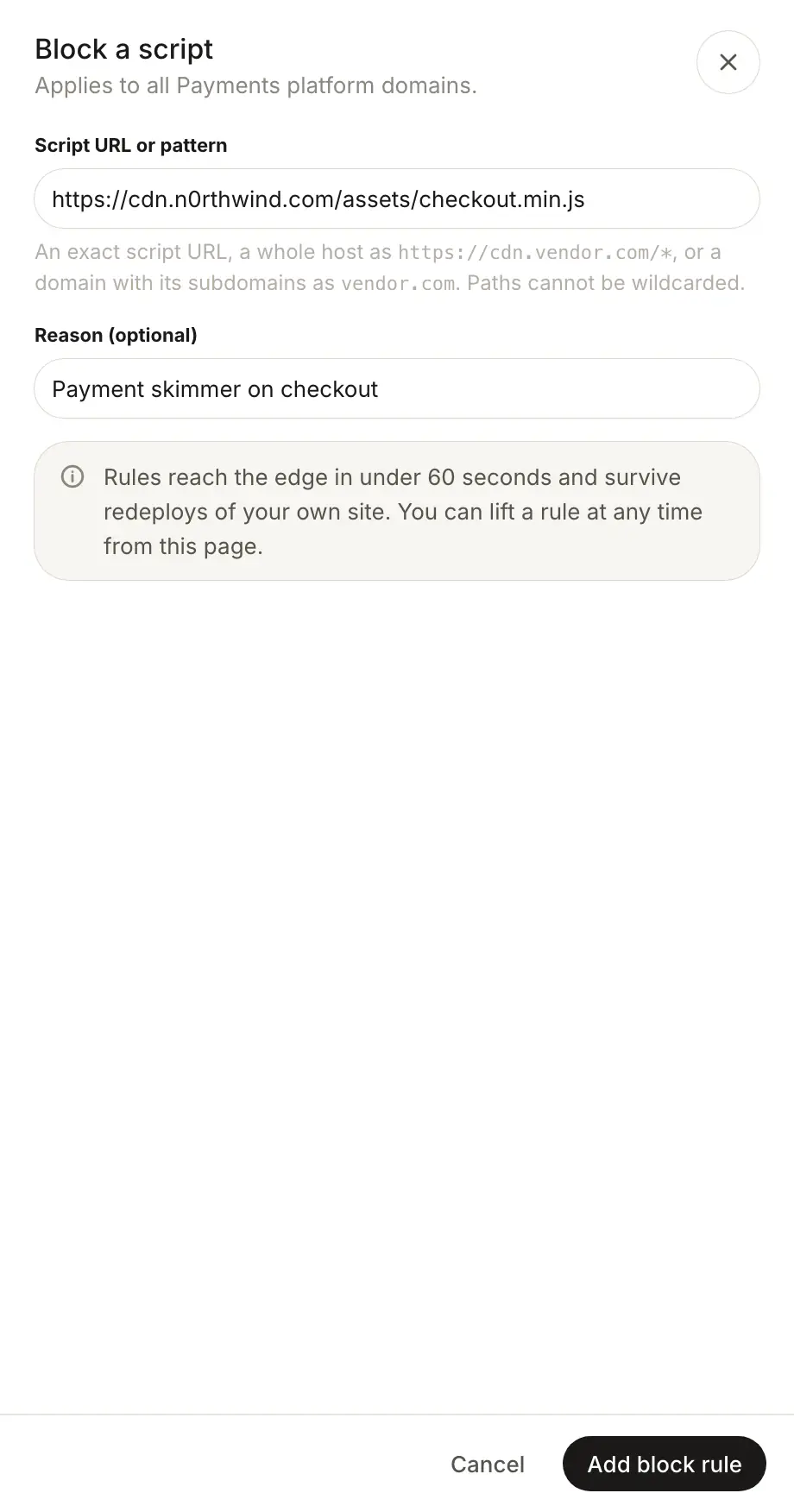
- Open Security > Blocks and click Block a script.
- Under Script URL or pattern, enter the script, host or domain (see the patterns below).
- Add a Reason if you like. It is shown under the rule.
- Click Add block rule. The toast says it is live at the edge in under 60 seconds.
Which patterns can I block?#
| You enter | What it blocks |
|---|---|
https://cdn.vendor.com/lib/app.js | That exact script URL. |
https://cdn.vendor.com/* or cdn.vendor.com/* | Everything served from that host. |
vendor.com | That domain and its subdomains. |
shop.vendor.com | That host. |
Only a whole host can be matched with *: paths cannot be wildcarded.
How do I know a block is enforced?#
Under Active block rules, each rule shows its pattern, reason, who added it and its status:
- Blocking: enforced at the edge. Hover to see when it last blocked a request.
- No matches: in force at the edge, but no script matched it in the date range yet.
How do I lift a block?#
Click Allow on the rule's row. The toast has Undo. Global rules added by Script Monitoring cannot be removed.
Should I block from Alerts, Vendors or Blocks?#
| Where | What it stops |
|---|---|
| Block on an alert decision | Only the scripts flagged in that decision. The vendor's other scripts keep loading. |
| Block on a vendor | Every resource the vendor serves: scripts, images, fonts, frames, stylesheets and any other request. |
| Block a script on this page | Exactly the URL, host or domain you enter. |
All three apply to every domain in the team, and all three show up here.
What if the script is malicious?#
Block it first, then investigate: follow Respond to a malicious script.
Frequently asked questions#
How fast does a block take effect?
Block rules reach the edge in under 60 seconds and apply to every domain in the team. They survive redeploys of your own site.
Can I block a script by its hash?
No. Blocking by script hash is no longer supported. Block the script URL, its host or its domain.
Who can add or lift blocks?
Super admins and Admins. Viewers can see the rules but cannot change them.