Get valueTriage alerts
Triage alerts
Clear the Alerts queue one vendor at a time: start with Needs action, open each decision, then Allow, Block or choose Not now. Keyboard shortcuts included.
To triage alerts, work through Security > Alerts one vendor at a time, starting with the critical and high decisions. Each decision takes one click: Allow, Block or Not now. What the score and each action mean is on the Alerts reference.
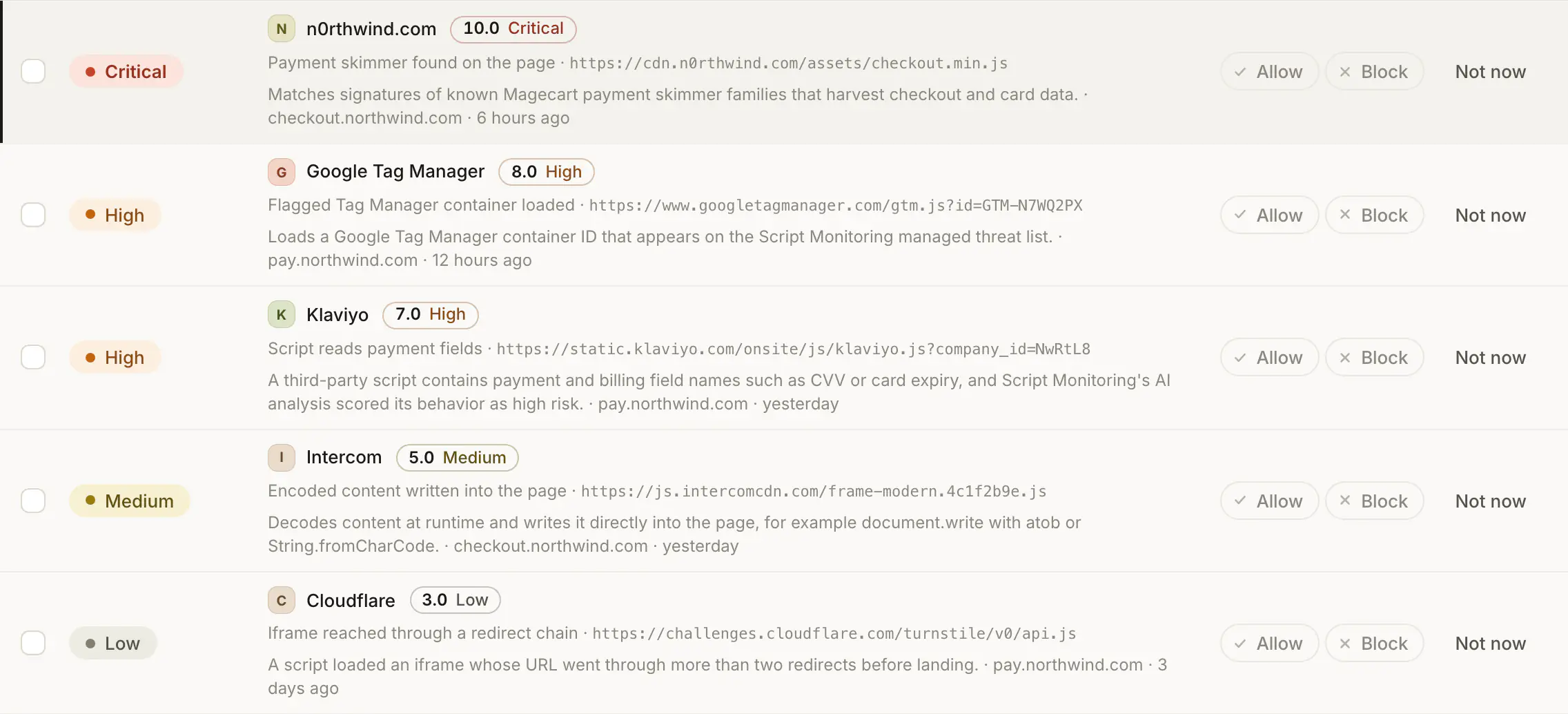
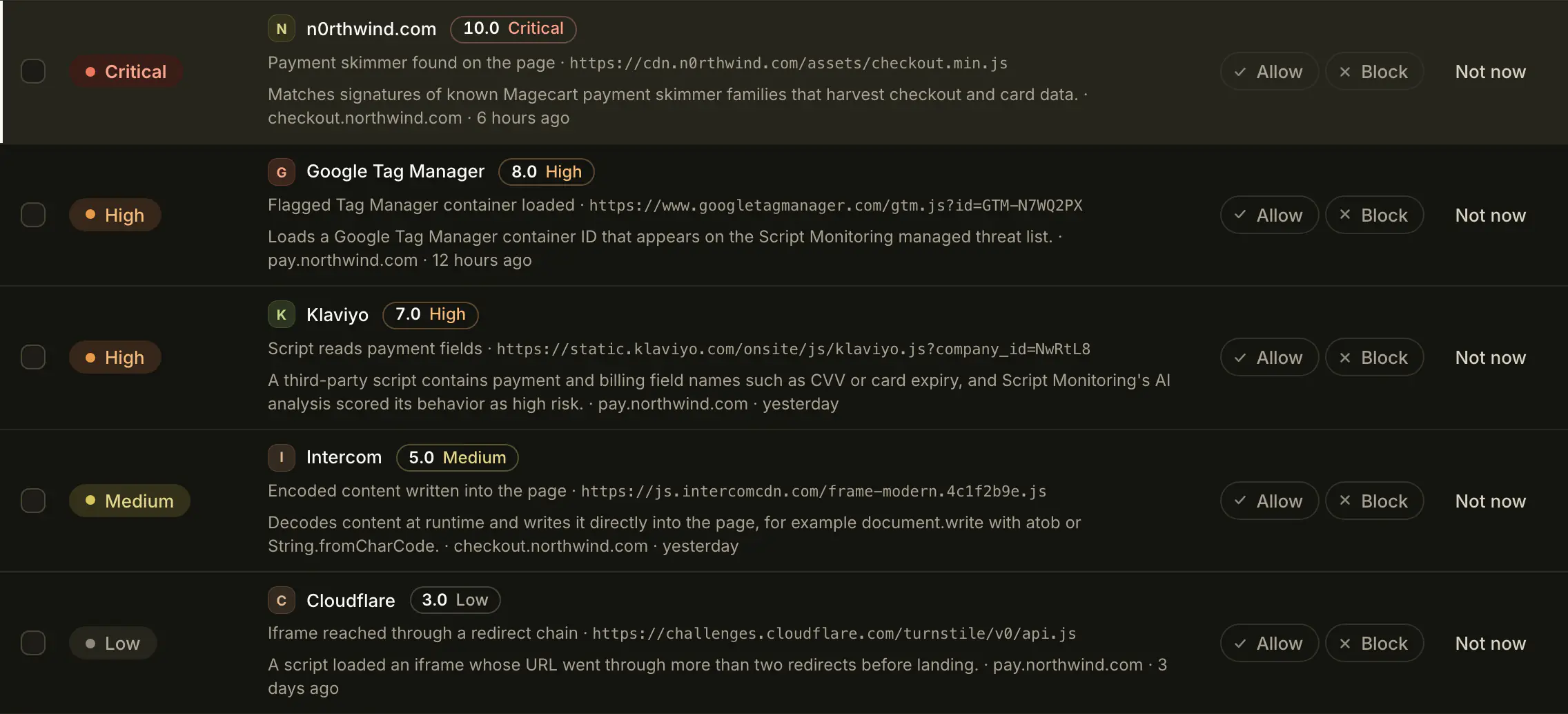
How do I work through the queue?#
- Open Security > Alerts. The subtitle says how many open alerts there are in the top bar's date range and how many decisions they make.
- Click Needs action to see critical and high decisions first. The other chips filter by band: Critical, High, Medium, Low.
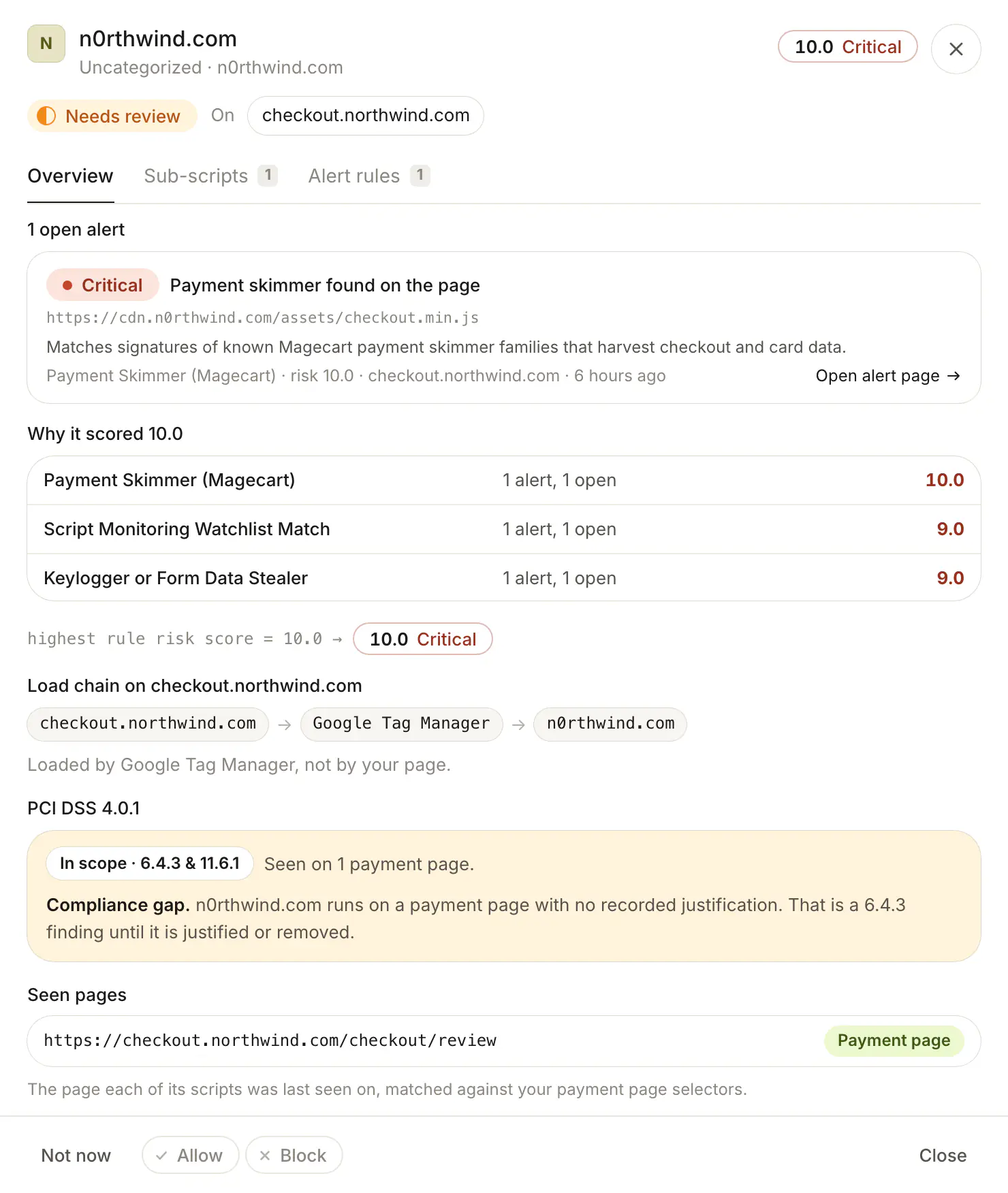
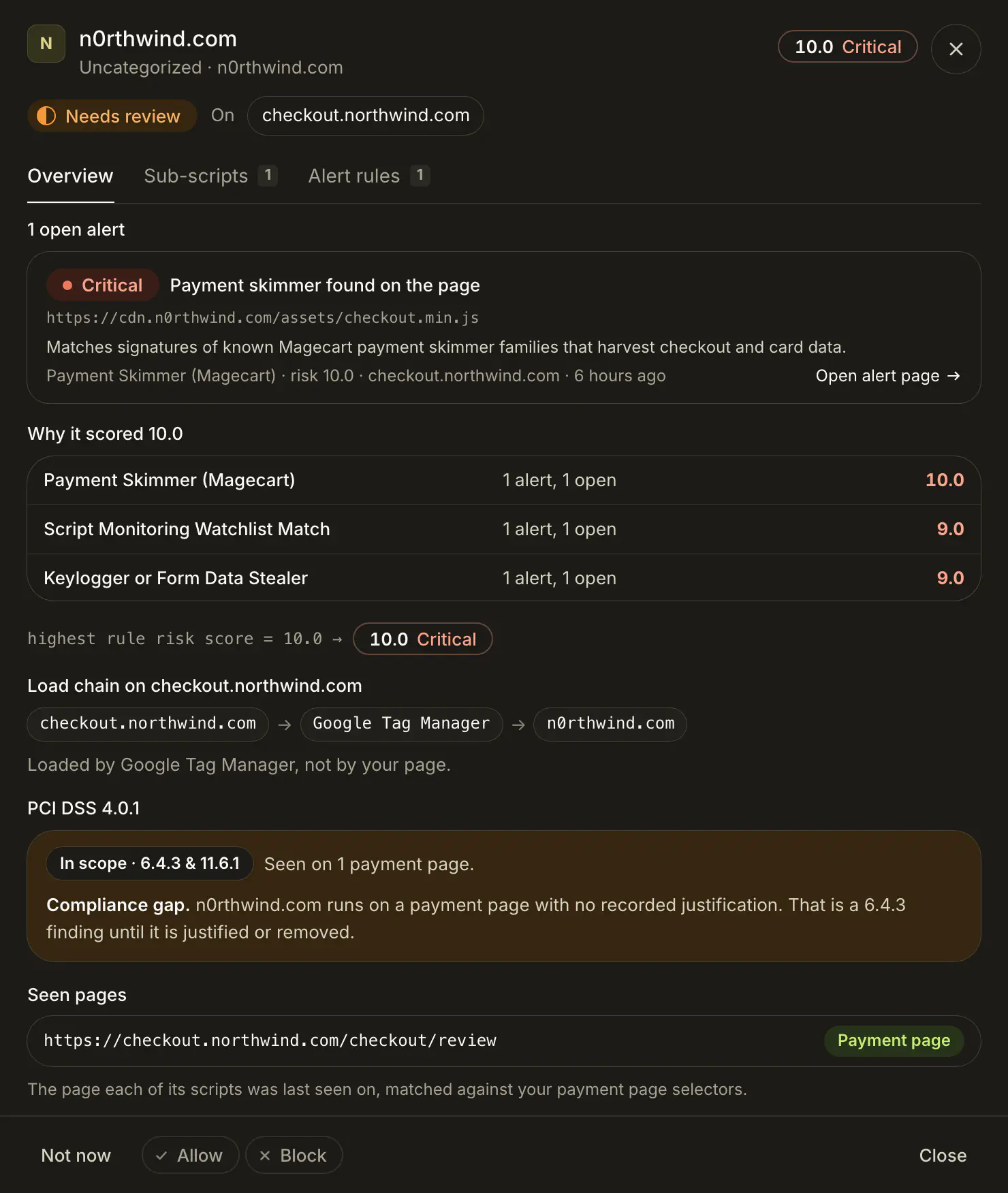
- Open a row (click it, or press Enter or O). The side sheet lists every open alert for the vendor: what happened, the script URL, why the rule fired, the rule name and score, the domain and when.
- Decide:
- Allow if the behavior is expected from this vendor.
- Block if a flagged script should not run on your site.
- Not now if you need to check with someone first.
- Repeat until the page says Queue clear.
Keyboard: J and K move, X selects, A allows, B blocks, I is Not now. Select several rows to use Allow all, Block all or Not now in the bar at the bottom.
What if I'm not sure yet?#
Choose Not now. The decision moves to Suppressed at the bottom of the page and comes back in 7 days, or earlier if the vendor raises a new alert. Bring back returns it to the queue now.


What if the script is malicious?#
Block it from the decision, then follow Respond to a malicious script.
Frequently asked questions#
I can't click Allow or Block. Why?
Only Super admins and Admins can allow, block and snooze. Viewers see the queue with a note saying so.
A decision I put on Not now came back early. Why?
A new alert fired for that vendor. Not now lasts 7 days or until the vendor raises a new alert, whichever comes first.
Can I undo a decision?
Yes. Allow and Block each show Undo in their toast. Undoing keeps the alerts resolved; the vendor needs review again, or its scripts load again.