EventsWebhooks
Payment pages
Events
- HOOKWebhooks
- S3 exportSoon
Receive Script Monitoring alerts on your own URL. Verify the x-scriptmonitoring-signature HMAC-SHA256 header and read the alert.created JSON payload.
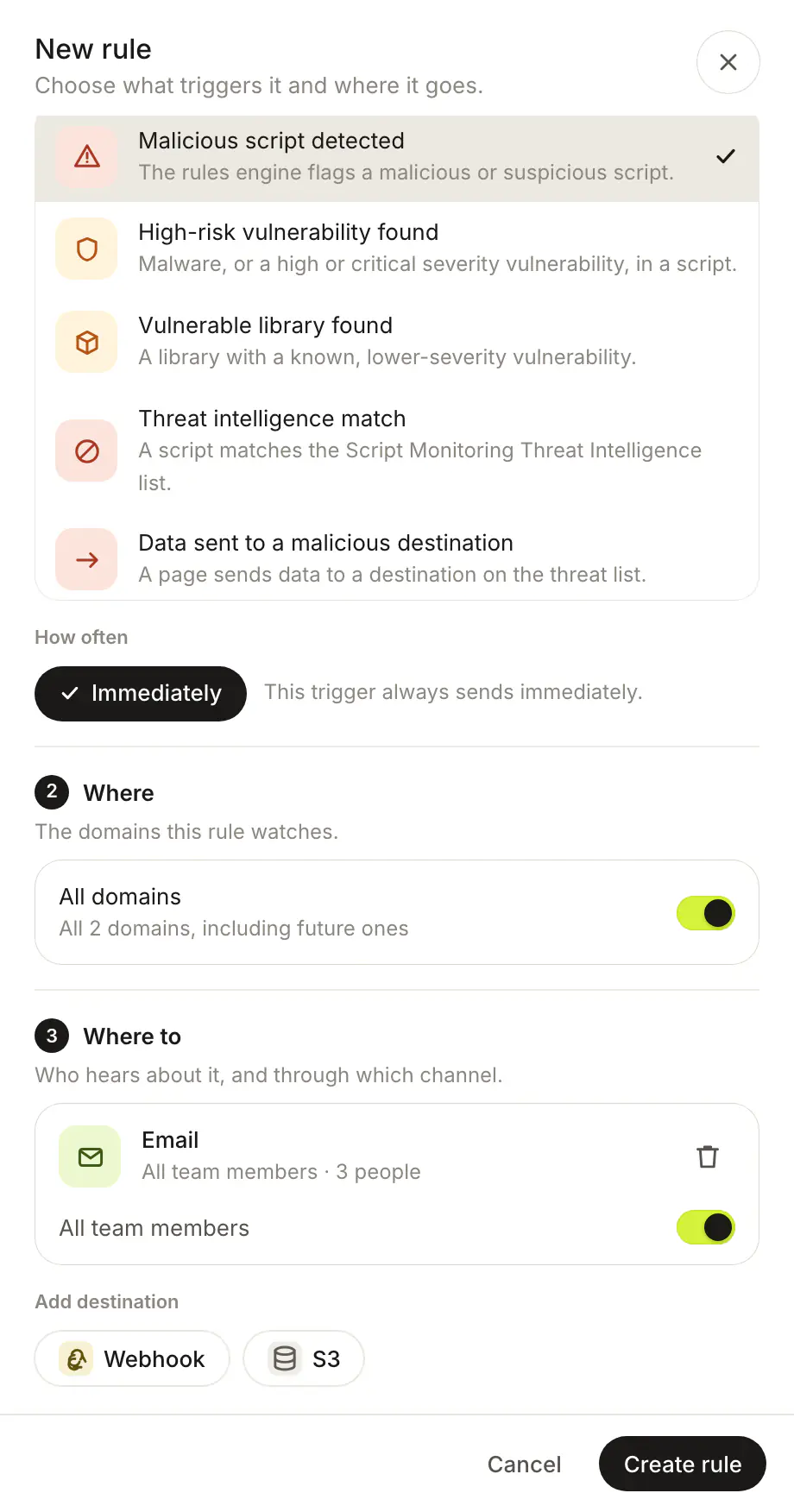
A webhook destination posts each Script Monitoring alert to a URL you own, as JSON (or as a ready-made Slack or Discord message). You add it to a notification rule under Settings > Notifications, and every request is signed so you can check it really came from Script Monitoring. Webhook destinations are on Pro and Enterprise.
How do I add a webhook?#
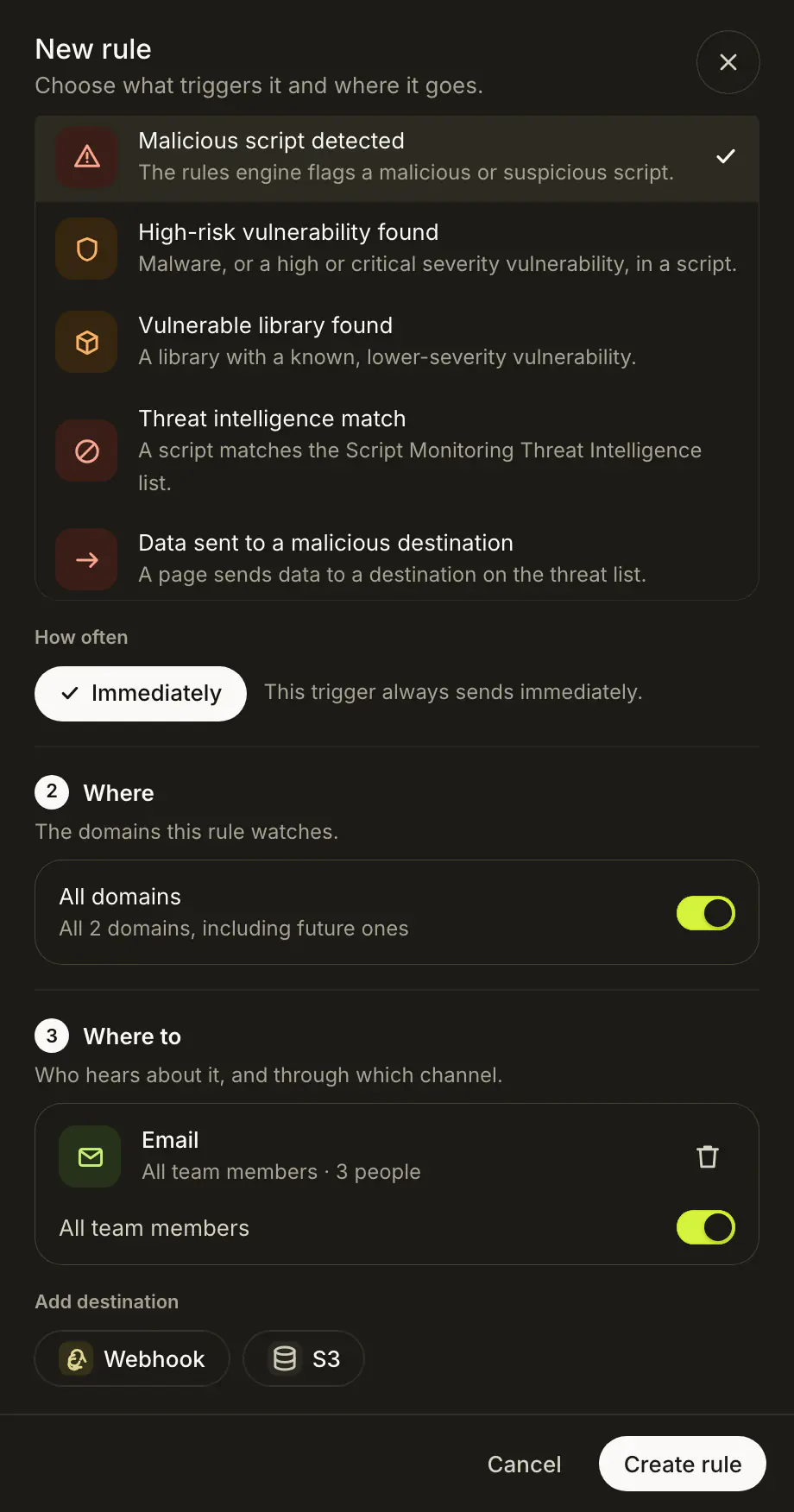
In Settings > Notifications, open a rule (or New rule), click Webhook under Where to, and fill in URL, Signing secret and Format (JSON, Slack or Discord). See Notifications for the rest of the rule.
How do I verify the signature?#
Script Monitoring sends a POST with a JSON body to your URL, and retries up to two times. Every request has an x-scriptmonitoring-signature header: the HMAC-SHA256 of the raw body, keyed with your Signing secret, as uppercase hex. Verify it before trusting the payload. In Node.js:
import { createHmac, timingSafeEqual } from "node:crypto";

function isFromScriptMonitoring(rawBody, signature, secret) {
  const expected = createHmac("sha256", secret).update(rawBody).digest("hex").toUpperCase();
  return signature?.length === expected.length && timingSafeEqual(Buffer.from(signature), Buffer.from(expected));
}
What does an alert look like?#
With the JSON format, an alert (alert.created) looks like this:
{
  "event": "alert.created",
  "timestamp": "...",
  "domain_id": "...",
  "domain": "shop.example.com",
  "trigger_type": "...",
  "data": {
    "target_type": "...",
    "target": "...",
    "action": "...",
    "ruleset_id": "...",
    "ruleset_name": "...",
    "ruleset_description": "...",
    "script_urls": ["..."]
  },
  "destination_id": "..."
}
Vulnerability alerts add vuln_cve_id, vuln_package, vuln_severity and vuln_reference_url to data. The Slack and Discord formats send a ready-made message for that app instead. Scheduled digests and the PCI evidence pack notice are always sent as JSON.
What does a security header change look like?#
The Security headers changed rule sends security_headers.changed when a security header changes on a payment page:
{
  "event": "security_headers.changed",
  "sent_at": "...",
  "team_id": "...",
  "data": {
    "domain_id": "...",
    "domain": "shop.example.com",
    "checkout_paths": ["..."],
    "changes": [
      { "header_name": "content-security-policy", "from_value": "...", "to_value": "...", "from_date": "...", "to_date": "..." }
    ]
  }
}
Frequently asked questions#
Can I send alerts to Slack or Discord?
Yes. Set the destination's Format to Slack or Discord and use the channel's incoming webhook URL. Scheduled digests and the PCI evidence pack notice are always sent as JSON.
What if my endpoint is down?
Script Monitoring retries a failed request up to two times. A rule's Last delivery column shows its latest webhook or S3 delivery.
How do I tell a test from a real alert?
A test adds "This is a test run. No action is required." to the description.